You can link external contacts to a patient record. This allows you to associate third parties such as GP's, legal representatives or insurance providers directly with a patient.
External contacts must be created first in the Organisation settings before they can be linked to a patient.In this article we'll cover how to:
Add an external contact to a patient
- Navigate to the desired patient.
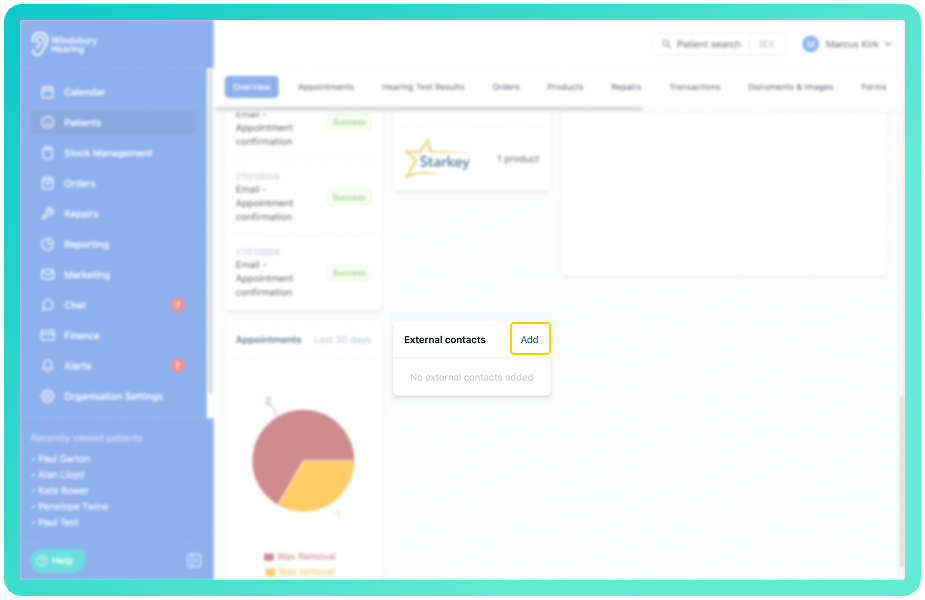
- On the patient overview page, scroll down to the External contacts card.
- Click Add.
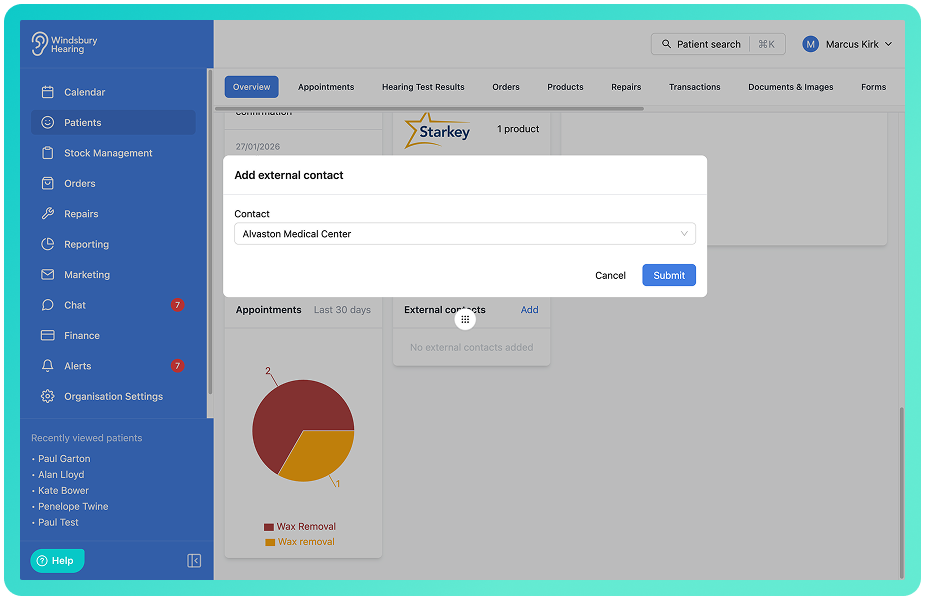
- Start typing to search the contact.
- Select the desired contact.
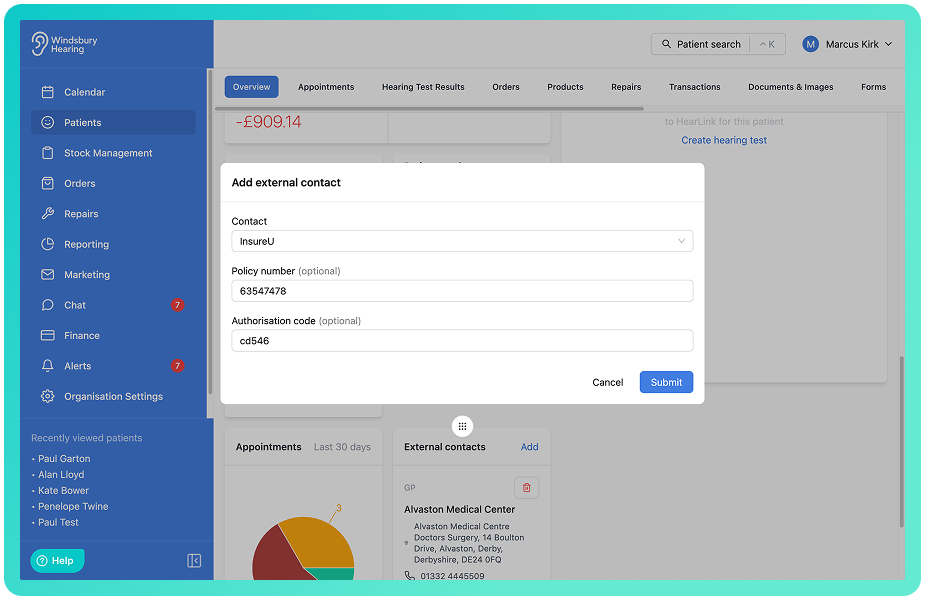
- If the contact is an insurer or legal representative, you can also add an optional Policy Number and Authorisation Code. These two bits of information also work as variables.
- Click Submit to save.
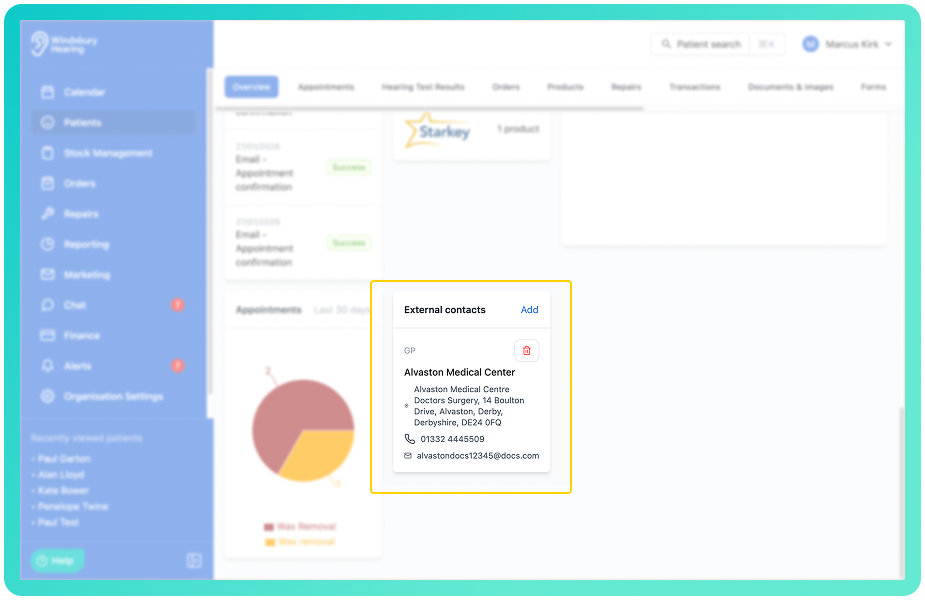
- The external contact is now linked to the patient.
Remove an external contact from a patient
- Locate the contact in the patient's External contacts card.
- Click the Delete
 icon next to the external contact you wish to delete.
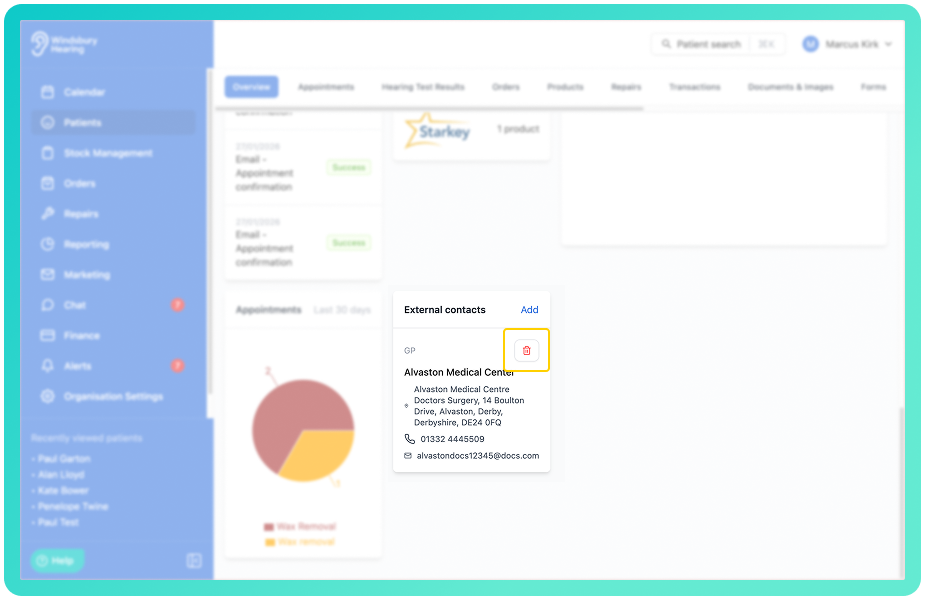
- You'll see a warning message.
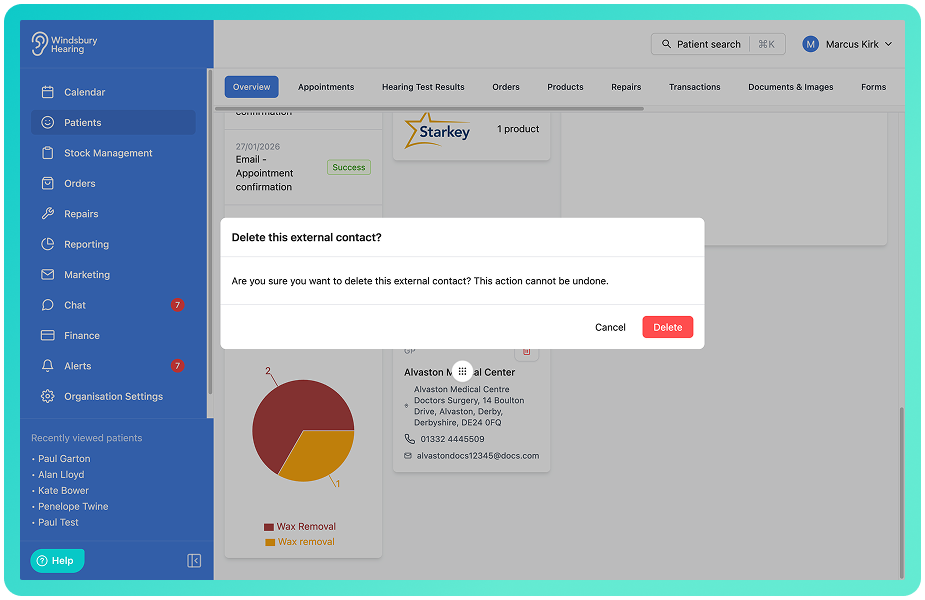
- Click Delete to remove the external contact from the patient's profile.
Was this article helpful?
That’s Great!
Thank you for your feedback
Sorry! We couldn't be helpful
Thank you for your feedback
Feedback sent
We appreciate your effort and will try to fix the article