In this article we'll show you how to:
- access the organisation settings panel from anywhere in the HearLink system.
Navigate to the organisation settings panel
- Locate the Organisation Settings option in the sidebar.
- Click Organisation Settings.
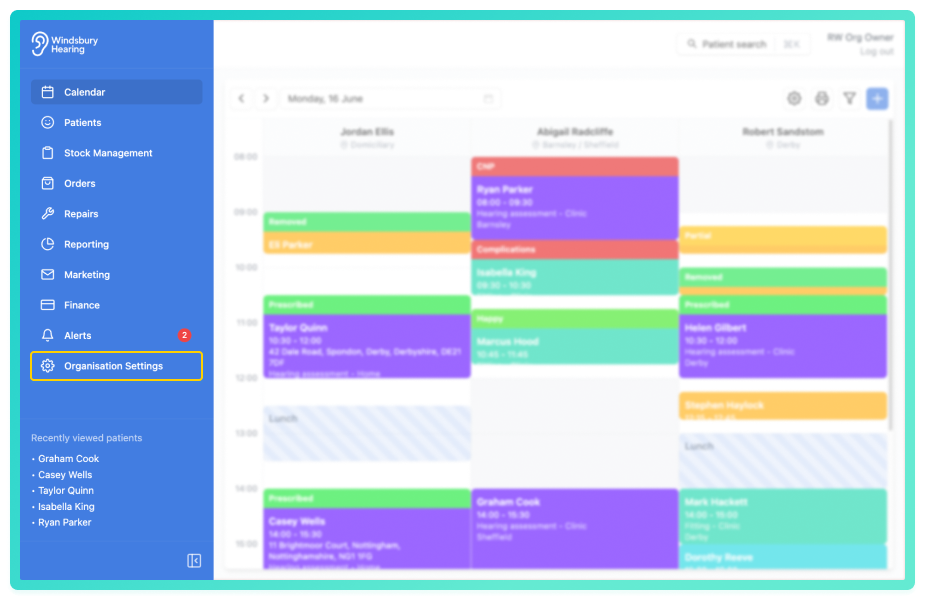
You'll be taken to the Organisation Settings page. From here, you can view or update settings such as:
If you are unable to access this section and believe you should have access, please contact you organisation's administrator or owner.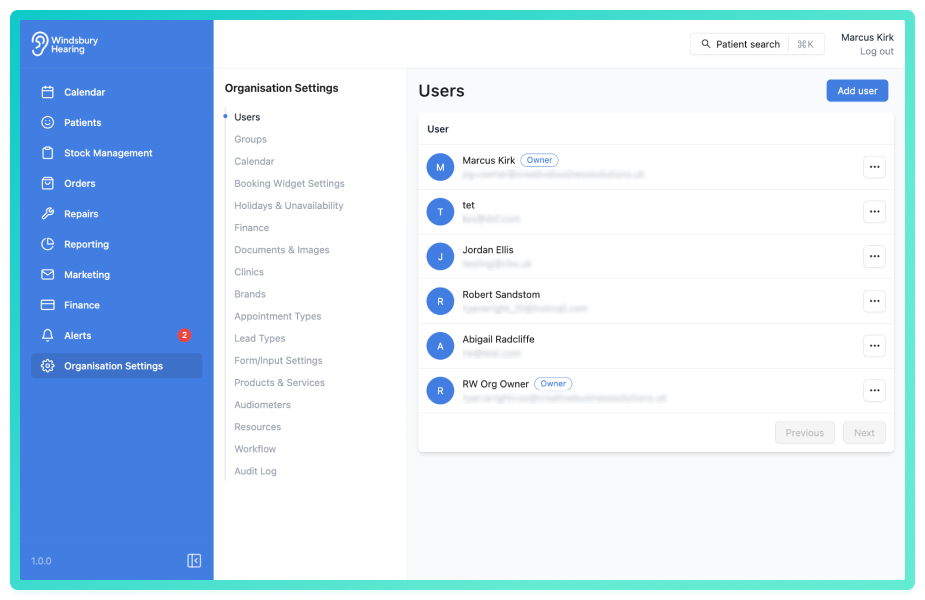
Was this article helpful?
That’s Great!
Thank you for your feedback
Sorry! We couldn't be helpful
Thank you for your feedback
Feedback sent
We appreciate your effort and will try to fix the article