There are multiple ways to locate a patient in the HearLink system. The most efficient method is using the Search bar, but you can also access patients via the Recently viewed patients panel or by browsing the full Patients list.
In this article we'll cover how to:
- search using the search bar.
- find patients via the recently viewed section.
- locate patients in the full patient list.
Search using the search bar
- Locate the Search bar.
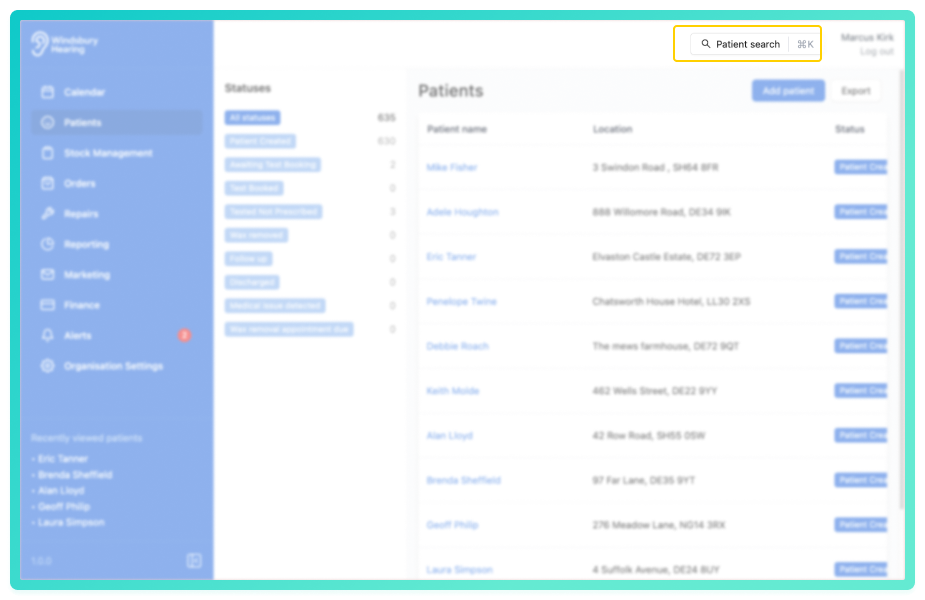
- Begin typing the patient's name.
- Select the desired patient from the dropdown list.
- You will be redirected patient's dashboard.
Finding patients via recently viewed
- Locate the Recently viewed patients panel.
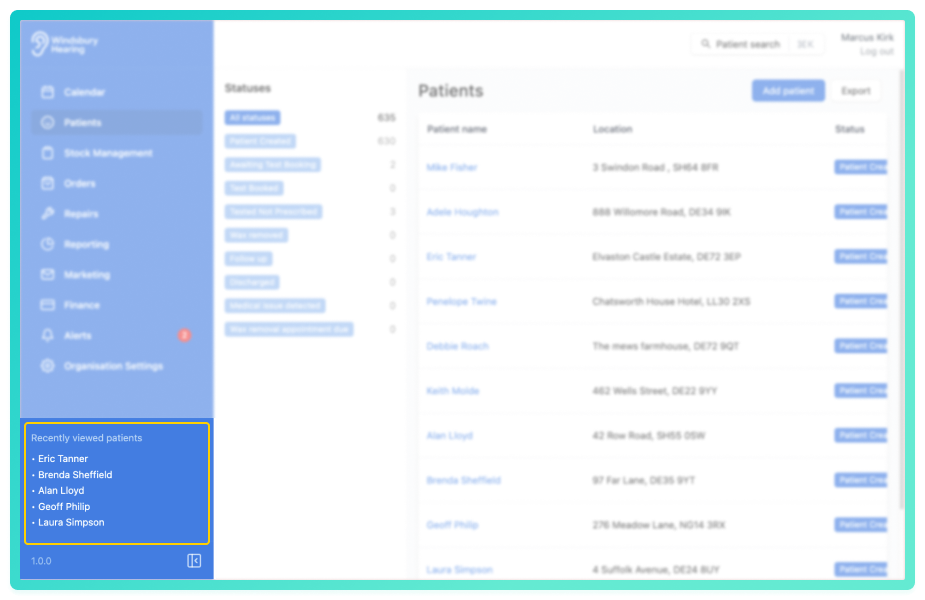
- If the sidebar is collapsed, expand it using the sidebar toggle button.
- Click on a patient's name to be redirected to their dashboard.
Only the five most recently viewed patients are shown in this panel.Locate patients from the patient list
- Navigate to Patients.
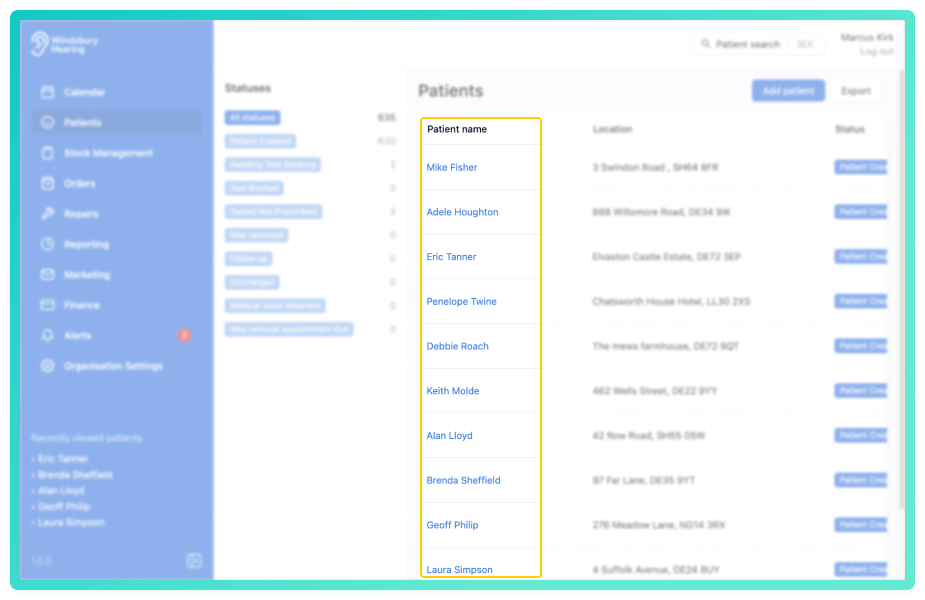
- Browse the list for the required patient.
- Click the View icon
 next to the patient to open their dashboard.
Once on the patient's dashboard, you can perform a wide range of actions including editing patient details, managing contact preferences, viewing documents and more.
Was this article helpful?
That’s Great!
Thank you for your feedback
Sorry! We couldn't be helpful
Thank you for your feedback
Feedback sent
We appreciate your effort and will try to fix the article