You can update a patient's information, such as their name, address, or contact permissions, at any time through their dashboard.
In this article we'll cover how to:
- edit patient details.
Editing a Patient
- Navigate to the desired patient.
- Locate and click the Edit icon

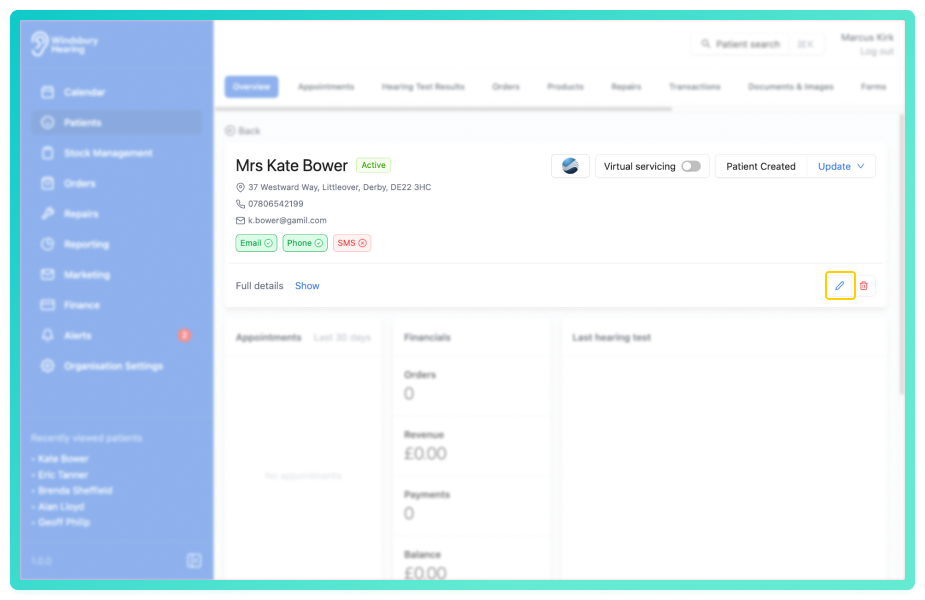
- Update the Patient's details as required.
- Click Submit to save your changes.
If the patient's phone number or email address has been changed, all appointment reminders (email and SMS) and confirmation messages will now be sent to the updated contact information.
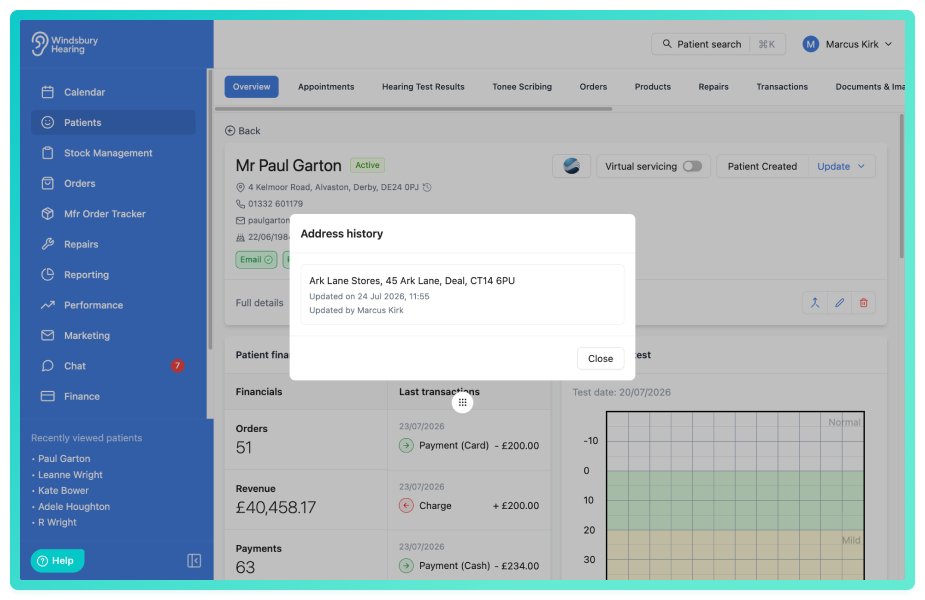
If the patient's address is changed, the previous address is automatically saved to their address history. You can view the address history, if one exists, by clicking the address and selecting View history.
Was this article helpful?
That’s Great!
Thank you for your feedback
Sorry! We couldn't be helpful
Thank you for your feedback
Feedback sent
We appreciate your effort and will try to fix the article