In this article we'll cover how to:
- view a patient's recent appointments at a glance.
- access the full appointment list from the patient's dashboard.
View a patient's appointments
- Navigate to the desired patient.
In the Overview section you'll see a snapshot of appointments from the past 30 days.
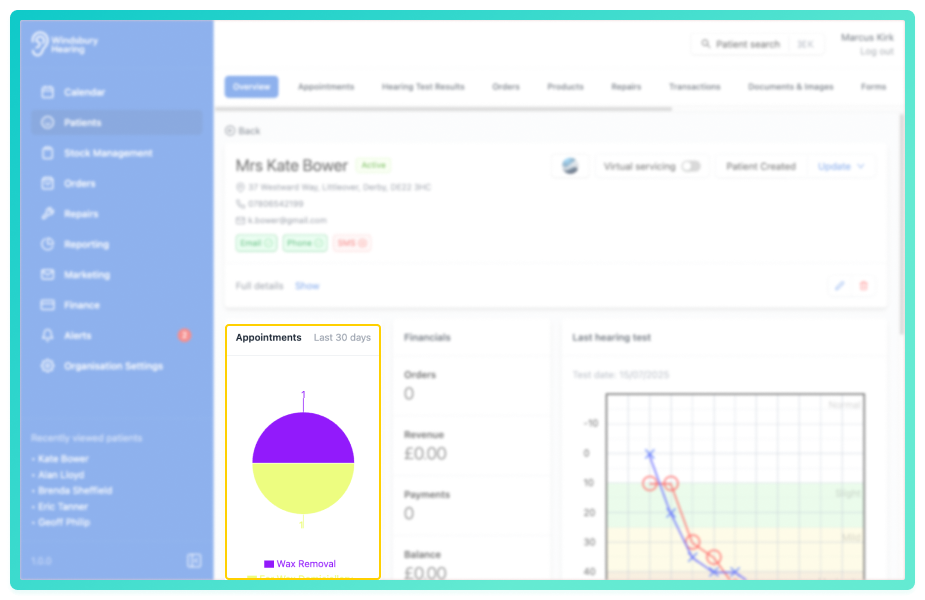
- To view more details, locate and click the Appointments tab.
You'll now see a full list of patient's appointments. If there are no appointments listed, you can create a new one.
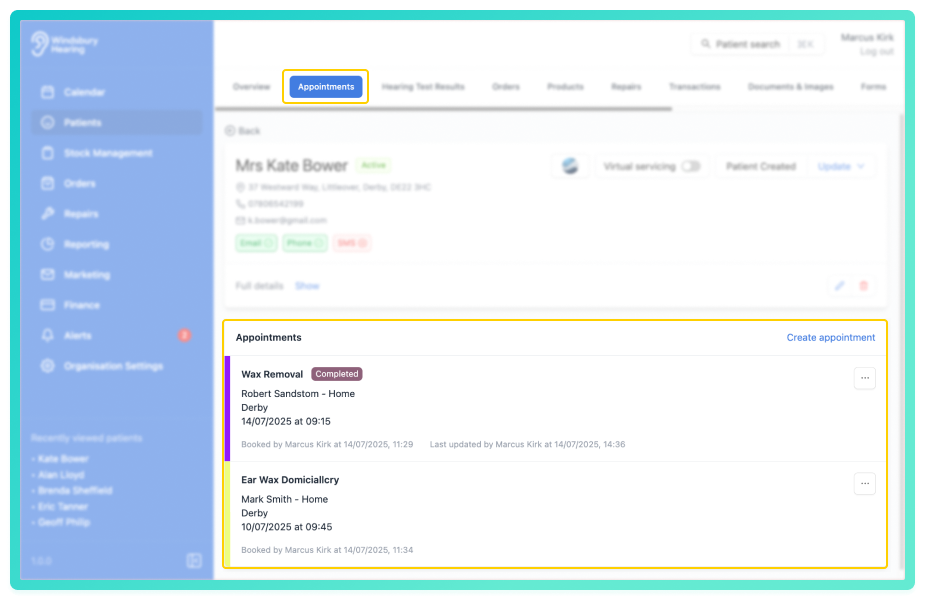
From this view, you can also edit, cancel or delete an appointment.
Was this article helpful?
That’s Great!
Thank you for your feedback
Sorry! We couldn't be helpful
Thank you for your feedback
Feedback sent
We appreciate your effort and will try to fix the article