15th December 2025
Here's whats new in v0.0.222 - v0.0.225
Features -
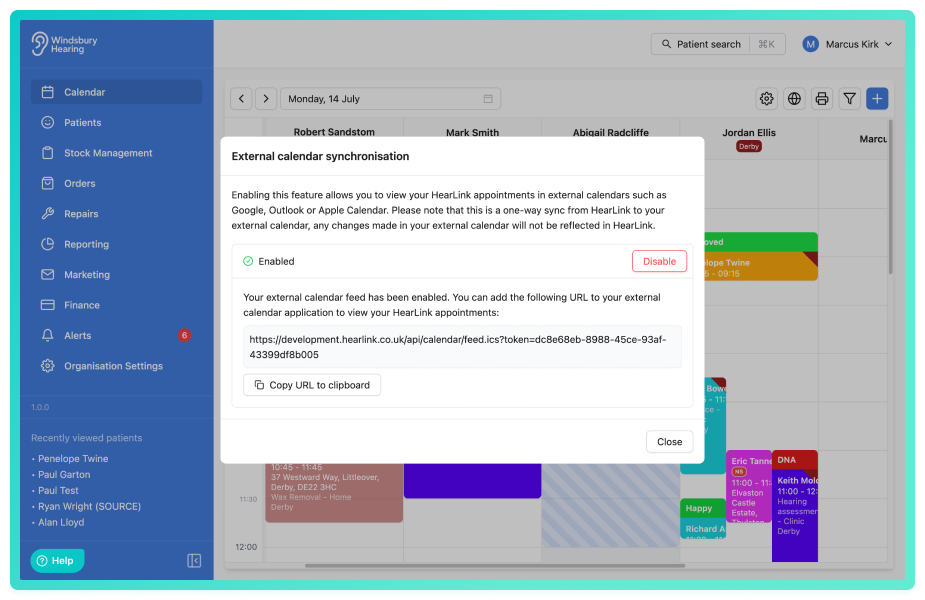
Ability to sync user's calendar to an external system, such as Google Calendar, Outlook or Apple:
HearLink now allows you to connect your HearLink calendar to an external calendar system, such as Outlook, Google Calendar, Apple Calendar, or any calendar that supports iCal feeds.
Further reading: Calendar Sync.
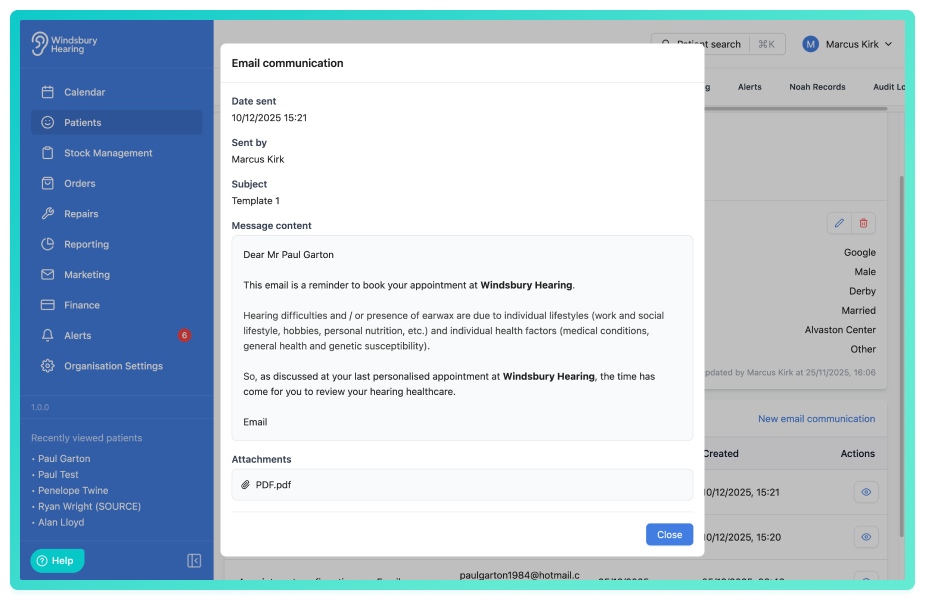
Ability to view sent communication content:
You can now view the full content of any email or SMS that has been sent to a patient, including who by and the date sent. This provides clear visibility of what was communicated, helping your team maintain consistent messaging, resolve patient queries more quickly and improve continuity across the organisation.
Further reading: Patient Communications.
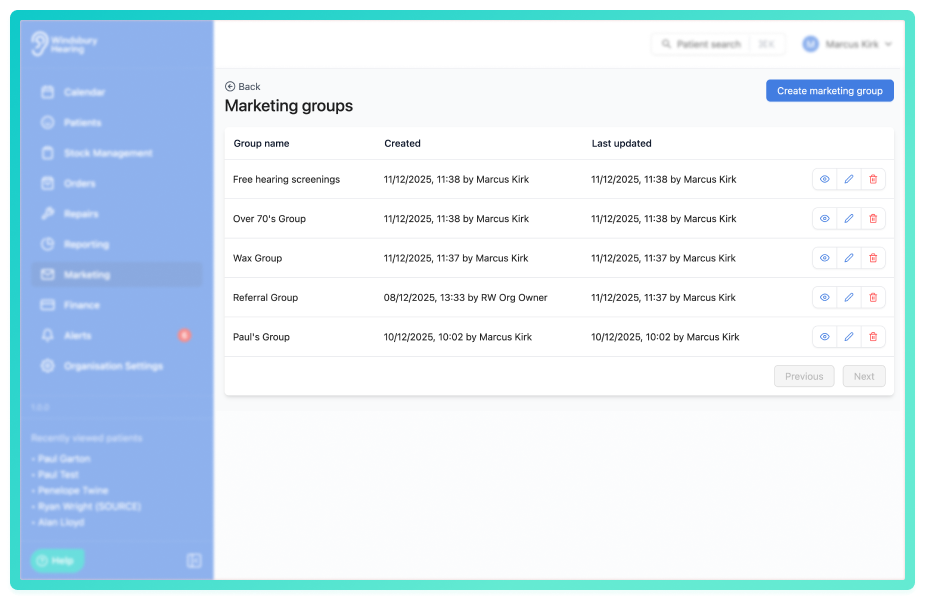
Ability to create a marketing group:
Marketing groups allow your organisation to organise patients into targeted lists for campaigns or follow up activity. These groups can be created, edited and managed directly within HearLink, giving you greater flexibility when planning marketing activity.
Further reading: Create a marketing group.
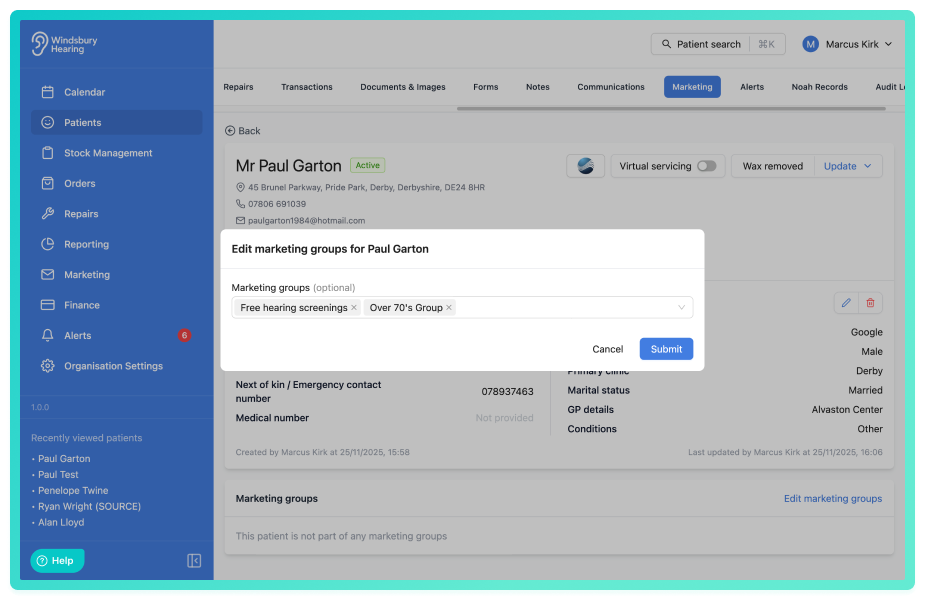
New marketing section in the patient overview where you can add a patient to a marketing group:
You can now add patients to one or more marketing groups directly from the new marketing section in the patient dashboard. This allows your organisation to organise patients into relevant marketing segments for external campaigns.
Further reading: How to add a patient to a marketing group.
Ability to view patients in a marketing group and perform an export:
Once patients have been added to a marketing group, a user can perform an export on all patients in that group to use in their own marketing tools and campaigns.
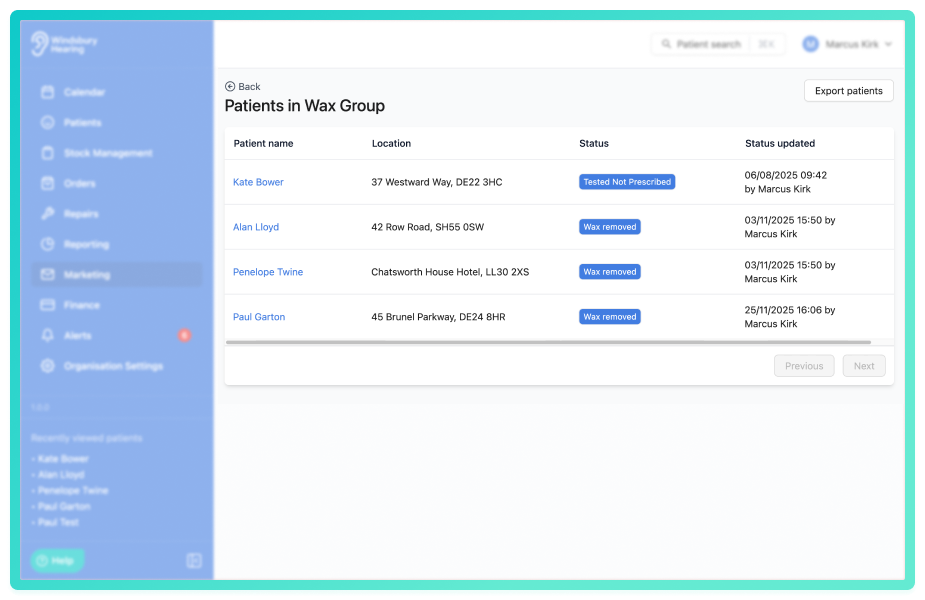
Further reading: View and export patients from a marketing group.
Improvements -
Invoice/Order PDF now displays the title of the patient if present:
When an Invoice/Order PDF is generated it will now display the title of the patient if present. If the title is not present it will not display.
Before: Ben Smith
After: Mr Ben Smith
Ability to edit the details of an allocated accessory:
Like hearing aids, an allocated accessory can now be edited in the Patient Products section of HearLink. This means you can edit warranties and serial numbers if required on accessories allocated to a patient.
Further reading: Edit patient product details.
Improvements when assigning multiple appointment types to a user:
Appointment types in this dialog are now ordered alphabetically and can be filtered by name.
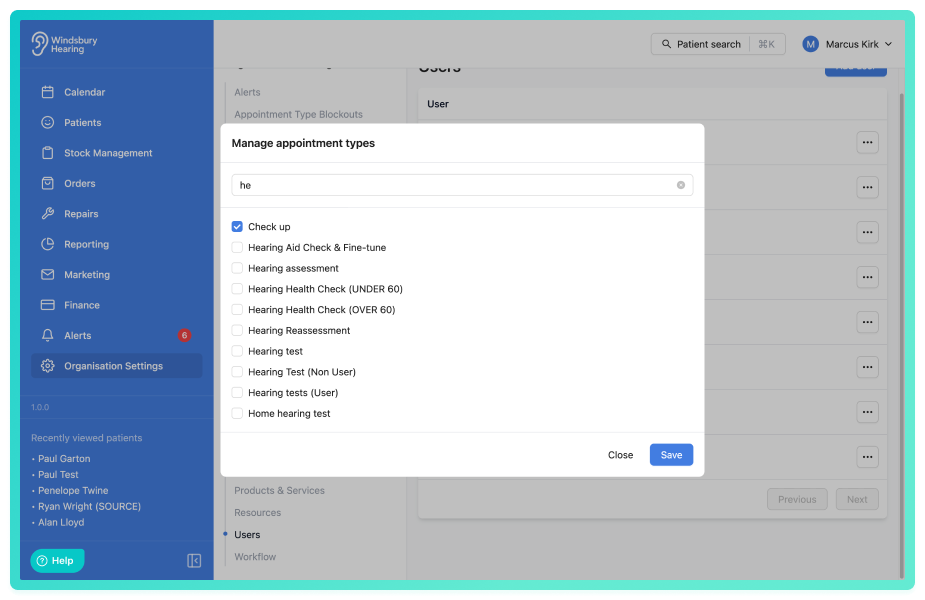
Further reading: Assign a user to multiple appointment types.
Bug Fixes -
Slow patient search loading times:
Issue: Patient search was taking a long time to load the patients.
Fix: Addressed incorrect delay time.
Was this article helpful?
That’s Great!
Thank you for your feedback
Sorry! We couldn't be helpful
Thank you for your feedback
Feedback sent
We appreciate your effort and will try to fix the article