You can add patients to one or more marketing groups directly from their patient dashboard. This allows your organisation your organisation to organise patients into the relevant marketing groups for newsletters, campaigns or targeted communications.
In this article we'll cover how to:
- add a patient to a marketing group.
- remove a patient from a marketing group.
Add or remove a patient to a marketing group
- Navigate to the desired patient.
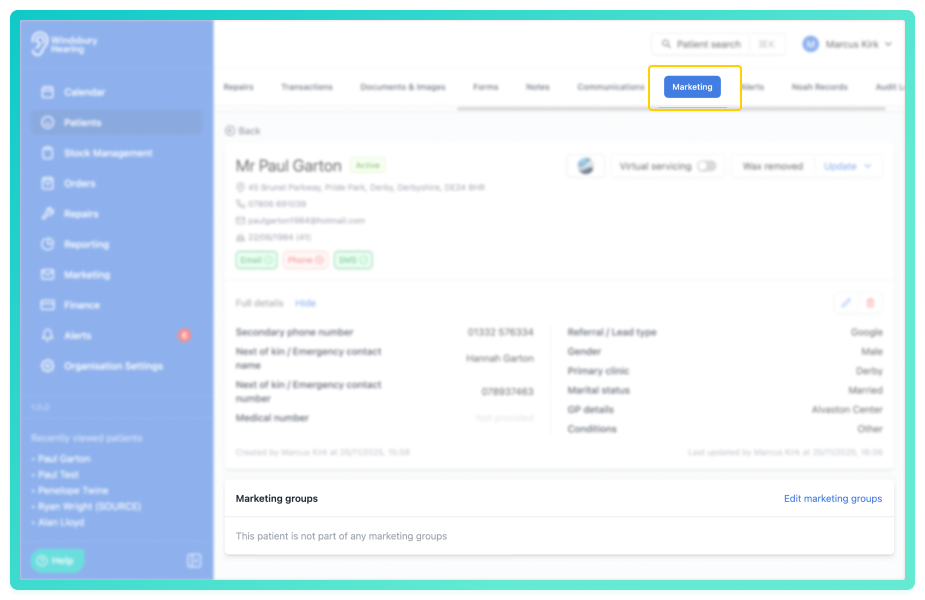
- Locate and click the Marketing tab.
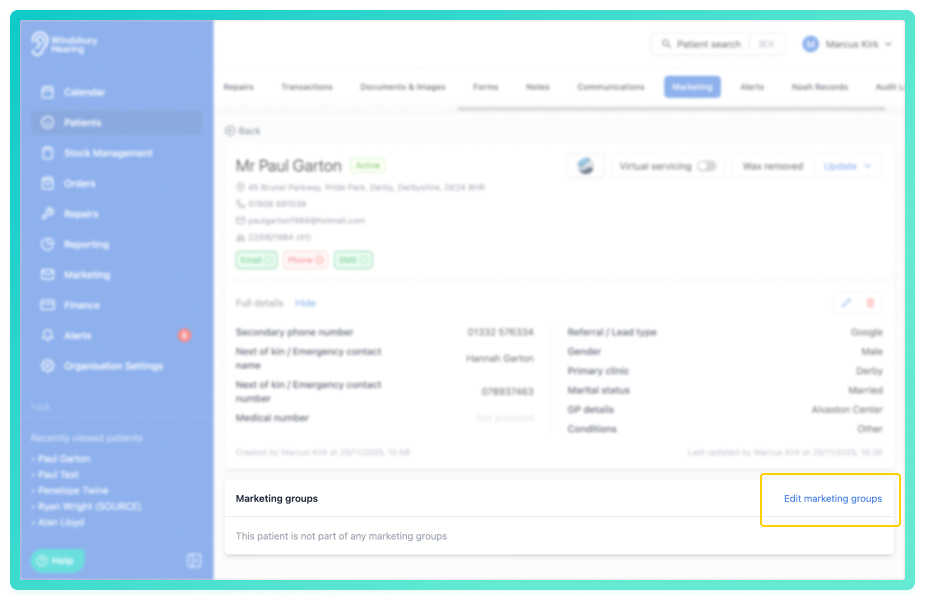
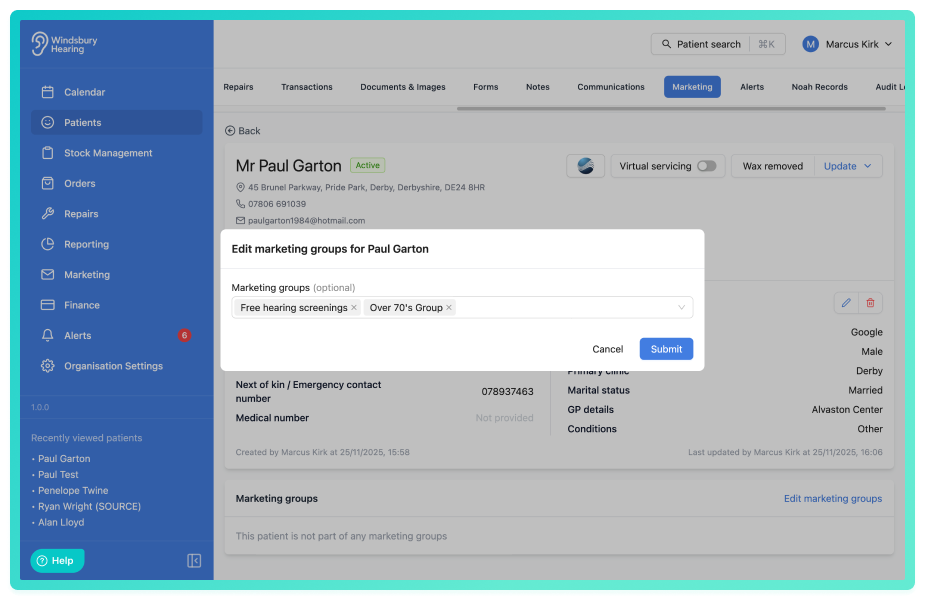
- Click Edit marketing groups.
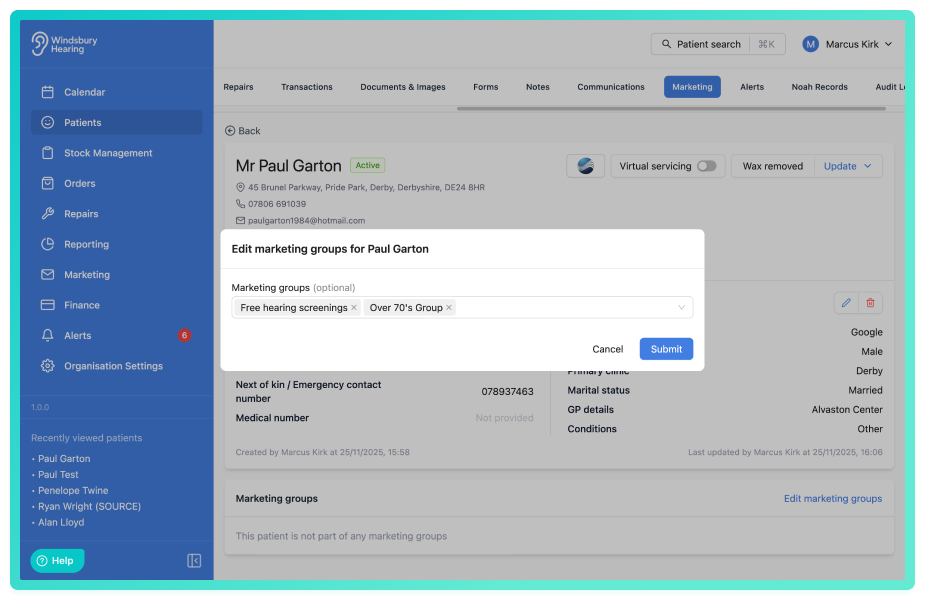
- Select one or more groups you want to add the patient to.
- Click Submit.
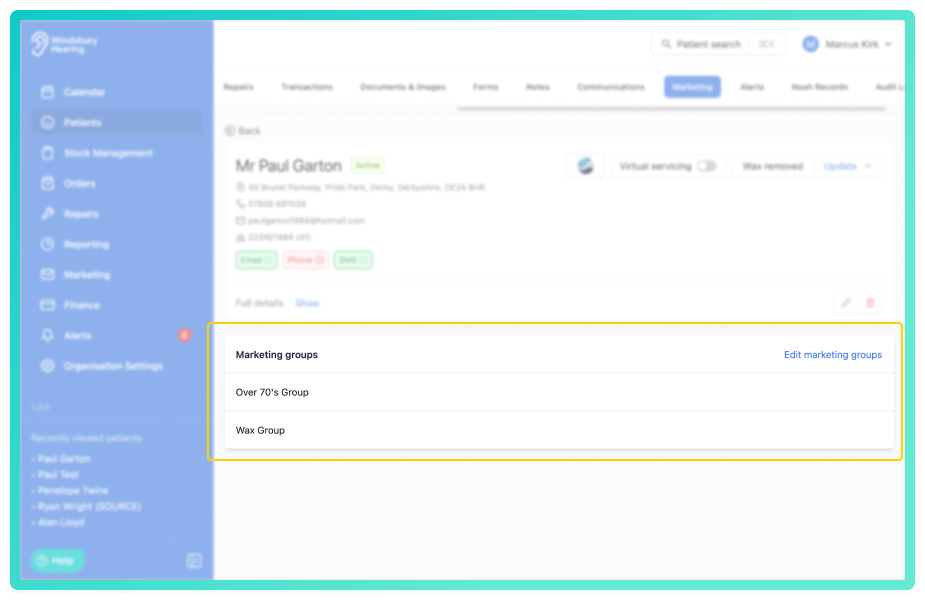
The patient will now appear as a member of the selected marketing groups.
To remove a patient from the marketing list:
- Click Edit marketing groups.
- Click the x on any marketing groups you no longer want this patient to be a part of.
Was this article helpful?
That’s Great!
Thank you for your feedback
Sorry! We couldn't be helpful
Thank you for your feedback
Feedback sent
We appreciate your effort and will try to fix the article