If a clinician has multiple home visits or is working across different clinics, you can preview an optimised route for their day's appointments. This helps with planning, efficiency and time management.
In this article we'll cover how to:
- preview a user's route for the day.
Route preview
- Navigate to Calendar.
- Click the User whose Route you want to preview to see the available options.
- Select View today's route from the options
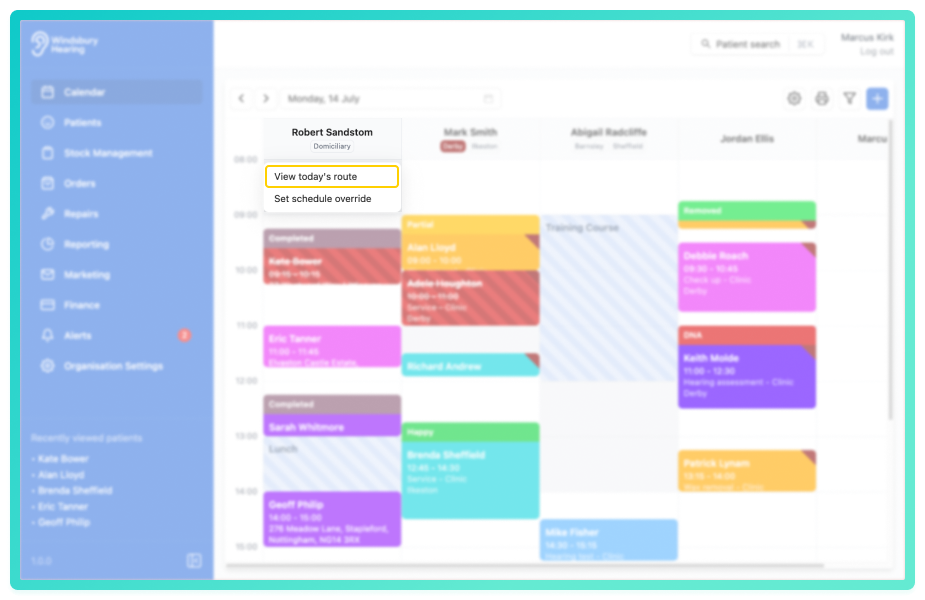
You'll be shown an optimised Google Maps route, displaying the scheduled locations in order of travel.
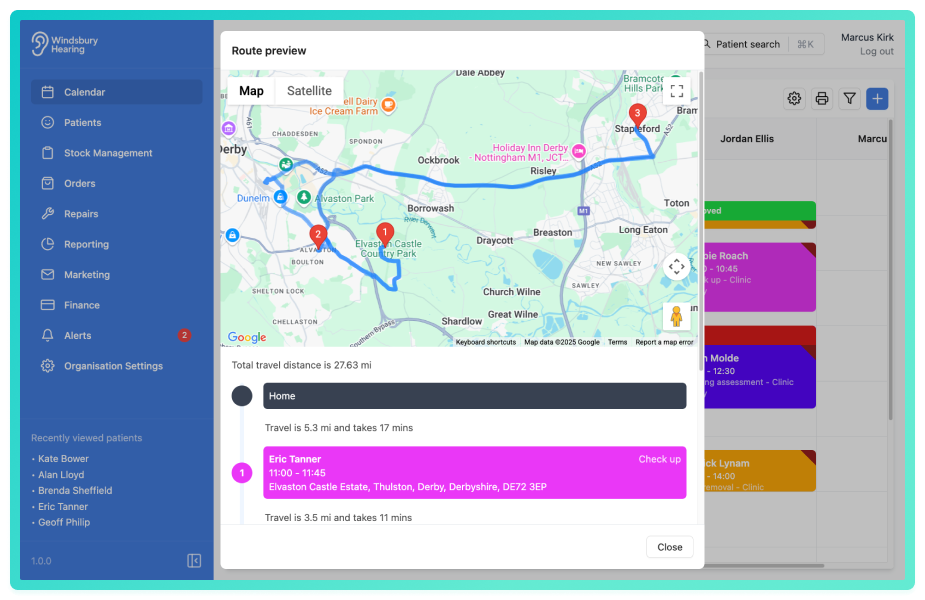
This is a view only route, changes to appointments or locations must be made directly within the calendar.Was this article helpful?
That’s Great!
Thank you for your feedback
Sorry! We couldn't be helpful
Thank you for your feedback
Feedback sent
We appreciate your effort and will try to fix the article