25th November 2025
Here's whats new in v0.0.2016 & v0.0.2017
Features -
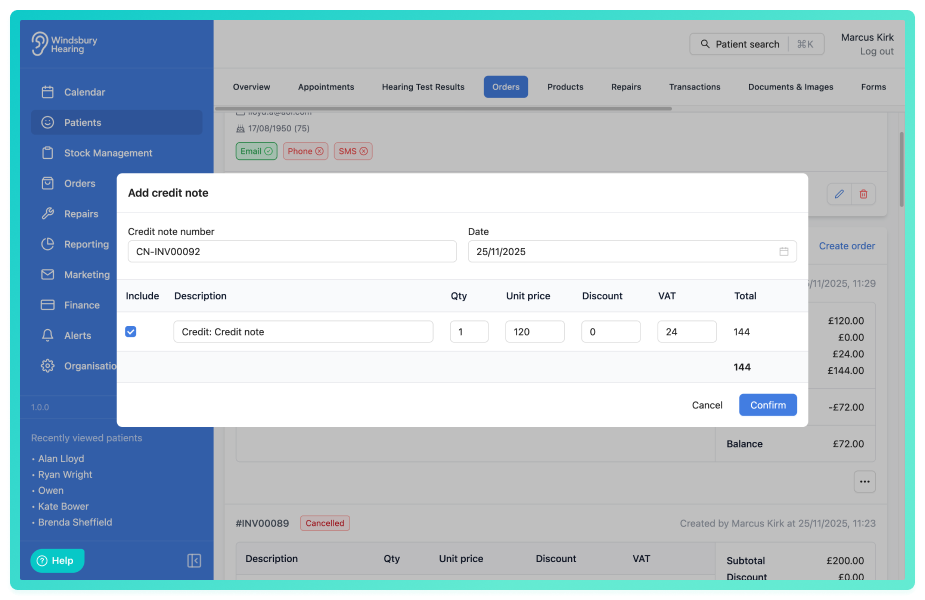
Ability to apply a credit note to an invoice:
Credit notes allow your organisation to reverse or reduce the value of an existing invoice. They can be created manually, generated alongside a refund, or automatically created when cancelling an unpaid order, providing a flexible, transparent way to manage changes to invoices. Credit notes help ensure that your financial records stay accurate and that invoice adjustments are clearly tracked.
Further reading: Credit notes.
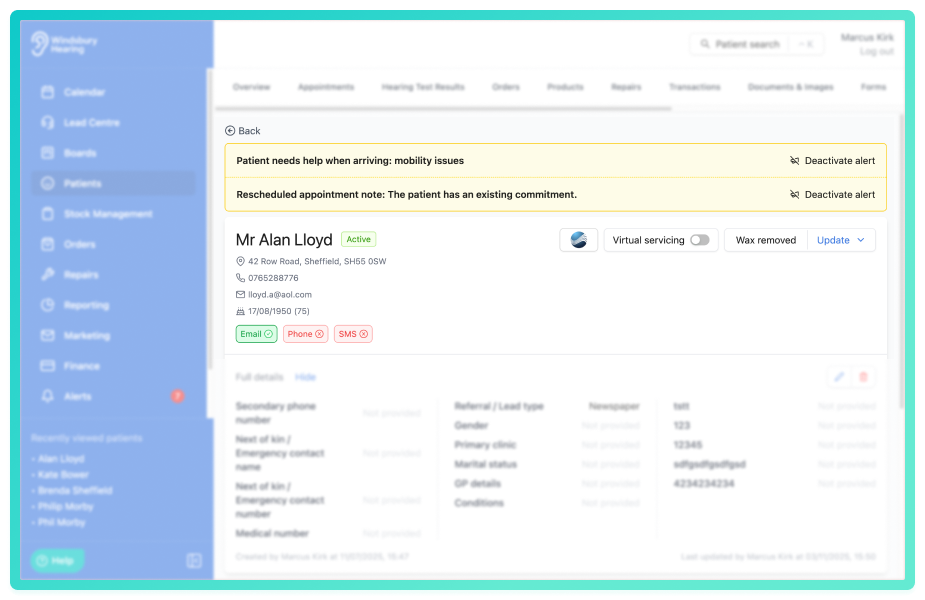
New patient over setting to change the style of the patient note alert:
The patient note alert can now be displayed as the default pop up or as a banner across the top of the patient overview (as shown below). To change this setting head to Patient overview settings.
Further reading: Patient note alert style.
Improvements -
When sending an ad hoc email, the subject of the email can be edited:
Change the subject header of an ad hoc email in the same way you can change the body text of an email and add attachments.
Further reading: Send an ad hoc email.
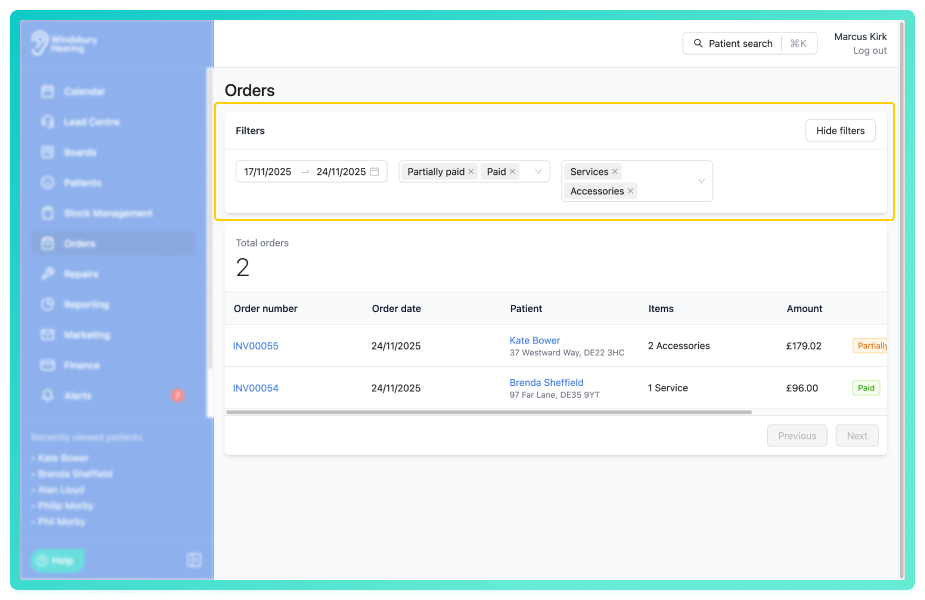
Filter the main orders list by the product types:
New filters have been added to the order page to narrow down the list by Products (hearing aids, accessories, services, etc) and by the Order status (paid, partially paid, etc).
Setting to display the full name of the user when in calendar week view:
By default, the week view calendar displays only the initials of the user. We have added an options on the Calendar settings in Organisation settings to "display full resource name". This will display the full name of the user not just the initials.
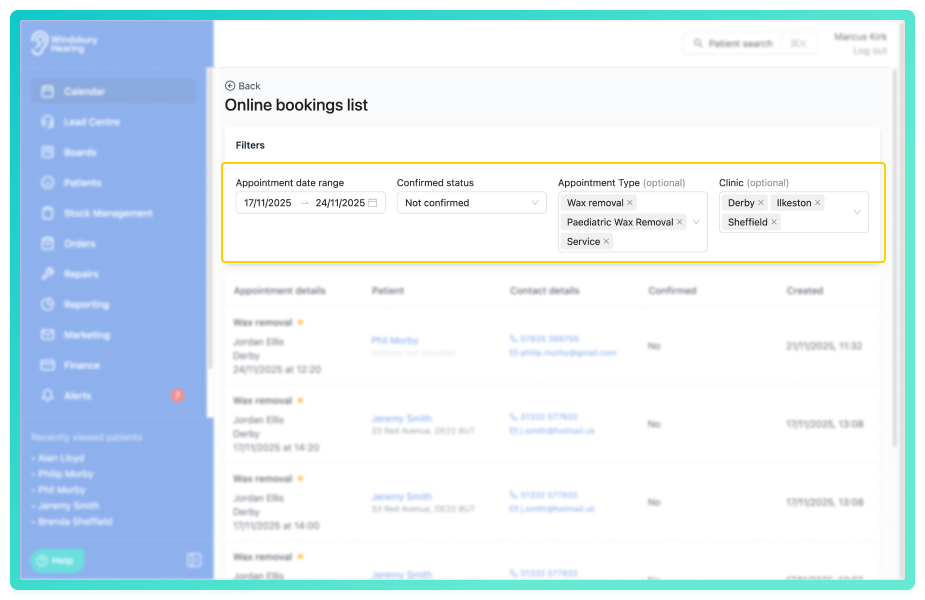
Filter the appointments on the Online booking list by appointment type and clinic:
Users can now filter the Online bookings list by up to 3 appointment types and 3 clinics.
Further reading: Online booking list.
Was this article helpful?
That’s Great!
Thank you for your feedback
Sorry! We couldn't be helpful
Thank you for your feedback
Feedback sent
We appreciate your effort and will try to fix the article