In this article we'll cover how to:
- delete a product.
Delete a product
- Navigate to the desired patient.
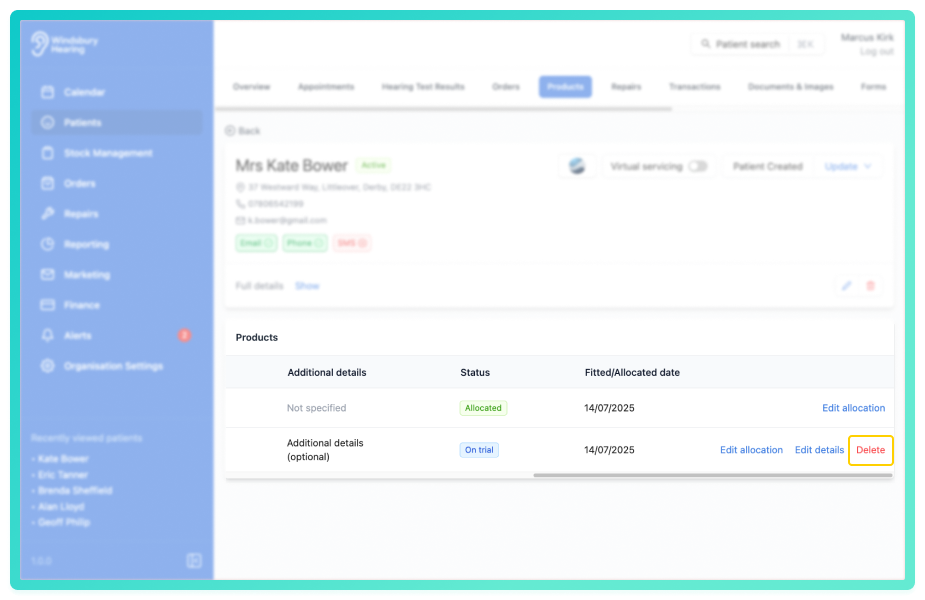
- Click the Products tab.
- Locate and click the Delete text on the Product you want to delete.
- You'll be shown a warning message
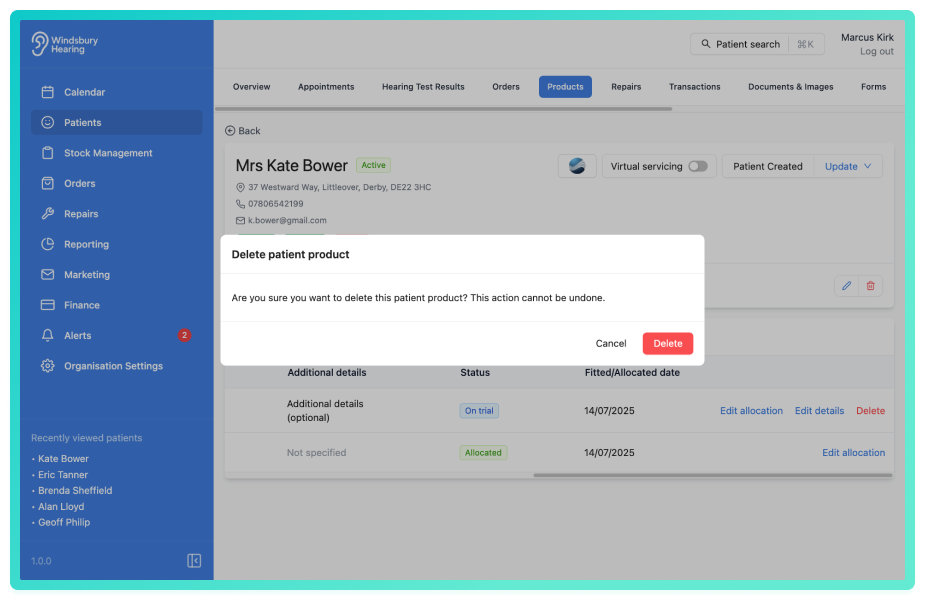
- Click Delete to confirm and delete the product.
Was this article helpful?
That’s Great!
Thank you for your feedback
Sorry! We couldn't be helpful
Thank you for your feedback
Feedback sent
We appreciate your effort and will try to fix the article