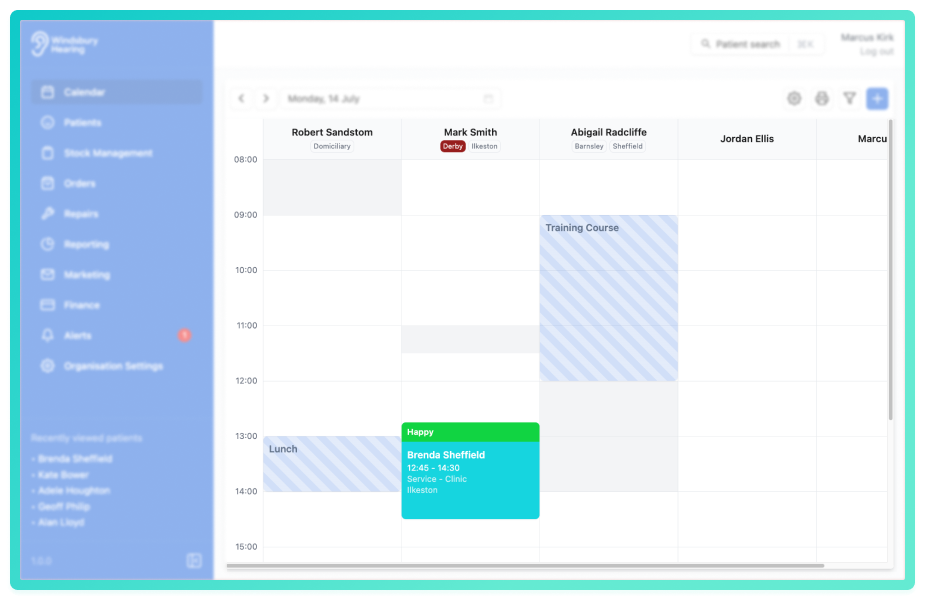
In the calendar, you can filter the calendar to just one user or clinic, rather than having all users viewable.
In this article we'll cover how to:
- filter the calendar by users.
- filter the calendar by clinics.
Filter the calendar by users
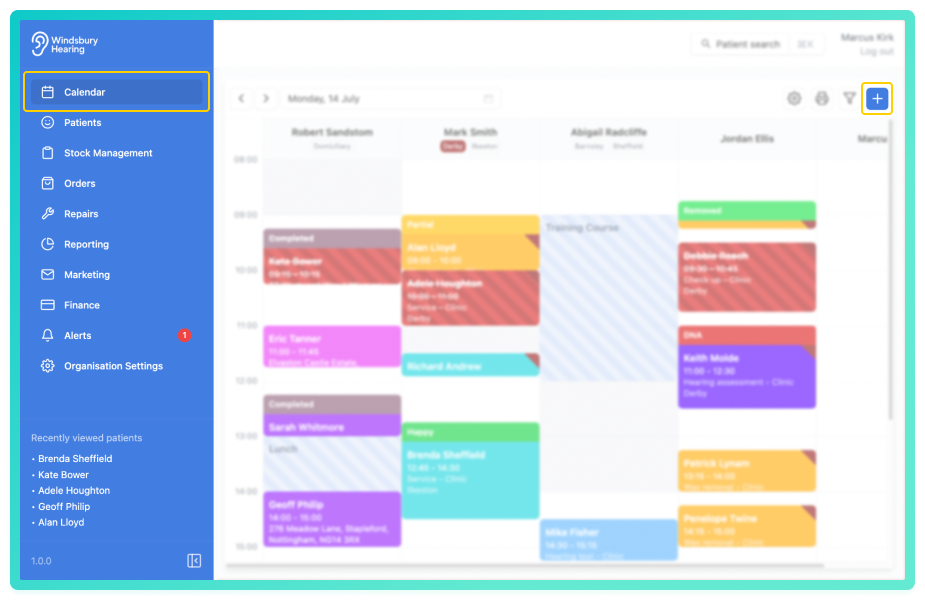
- Select the desired User from the options.
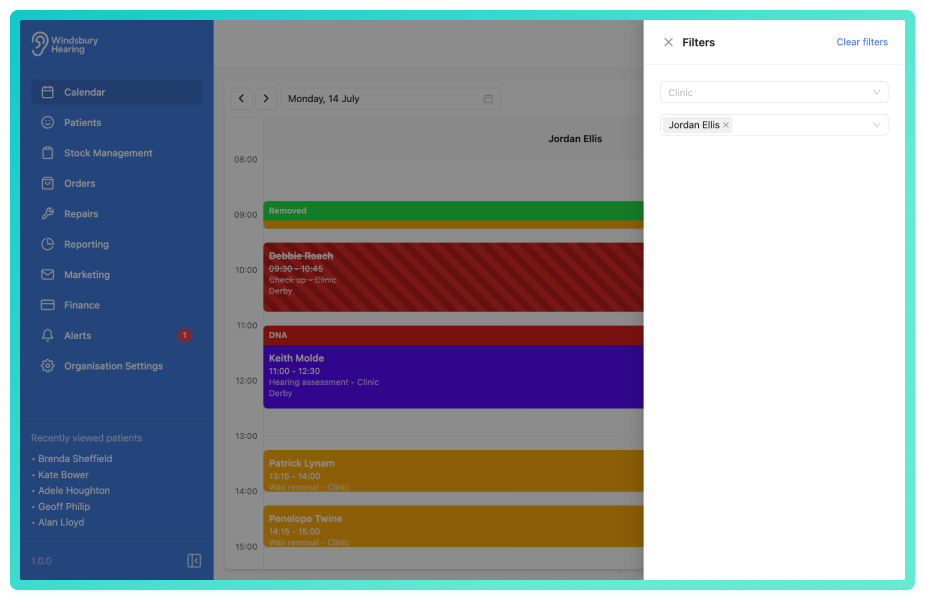
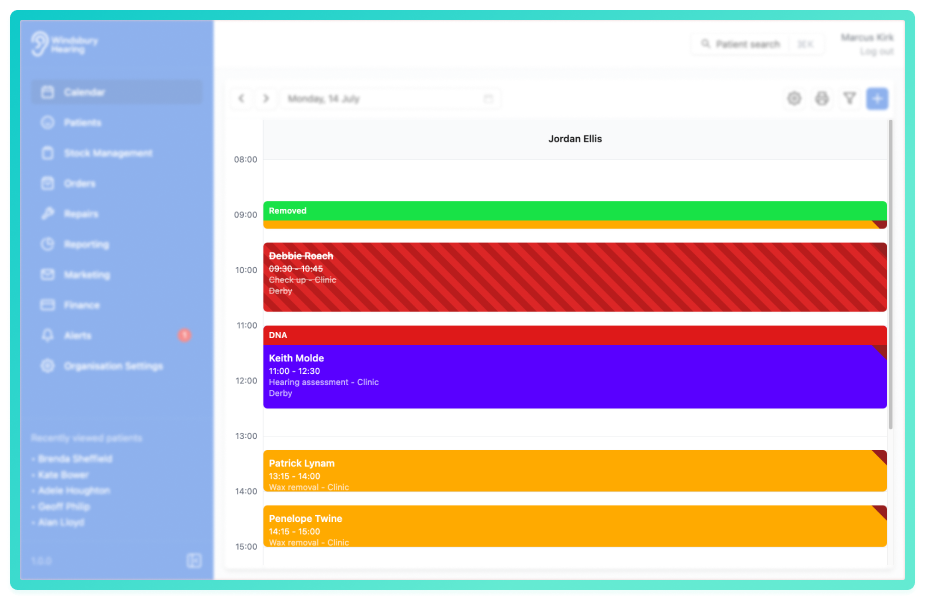
The calendar will now consist of only the selected User's appointments.
Filter the calendar by clinics
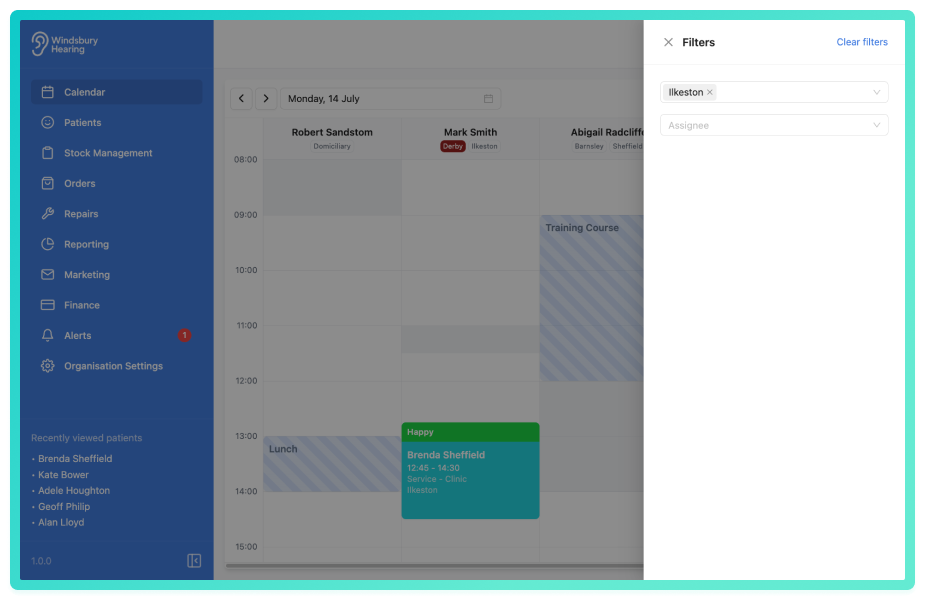
The calendar will now consist of only the selected Clinic appointments.
Was this article helpful?
That’s Great!
Thank you for your feedback
Sorry! We couldn't be helpful
Thank you for your feedback
Feedback sent
We appreciate your effort and will try to fix the article