The Communications tab displays a record of recent and future communications between the clinic and the selected patient. This section provides a log of important messaging activity including appointment confirmations, reminders, and more. You can also view the content of each communication along with details like who and when the communication was sent.
In this article we'll cover how to:
- view a list of recent communications.
- view the communication content in detail.
- cancel a scheduled communication.
- understand each communication detail.
View a list of patient communications
- Navigate to the desired patient.
- Locate and click the Communications tab.
You'll now see a list of communications that have been sent to the patient. This includes:
- Status
- Type
- Method
- Destination
- Date Sent
- Date Created
- Actions
This section is for reference and sending ad hoc emails.

View the content of a communication
- Navigate to the desired patient.
- Locate and click the Communications tab.
- Click the View icon
 next to the relevant communication.
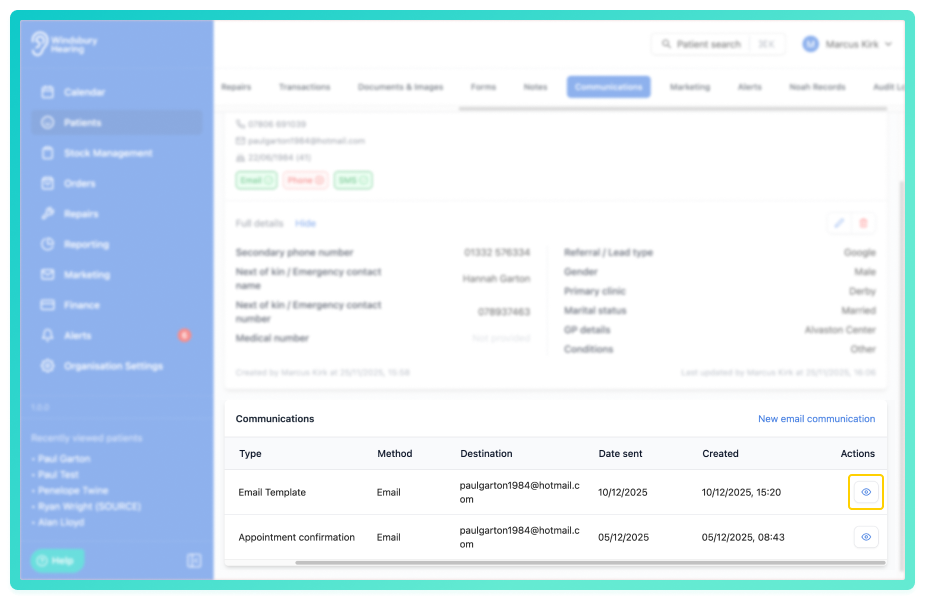
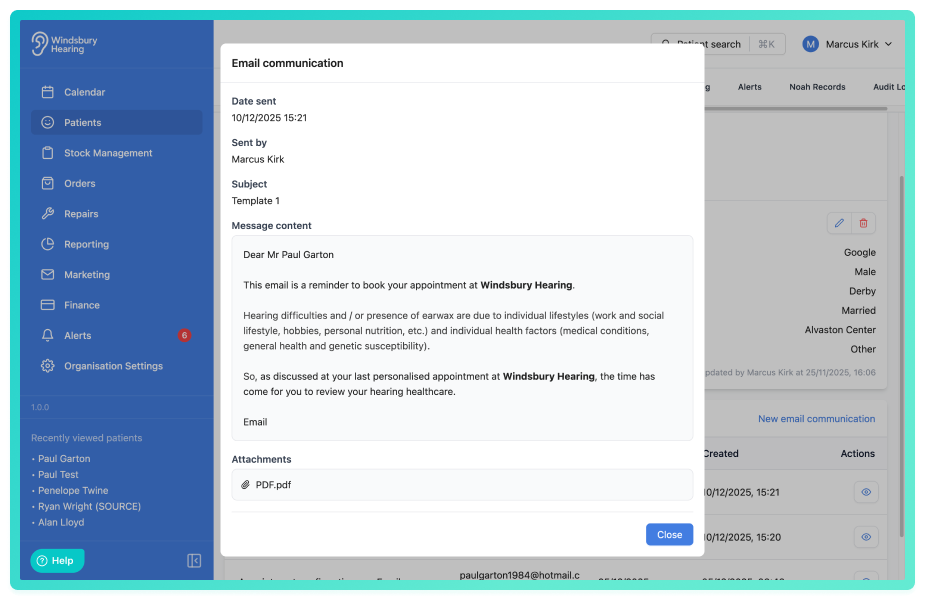
You'll see the content of the communication displayed in a dialog. This provides clear visibility of what was communicated, helping your team maintain consistent messaging, resolve patient queries more quickly and improve continuity across the organisation.
Cancel a scheduled communication
- Navigate to the desired patient.
- Locate and click the Communications tab.
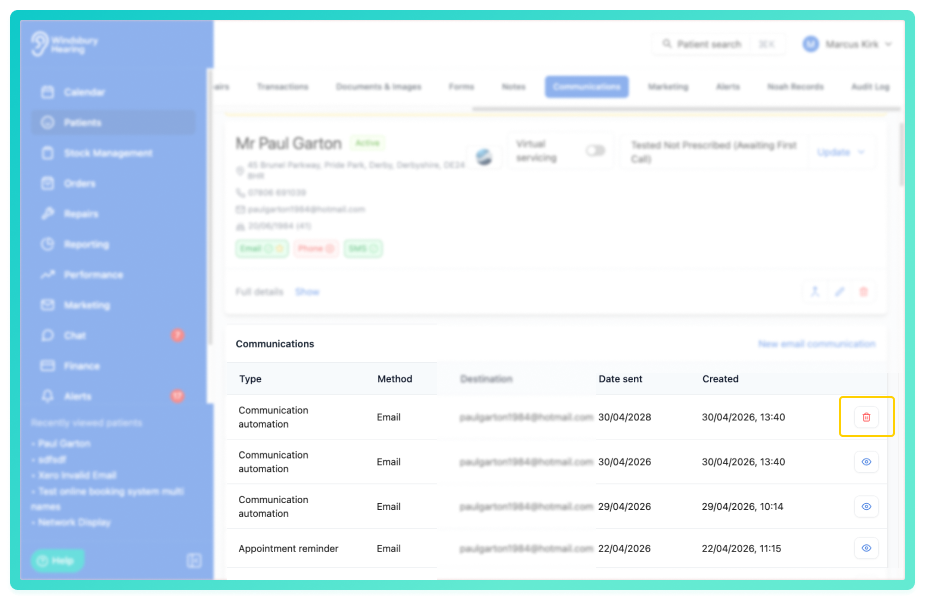
- Click the Delete
 icon next to the relevant schedlued communication.
- You'll be shown a warning message.
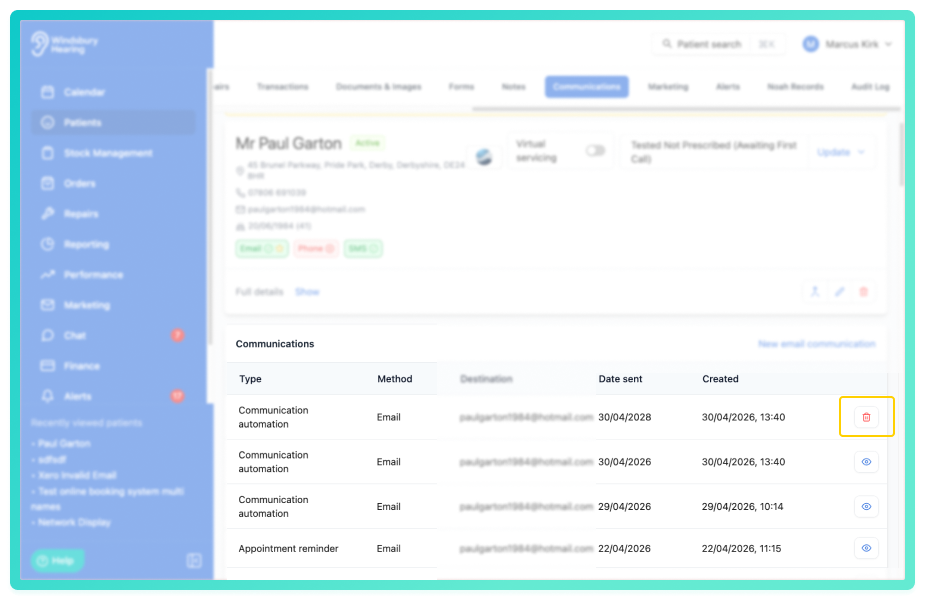
- Click Delete to confirm and cancel the scheduled communication.
Warning: Once a scheduled communication has been cancelled this action cannot be undone. Please proceed with caution!Communication table breakdown
Status
Indicates whether the message is scheduled to be sent, was successfully sent or failed to send.
Type
Describes the purpose of the communication, such as:
- Appointment confirmation
- Appointment reminder
- Order updates
Method
Shows how the communication was sent:
- SMS
Destination
Lists the recipient's contact details, such as:
- Email address
- Phone number
Actions
View the content of the communication.
Was this article helpful?
That’s Great!
Thank you for your feedback
Sorry! We couldn't be helpful
Thank you for your feedback
Feedback sent
We appreciate your effort and will try to fix the article