Exporting patients to a CSV in HearLink is an simple process.
In this article we'll cover how to:
- export patients in the required date range.
Export patients
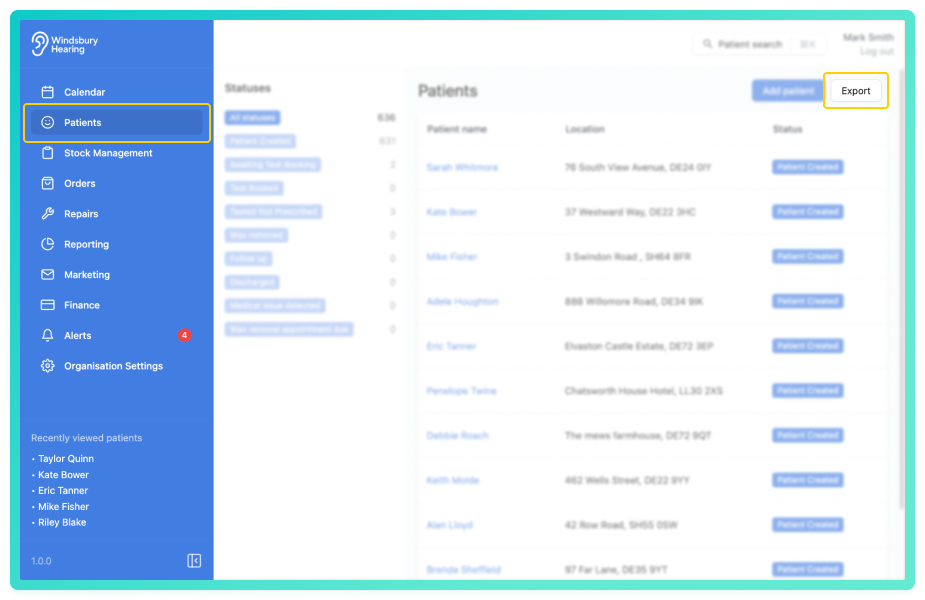
- Select the date range and click Submit.
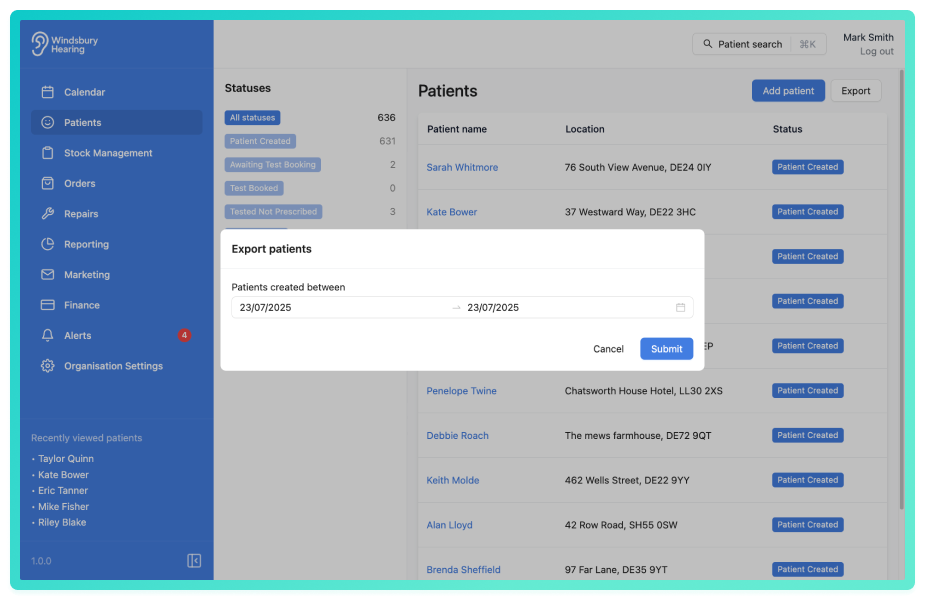
- A CSV file will be downloaded to your device.
Was this article helpful?
That’s Great!
Thank you for your feedback
Sorry! We couldn't be helpful
Thank you for your feedback
Feedback sent
We appreciate your effort and will try to fix the article