An immediate payment allows you to record multiple payments against an invoice at the time of creation. This can be a full payment, a percentage, or a custom amount using the patient's preferred payment method.
In this article we'll cover how to:
- add an immediate payment to an invoice.
- add an optional transaction number.
- add multiple payments.
For a general overview, read create an invoice.Add an immediate payment
In the payment section of the invoice form, choose how much the patient is paying:
- Full - the entire invoice amount.
- Percentage - a preset portion of the total.
- Custom - a specific amount.
Select the Payment method (e.g. cash, card, bank transfer).
The payment will be recorded once the invoice is submitted.
Add an optional Transaction number. If entered this will be displayed in the transaction table on the patient profile and on the main Finance page.
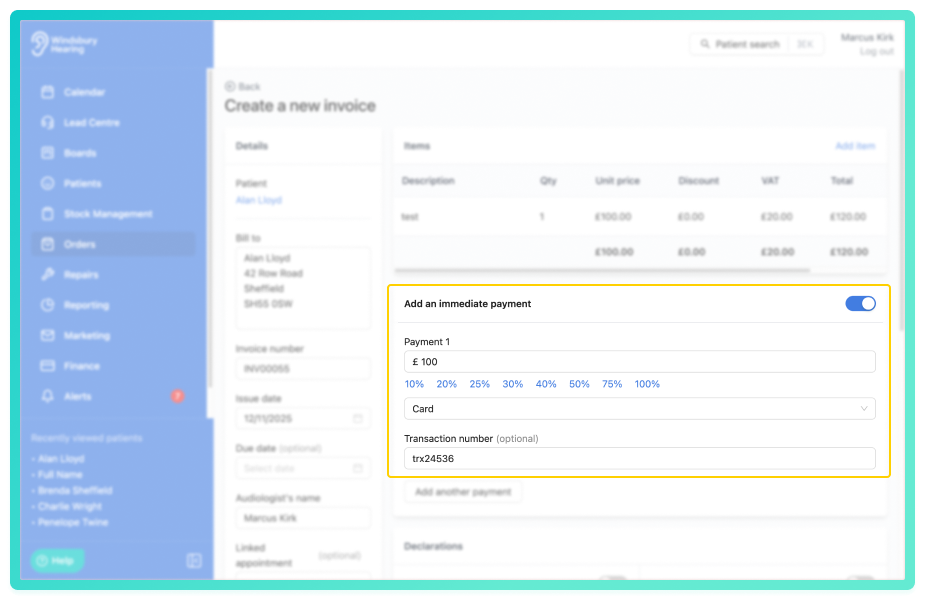
The remaining balance (if any) will be reflected in the patient's transactions and invoice status.Add an multiple payments
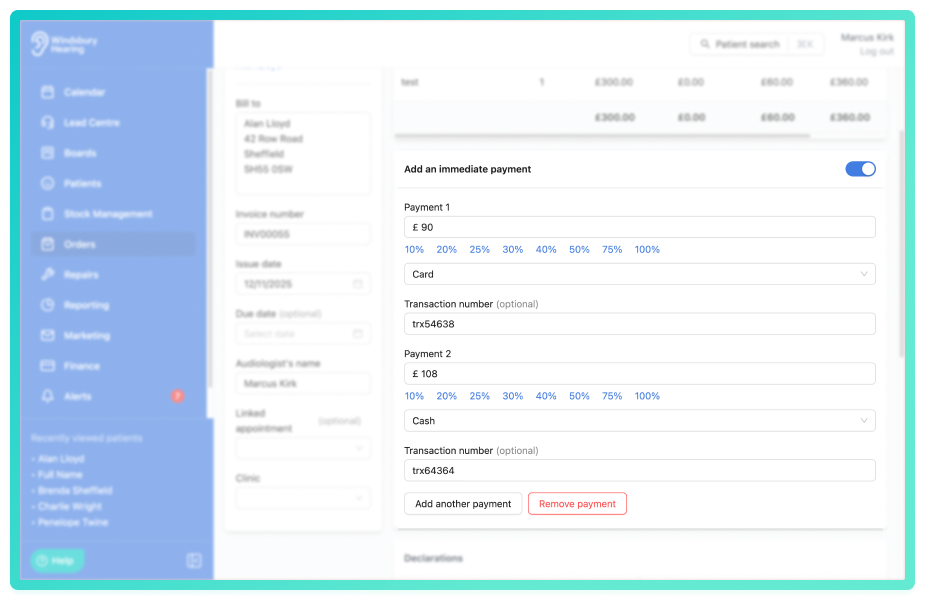
You can add multiple payments to each invoice, and each of these can have different methods of payment.
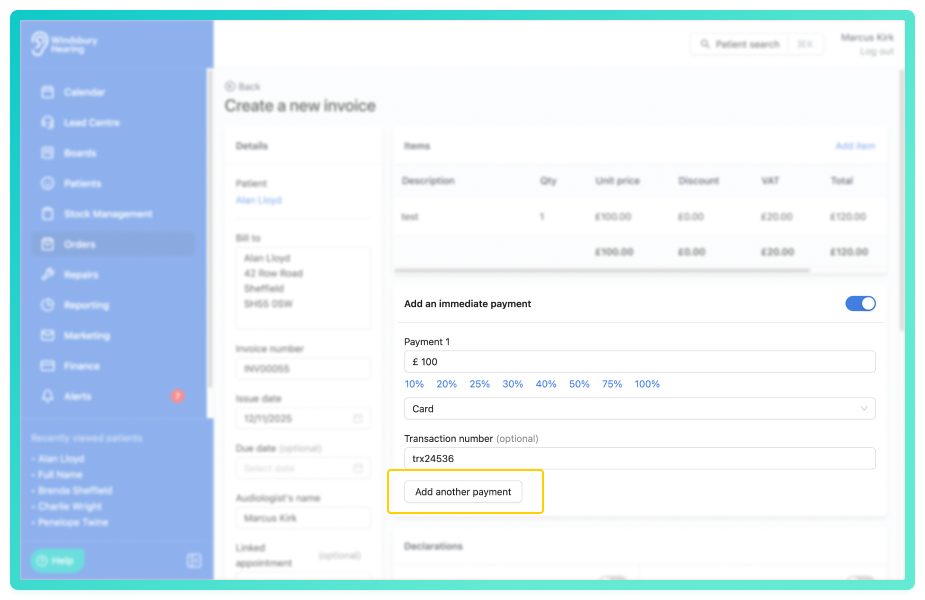
- Click the Add another payment button.
- Complete the required fields.
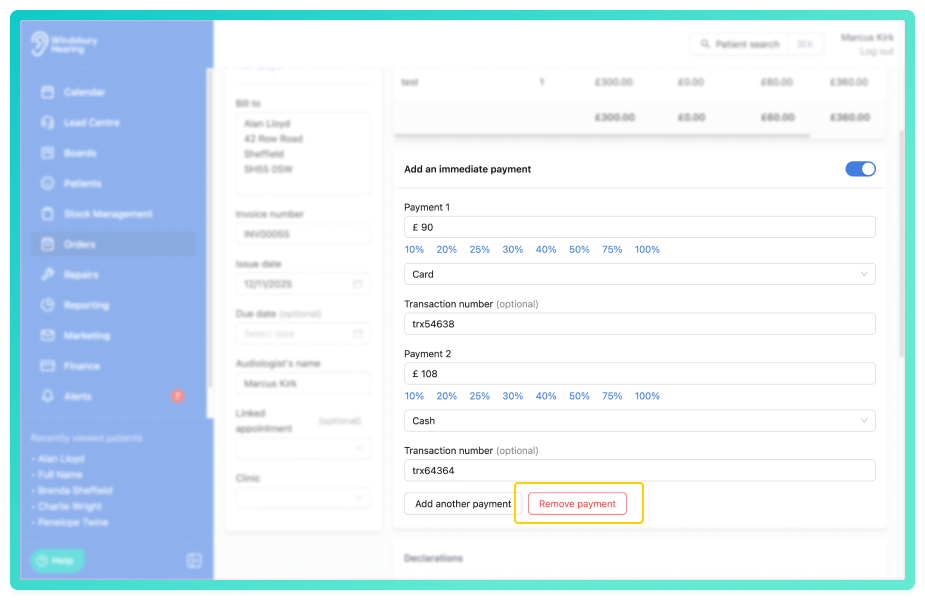
- To remove the payment, click Remove payment.
Was this article helpful?
That’s Great!
Thank you for your feedback
Sorry! We couldn't be helpful
Thank you for your feedback
Feedback sent
We appreciate your effort and will try to fix the article