Creating an invoice includes several sections such as invoice details and invoice items. These are covered in separate articles if you'd like to explore them in more depth.
In depth articles:
- Invoice details
- Invoice items
- Invoice add an immediate payment
- Invoice declarations
- Invoice customisation
In this article we'll cover how to:
- create a new invoice from the patient dashboard.
Create an invoice
- Navigate to the desired patient.
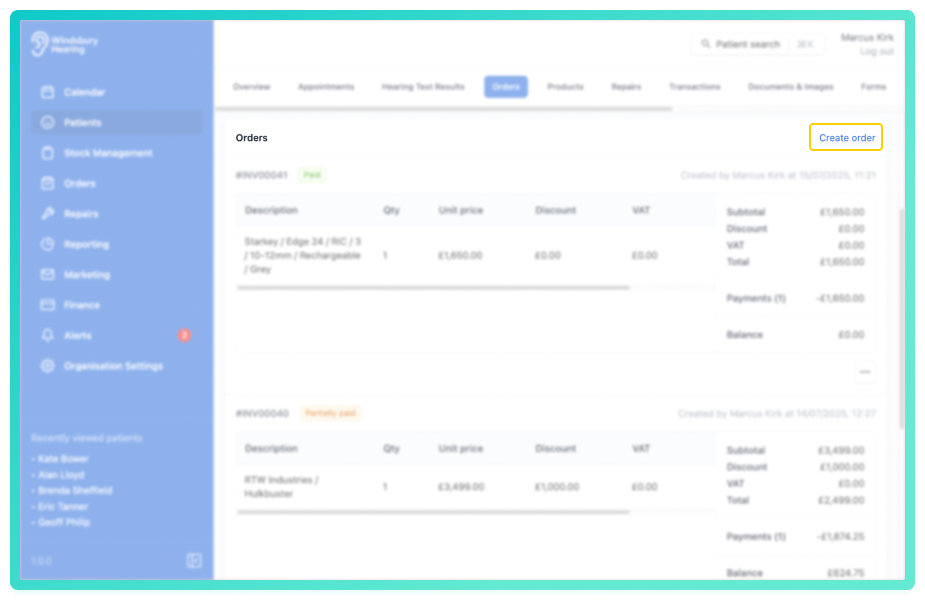
- Navigate to the Orders tab.
- Click the Create order text.
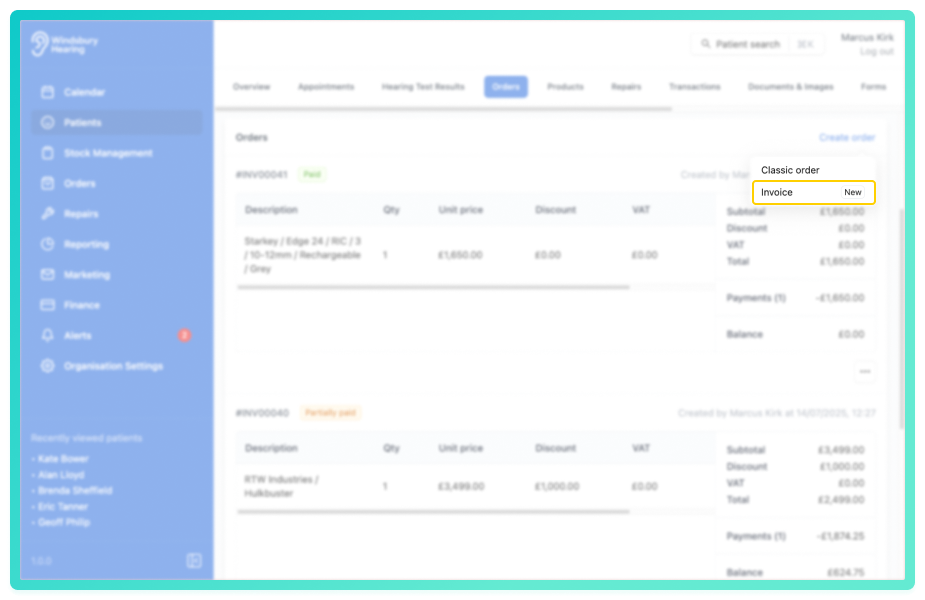
- Select Invoice from the options.
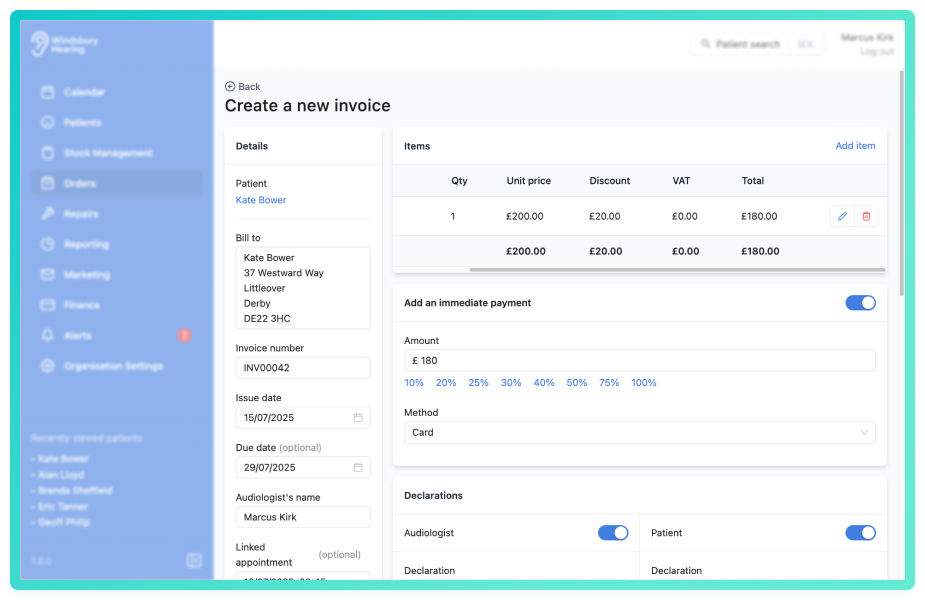
- Complete the form with the Invoice details.
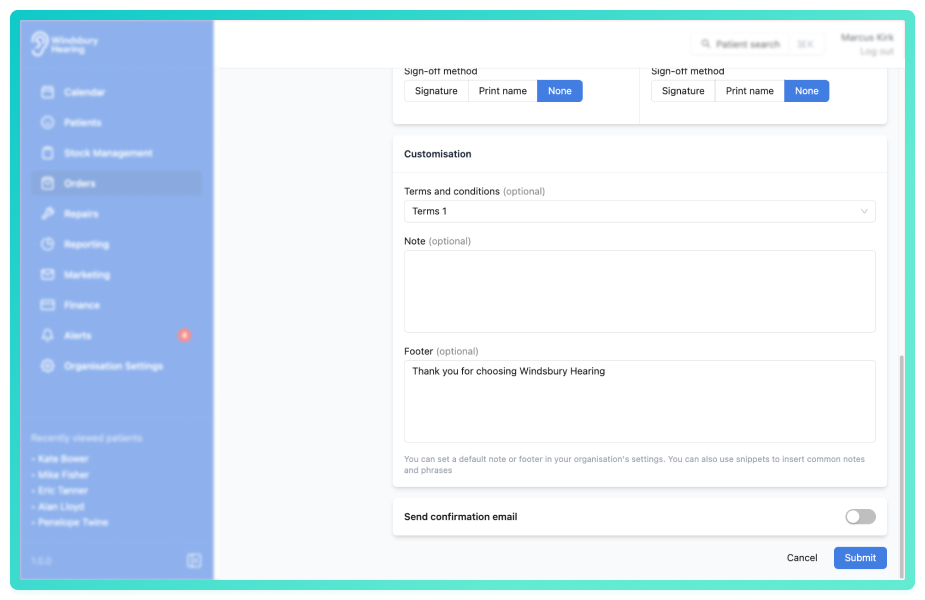
- Click Submit to save the invoice.
The newly created invoice will appear in the Orders tab of the patient's dashboard.
Was this article helpful?
That’s Great!
Thank you for your feedback
Sorry! We couldn't be helpful
Thank you for your feedback
Feedback sent
We appreciate your effort and will try to fix the article