The invoice details section of the invoice contains key patient and billing information, such as patient details, linked appointments, clinic selection, and more.
In this article we'll cover:
- patient details.
- invoice number and dates.
- audiologists name.
- selecting a linked appointment and clinic.
For a general overview, read create an invoice.Patient details
The patient name and billing address will be automatically populated based on the patient's record. You can manually change this as needed.
By default, invoices are billed to the patient. To bill a third party instead, such as an insurance company or employer, use the Recipient dropdown and select an external contact. The Bill to field will automatically populate with the selected contact's name, address, email and phone number. Select patient at any time from the Recipient dropdown to restore the patient's details.
Your recipient selection is saved with the invoice. If a selected external contact is later deleted, the Bill to field will continue to display the saved contact information.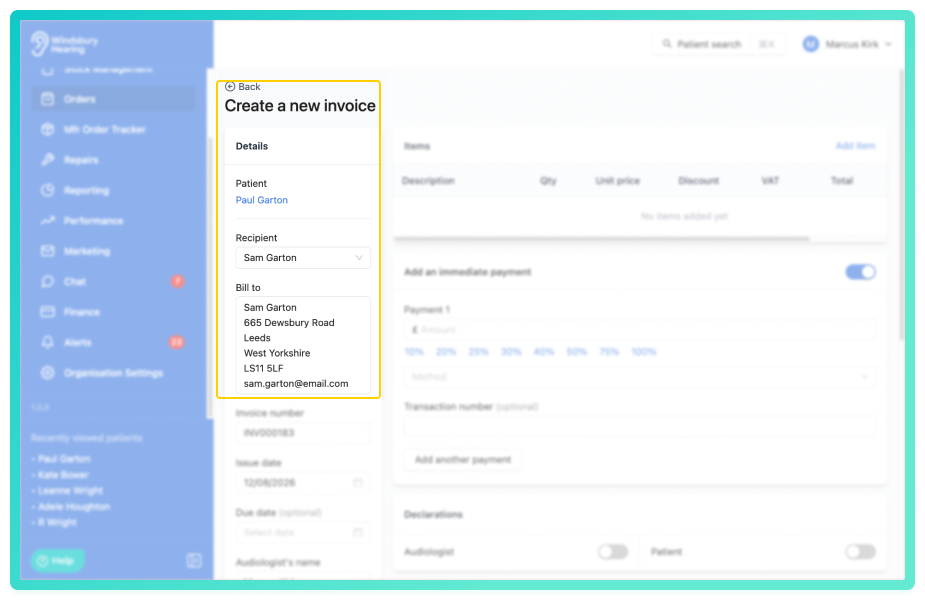
Invoice number and dates
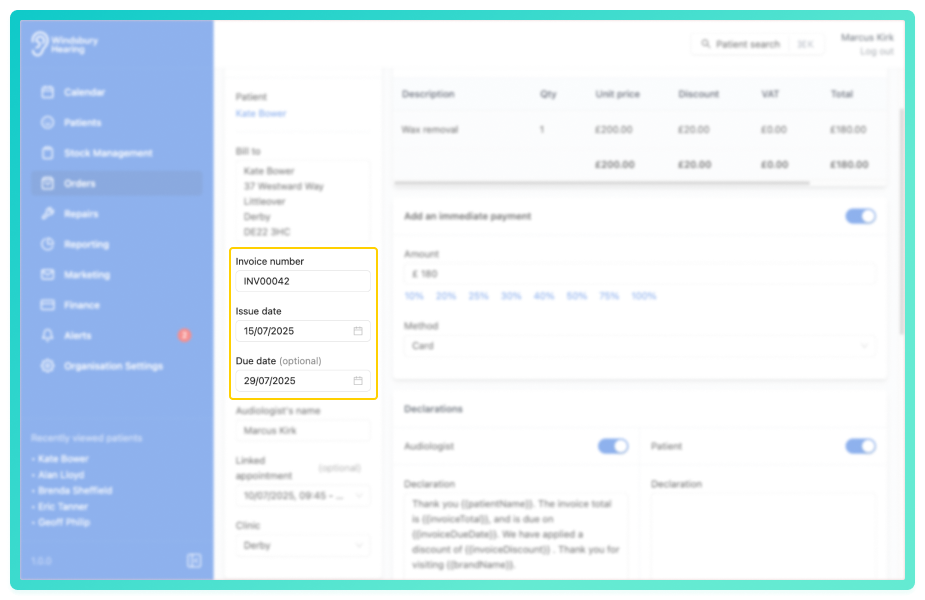
Invoice number - auto-generated based on your organisations's configurations in organisation settings.
Issue date - default to the date the invoice is created. You can manually change this as needed.
Due date - optional and can be entered or adjusted depending on the payment terms.
Audiologists name
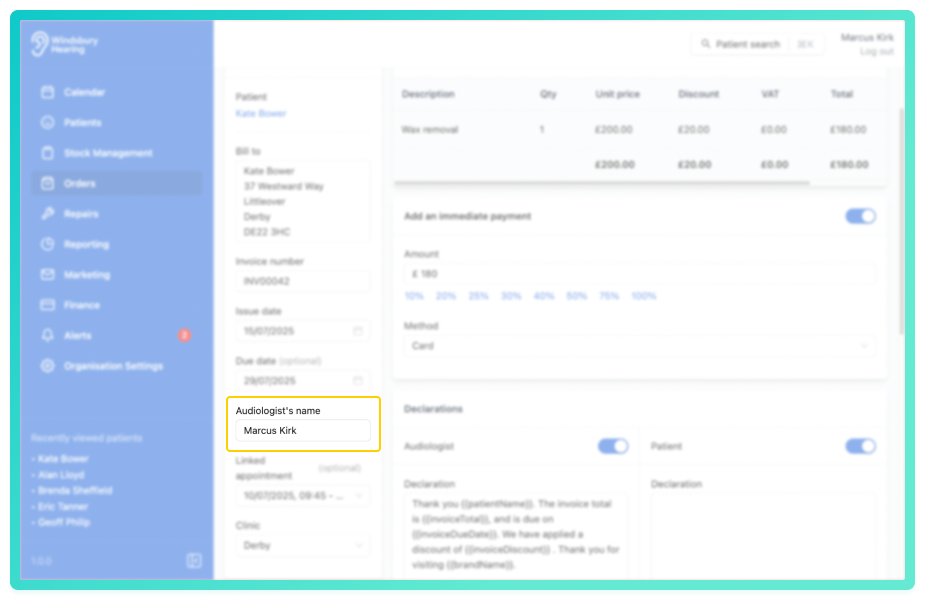
The Audiologists field will default to the organisation owner. This can be changed to reflect the correct practitioner responsible for the invoice.
Selecting a linked appointment and clinic
If the patient has any appointments they will appear in the Linked appointment dropdown. This is optional and can be selected if relevant.
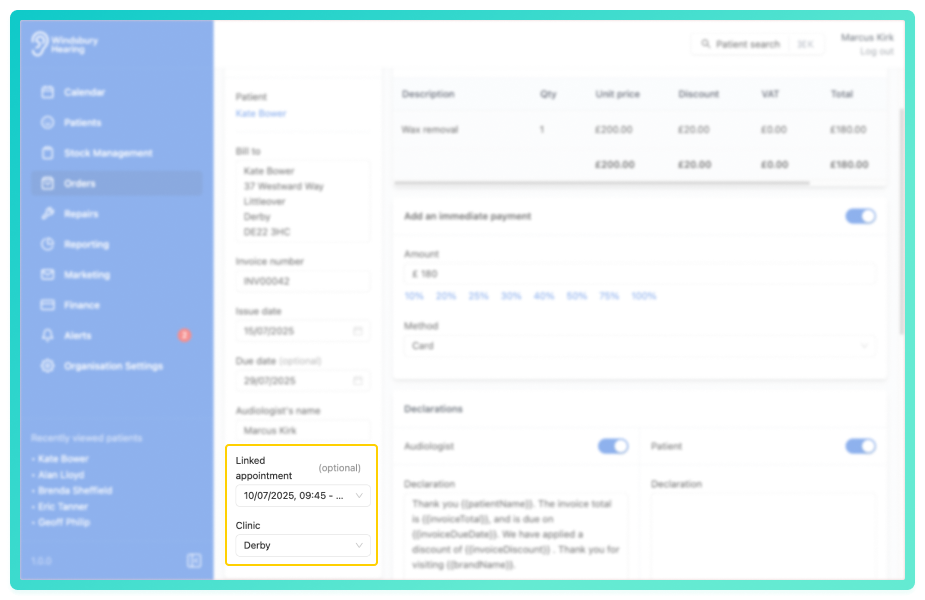
Select the Clinic that corresponds with the appointment or billing location. If your organisation operates multiple clinics, ensure the correct one is chosen.
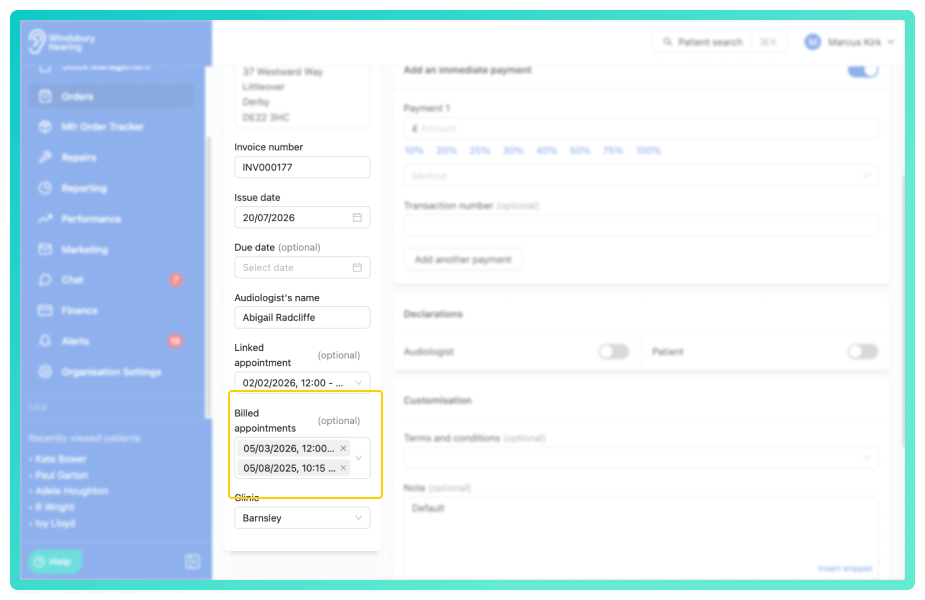
If the billed appointments selector is enabled for your organisation, you can also select which appointments this invoice covers using the Billed appointments field. This helps track invoiced appointments and excludes them from the unbilled appointments report.
Was this article helpful?
That’s Great!
Thank you for your feedback
Sorry! We couldn't be helpful
Thank you for your feedback
Feedback sent
We appreciate your effort and will try to fix the article