In this article we'll cover how to search stock using either the Location or Serial Number.
Search stock
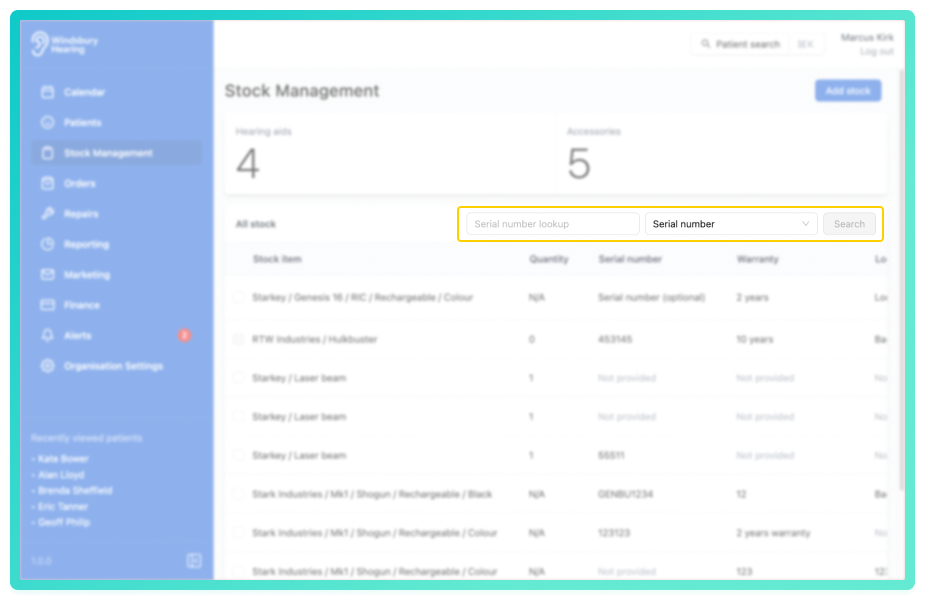
- Enter the Serial number or Location of the stock item you're looking for.
- Click Search to display a list of all matching stock items.
Was this article helpful?
That’s Great!
Thank you for your feedback
Sorry! We couldn't be helpful
Thank you for your feedback
Feedback sent
We appreciate your effort and will try to fix the article