In this article we'll cover how to:
- edit stock.
- delete stock.
Edit stock
- Navigate to Stock Management.
- Click Edit
 on the Stock item you want to update.
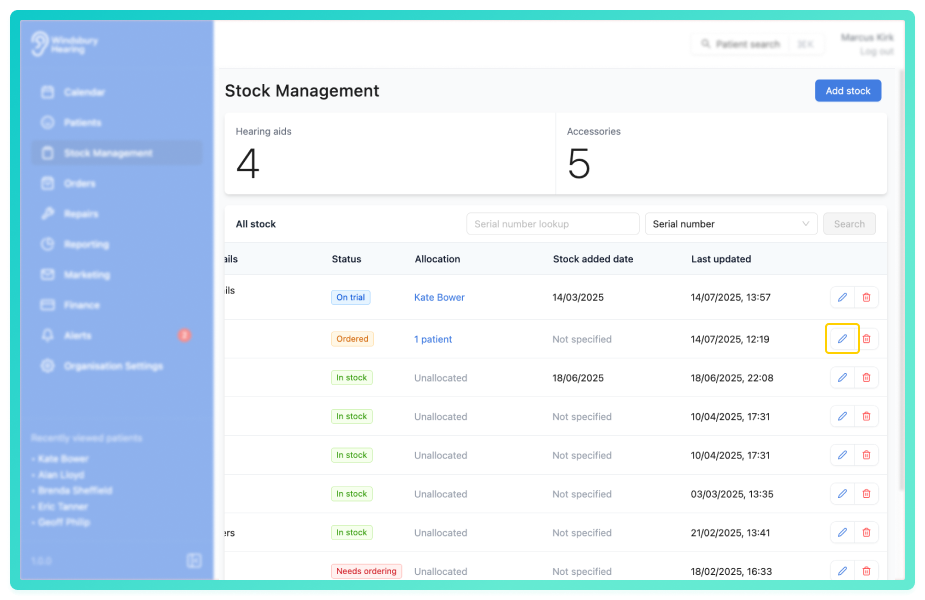
- Update the Edit stock form as required.
- Click Submit to save your changes.
Delete stock
- Locate the Delete icon
 on the Stock item you want to delete.

- Click the Delete icon.
- You'll be shown a warning message.
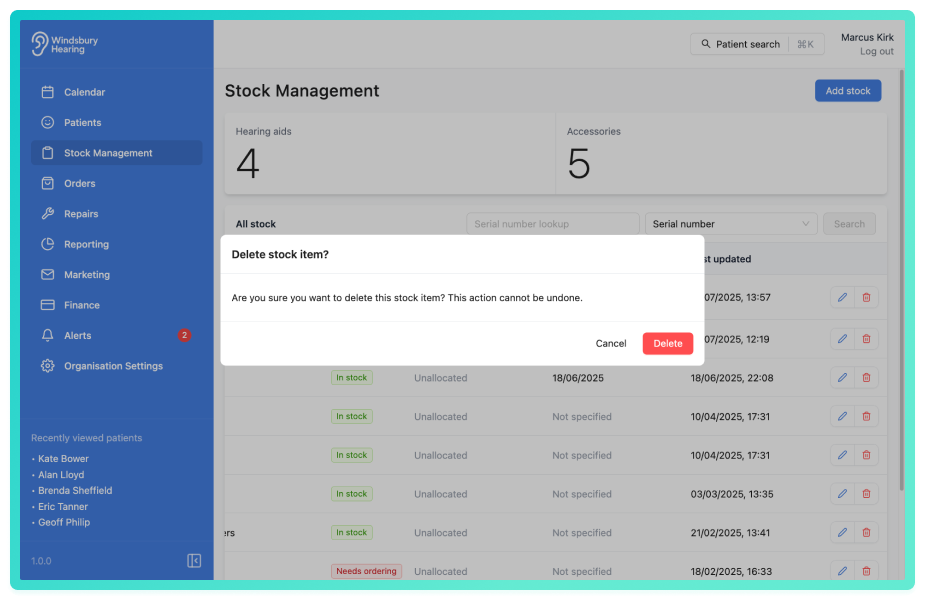
- Click Delete to confirm and delete the stock item.
Warning: Once a stock item has been deleted this action cannot be undone. Please proceed with caution!Was this article helpful?
That’s Great!
Thank you for your feedback
Sorry! We couldn't be helpful
Thank you for your feedback
Feedback sent
We appreciate your effort and will try to fix the article