This report displays:
- all appointments that have yet to be billed.
View the un-billed report
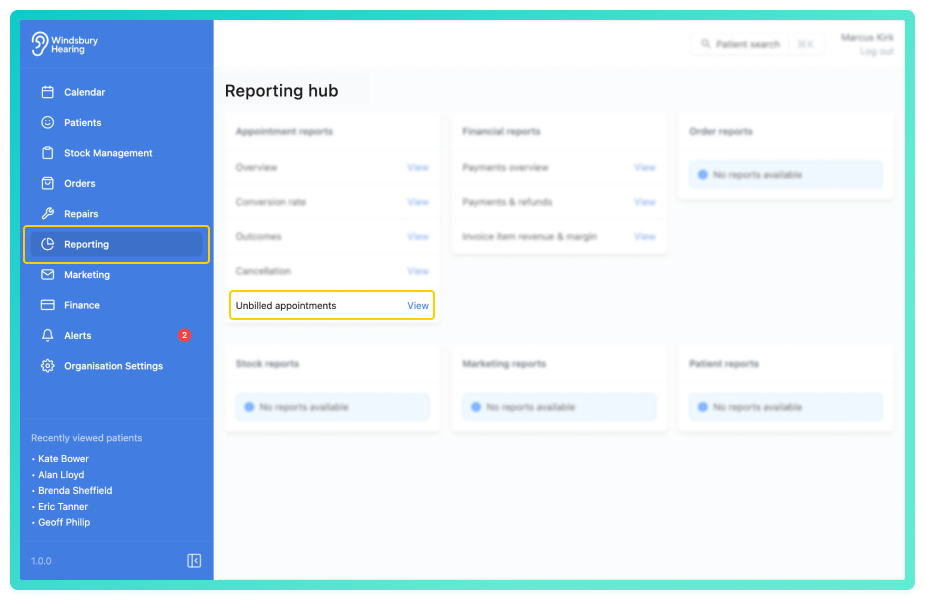
By default, the report shows a table of all unbilled appointments across the selected date range
The columns include:
- Appointment date & time - time and date of the appointment.
- Patient - the patient connected to the appointment.
- Appointment type - which type of appointment (e.g. Wax removal).
- Assignee - the clinician assigned to the appointment.
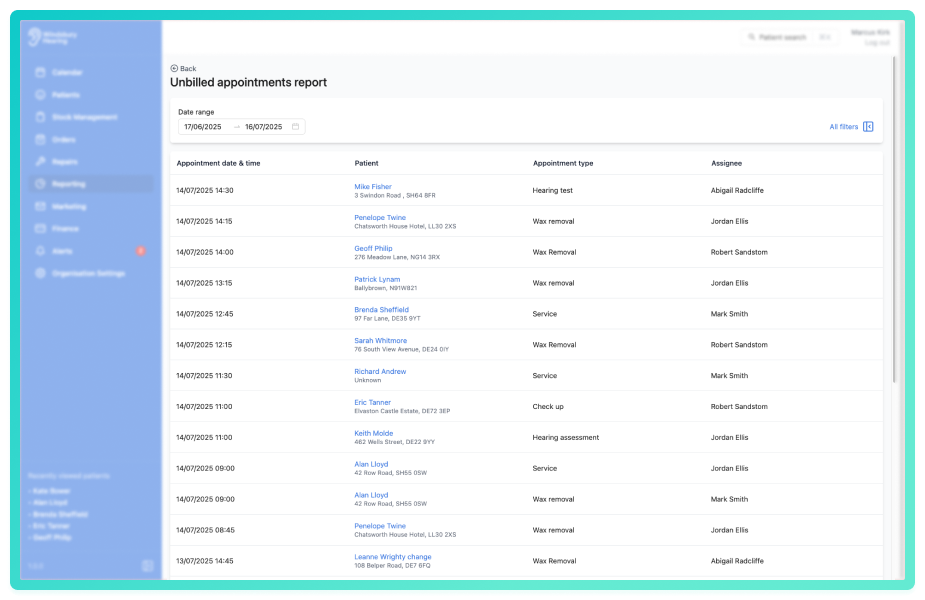
Click All filters to open the sidebar and apply the filters to narrow the results.
You can save a set of filters for each report to quickly change the data on the report. See Saved report filters
Was this article helpful?
That’s Great!
Thank you for your feedback
Sorry! We couldn't be helpful
Thank you for your feedback
Feedback sent
We appreciate your effort and will try to fix the article