Track how many appointments are being cancelled, and explore trends based on referral source, appointment type, or clinic.
This report displays:
- how many appointments have been booked within a specific timeframe.
- how many of those bookings have been cancelled.
View cancellations
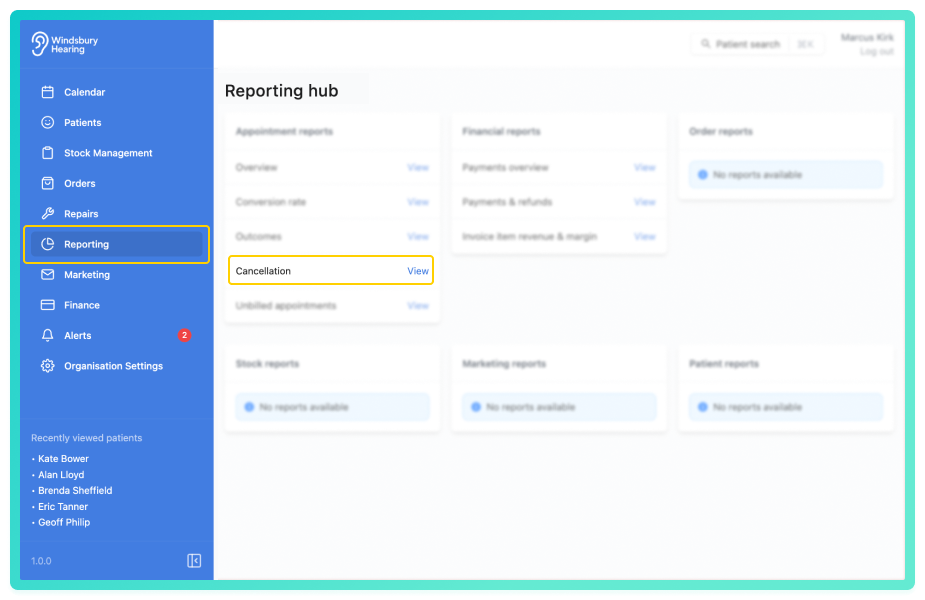
By default, the data will show the total number of:
- Booked appointments.
- Cancelled appointments.
A bar chart displays these totals over the selected date range.
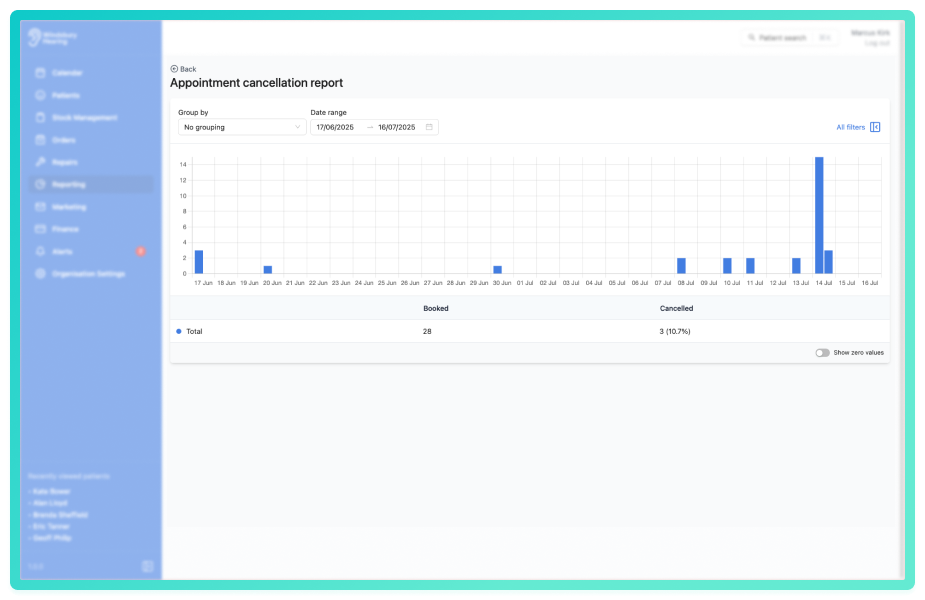
Use the Group by dropdown to segment the data.
Click All filters to open the sidebar and apply the filters to narrow the results.
You can save a set of filters for each report to quickly change the data on the report. See Saved report filters
Was this article helpful?
That’s Great!
Thank you for your feedback
Sorry! We couldn't be helpful
Thank you for your feedback
Feedback sent
We appreciate your effort and will try to fix the article