As an organisation, you may want to view how often certain outcomes are being recorded across appointments.
This report displays:
- The number of times an outcome has been recorded.
View outcome counts
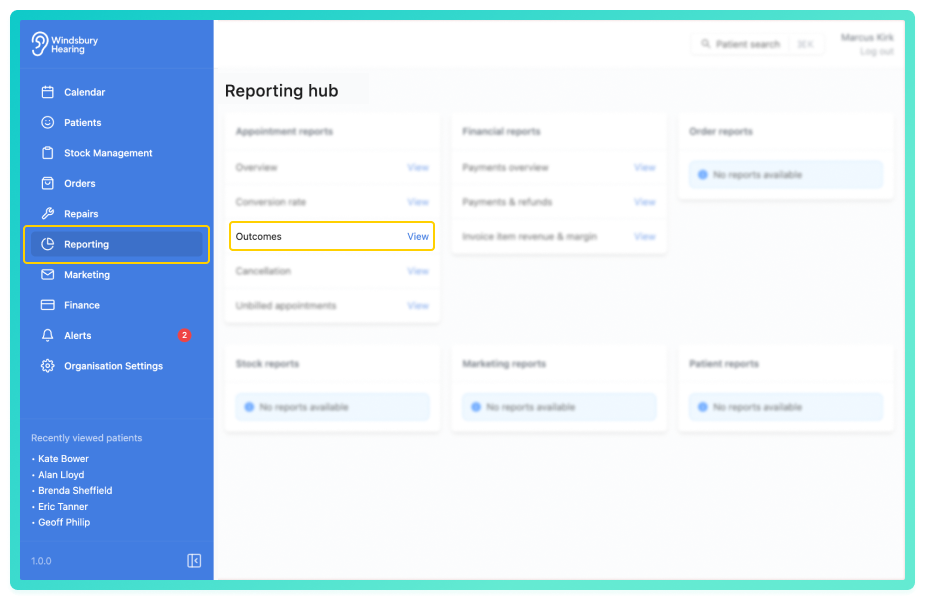
You'll see a chart and a table showing a count of Outcomes recorded over time.
By default, the report will show all Outcomes as one total list, without grouping.
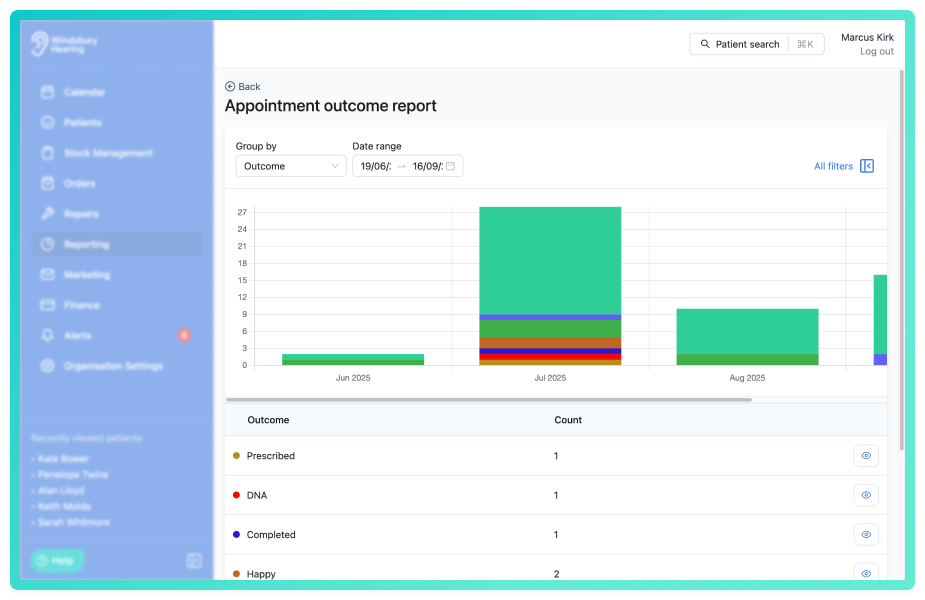
Select Outcome to view results grouped by the banner labels set in Appointment Types.
Click All filters to open the sidebar and apply filters to narrow the results.
You can save a set of filters for each report to quickly change the data on the report. See Saved report filters
Enable Show zero values to display outcomes that were not recorded during the selected date range. This can help identify outcomes that may be underused or not triggered as expected.
View list of outcomes
A user may want to know a list of particular outcomes or appointments without outcomes.
 icon on the desired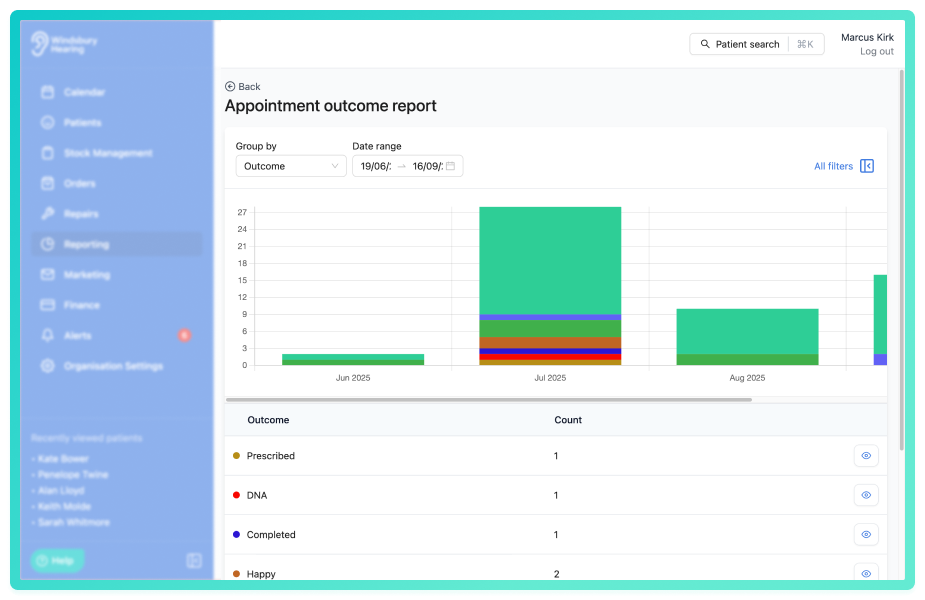
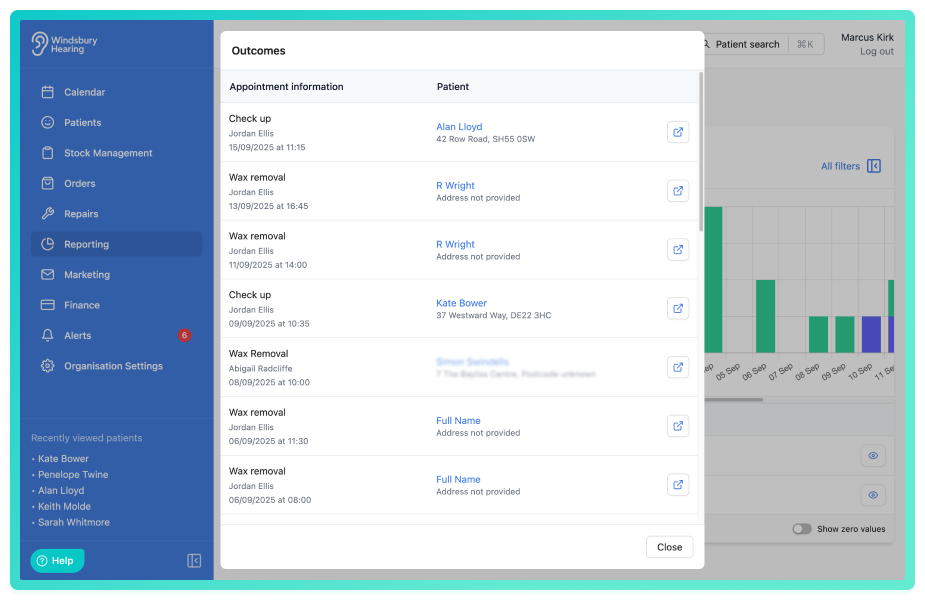
You'll see a list of appointments with the assigned Outcome with appointment information and the patient.
Was this article helpful?
That’s Great!
Thank you for your feedback
Sorry! We couldn't be helpful
Thank you for your feedback
Feedback sent
We appreciate your effort and will try to fix the article