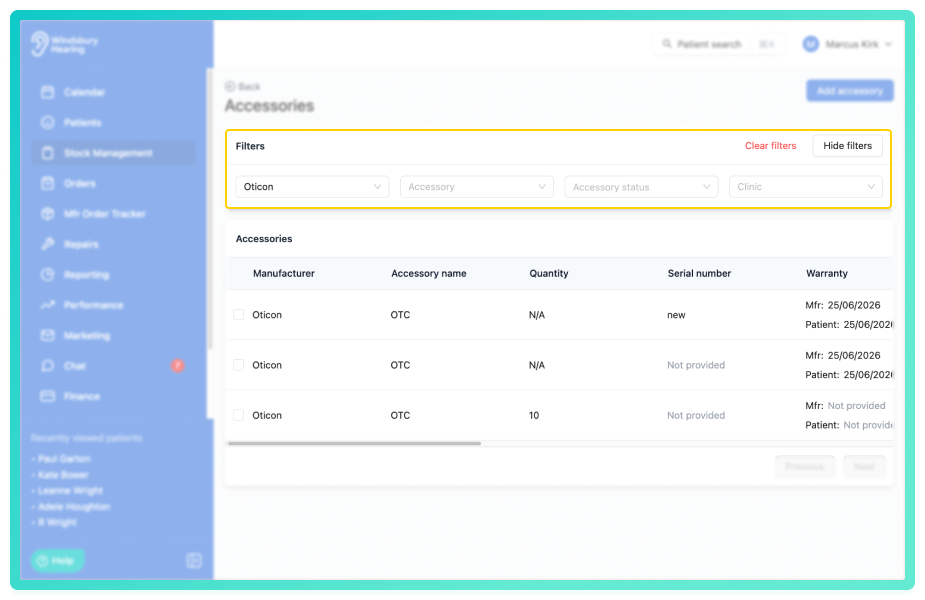
In stock management, you can choose to view accessories only. rather than both hearing aids and accessories. You can also filter by manufacturer, status, clinic or accessory type to refine the list further.
In this article we'll cover how to:
- view accessories only.
- filter accessories.
View accessories only
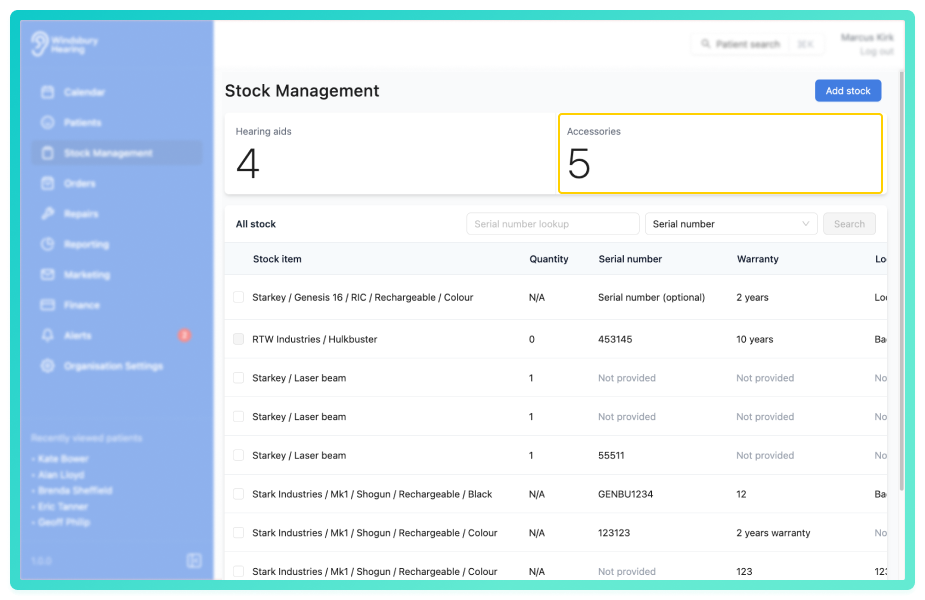
This will display a list of all Accessories in stock.
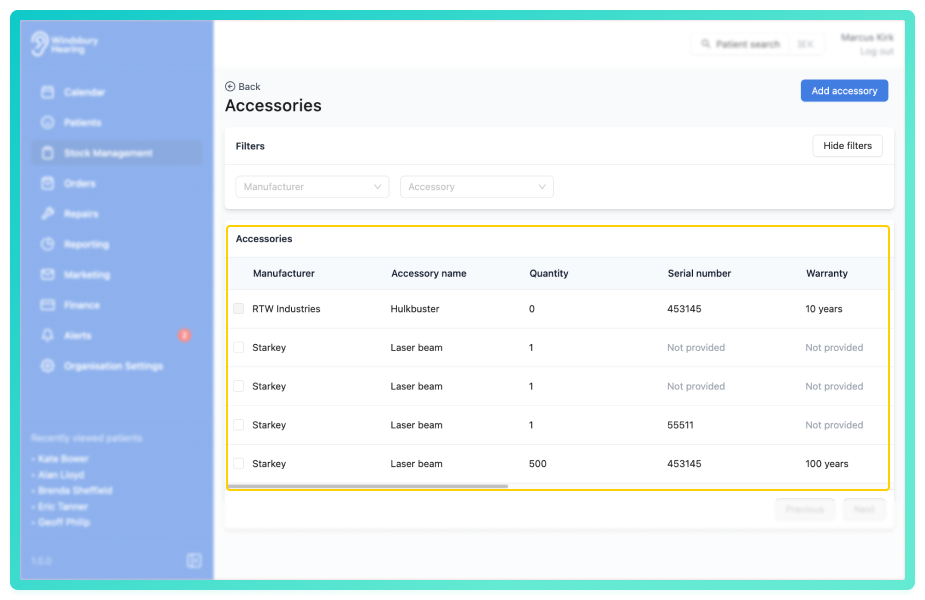
Filter accessories
- Use the Manufacturer or Accessory dropdown filters to refine the accessories list based on your requirements.
Filtered results will update automatically based on the selections.
Was this article helpful?
That’s Great!
Thank you for your feedback
Sorry! We couldn't be helpful
Thank you for your feedback
Feedback sent
We appreciate your effort and will try to fix the article