In this article we'll cover how to export transactions to a CSV file.
Export transactions
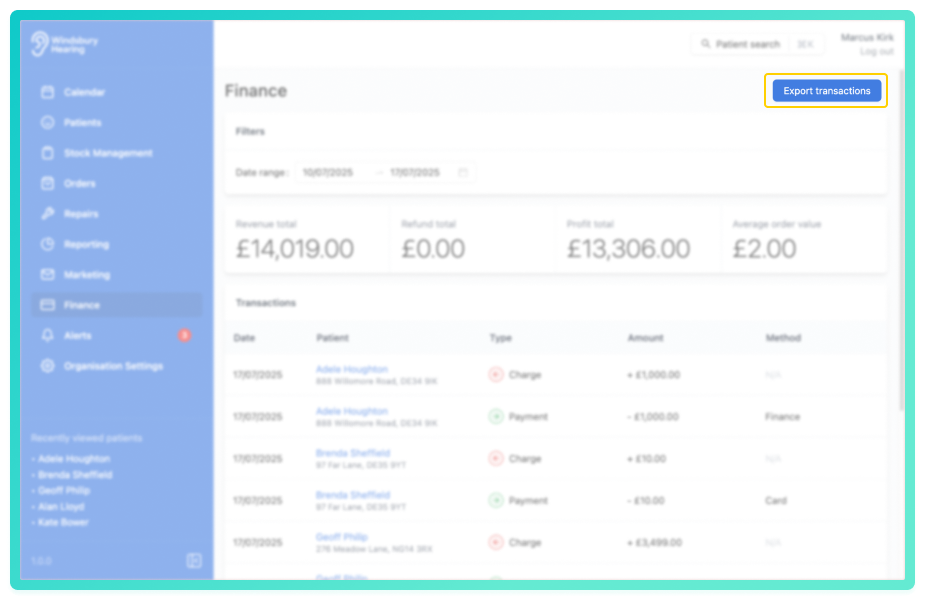
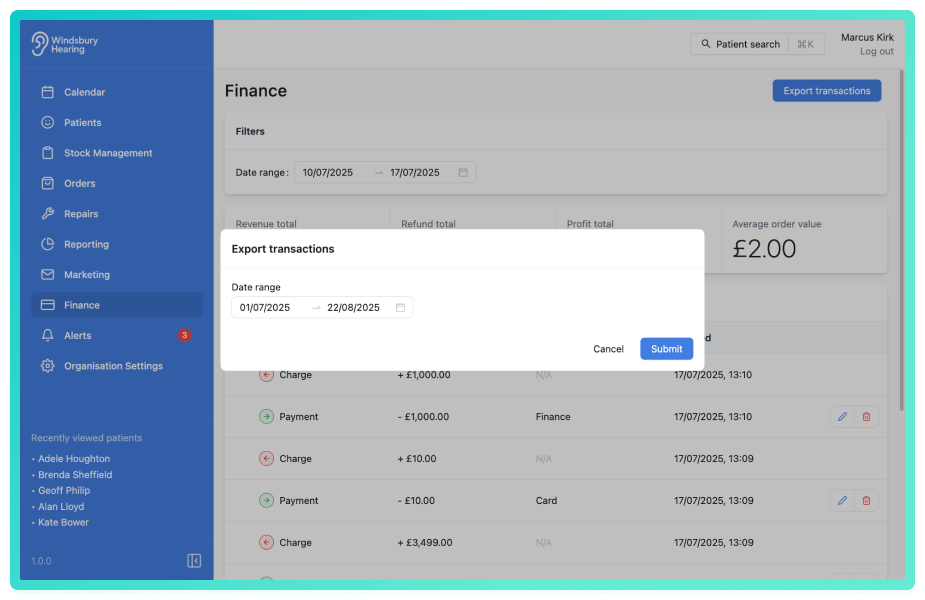
- Choose the required date range.
- Click Submit to download a CSV file containing all transactions within the selected range.
The file can now be opened in spreadsheet applications like Excel or Google Sheets for further analysis or record keeping.
Was this article helpful?
That’s Great!
Thank you for your feedback
Sorry! We couldn't be helpful
Thank you for your feedback
Feedback sent
We appreciate your effort and will try to fix the article