In this article we'll give an overview of the finance section of the HearLink system.
Finance overview
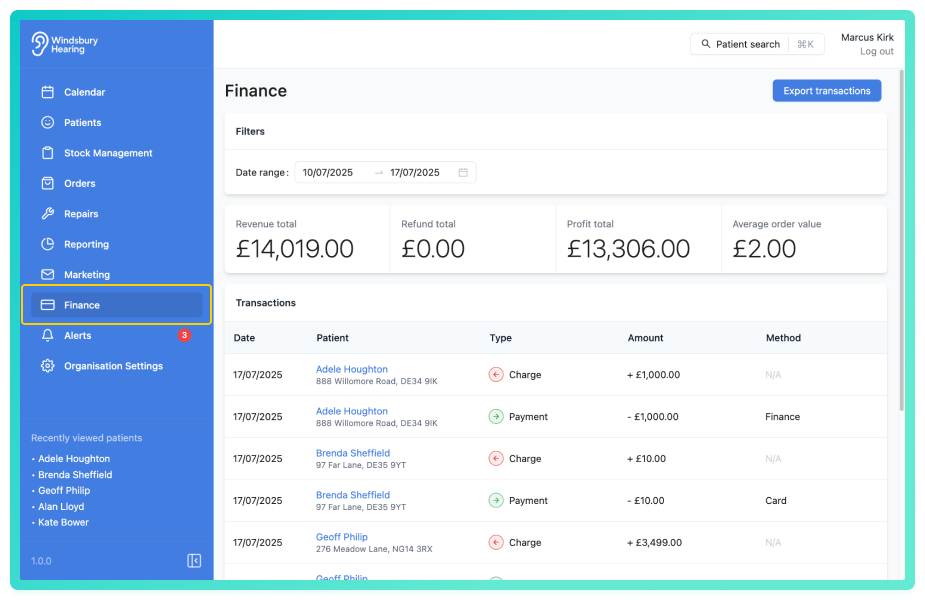
Here you can view the most recent Transactions across the organisation. You can also edit or delete a transaction if required.
If a transaction type is Charge, you cannot edit or delete it. these are locked by the HearLink system to preserve financial accuracy.Filter by date range
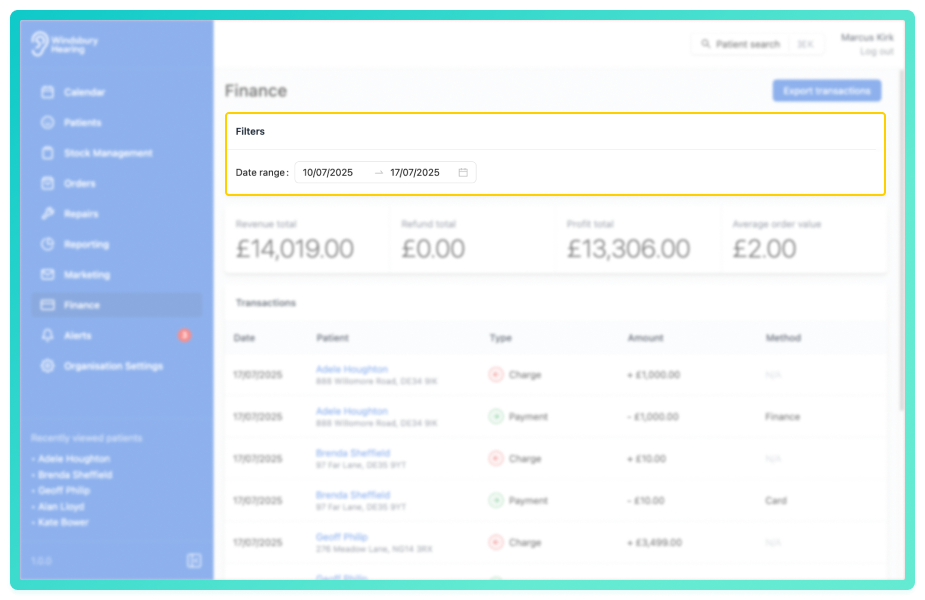
Use the date range filter to narrow down the transaction list to a specific time period.
Organisation finances at a glance
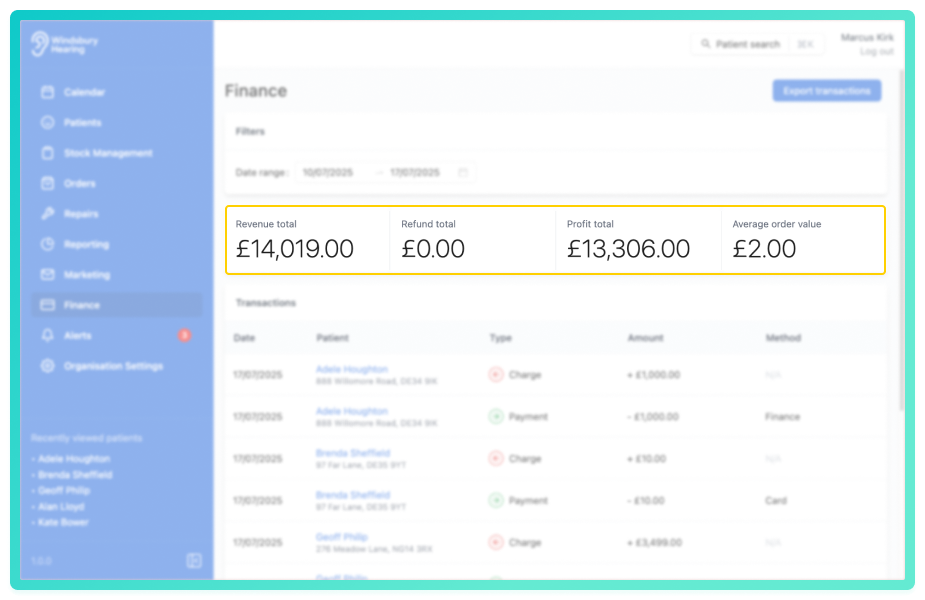
The finance banner provides a snapshot of your organisation's financial performance. It includes:
- Revenue total
- Refund total
- Profit total
- Average order value
For a more detailed breakdown of financial performance, refer to Reporting & Insights.
Was this article helpful?
That’s Great!
Thank you for your feedback
Sorry! We couldn't be helpful
Thank you for your feedback
Feedback sent
We appreciate your effort and will try to fix the article