Invoice confirmation is the section of the invoice form where you can choose whether to send a confirmation email to the patient.
In this article we'll cover how to:
- enable or disable invoice confirmations.
For a general overview, read create an invoice.Invoice confirmation email
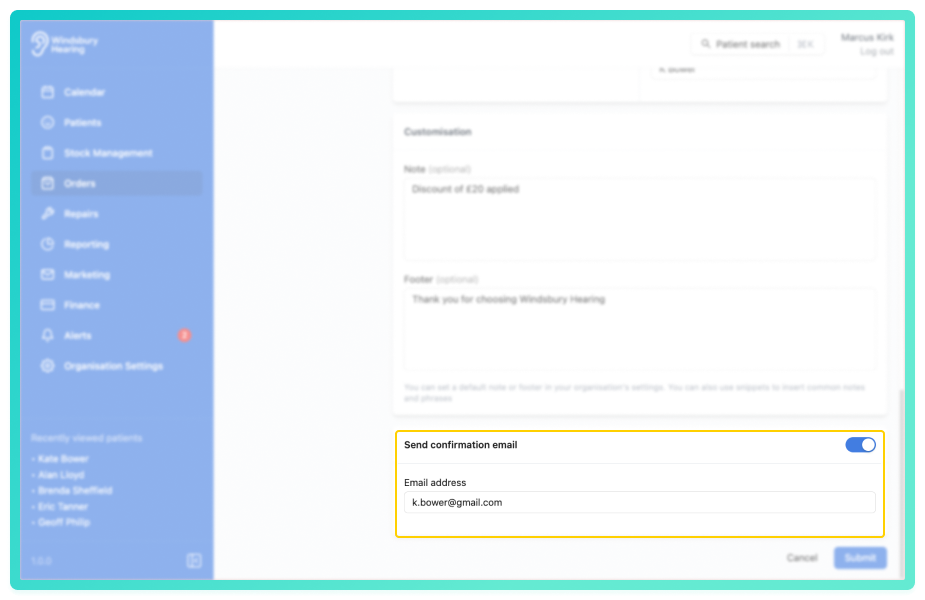
Locate the Send confirmation email setting.
- Select Enabled to send a confirmation email to the patient.
- Select Disabled to proceed without sending a confirmation.
If the patient has an email address saved to their profile, it will be pre-filled in the field. This can be changed or overwritten as required.
Was this article helpful?
That’s Great!
Thank you for your feedback
Sorry! We couldn't be helpful
Thank you for your feedback
Feedback sent
We appreciate your effort and will try to fix the article