Would you like to automatically remind your patients about upcoming appointments? You can send reminders by email or SMS, from the appointment type settings using SMS templates.
In this article we will cover how to:
- enable or disable patient reminders.
- configure reminder content and timing.
Only users with the correct permission can set patient reminders. If you think you should have permission to perform such an action please contact the organisation owner.Enable or disable patient reminders
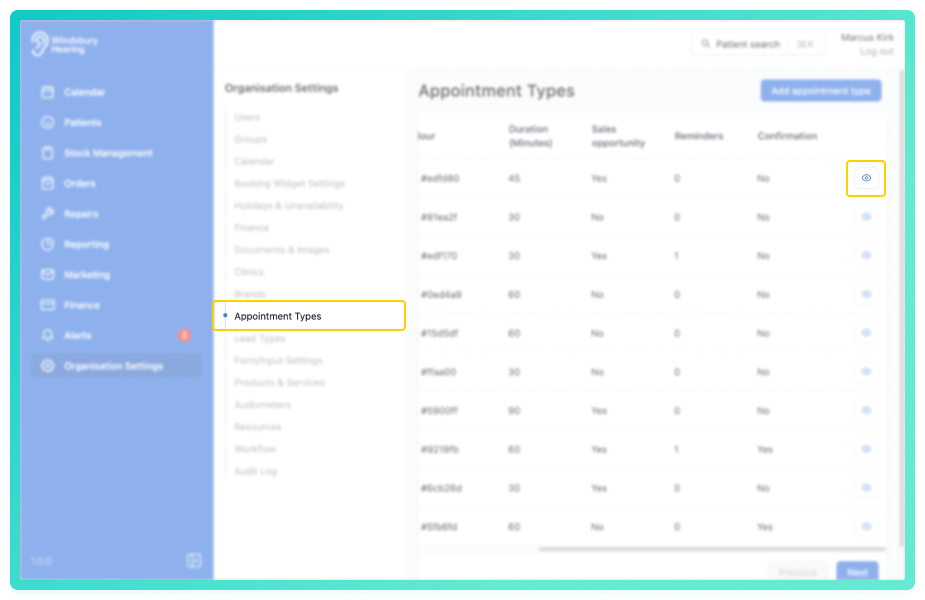
- Navigate to Organisation Settings.
- Locate and click the Appointment Types section of the settings.
- Click the View icon
 on the appointment type you want to update.
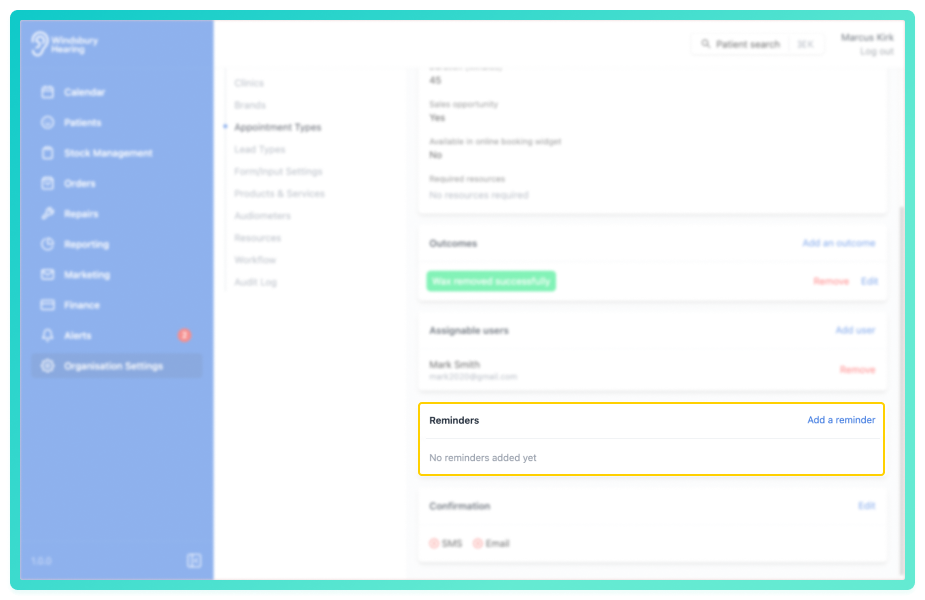
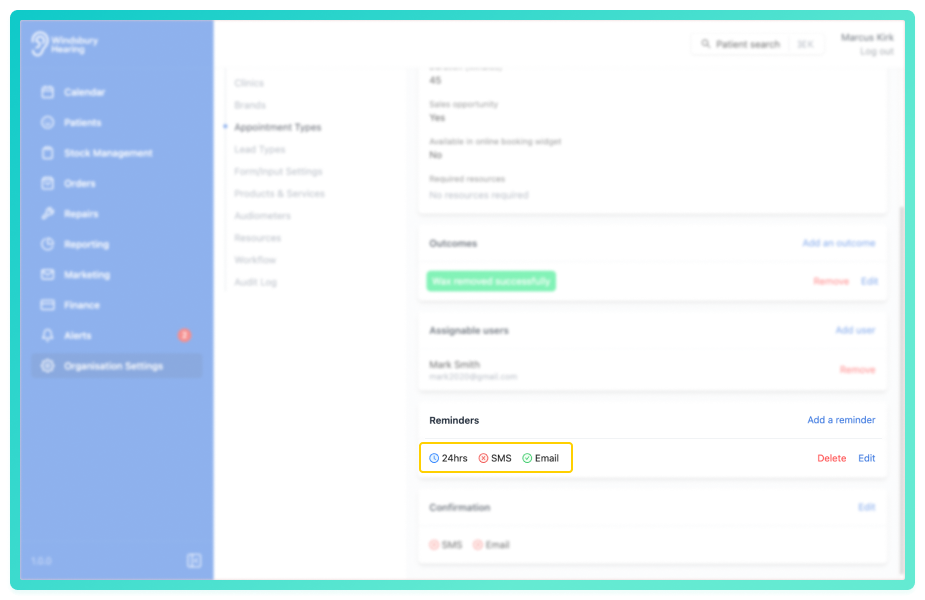
- Locate the Reminders section.
- Click the Add a reminder text.
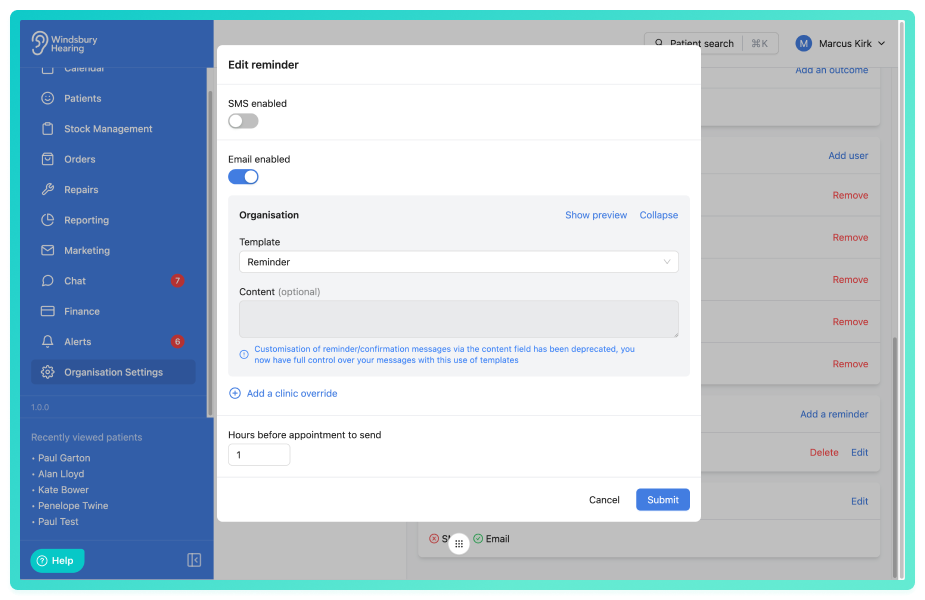
- Use the checkboxes to enable or disable Email and/or SMS reminders.
- When enabled, select the required template from the dropdown list.
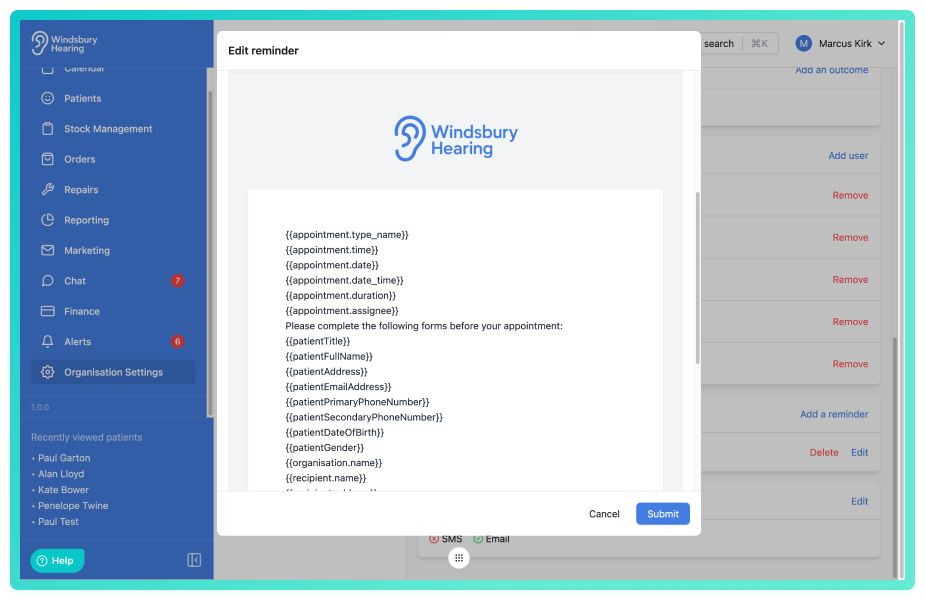
- Click Show preview to view how the reminder will appear.
- Set how many hours before the appointment the reminder should be sent.
- Click Submit to save your changes.
On sending of the reminder the variables will be replaced automatically with the appointment and patient information.Once saved, the reminder status will display as:
- Enabled -

- Disabled -

You can enable both Email and SMS reminders if required.
Was this article helpful?
That’s Great!
Thank you for your feedback
Sorry! We couldn't be helpful
Thank you for your feedback
Feedback sent
We appreciate your effort and will try to fix the article