This report provides a detailed breakdown of all payments and refunds recorded across the organisation.
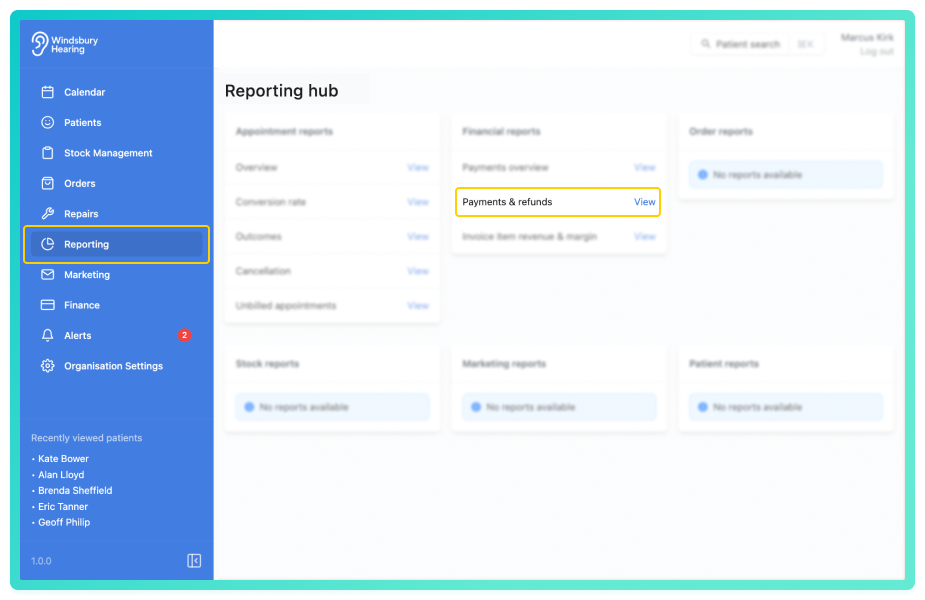
View the payments and refunds report
Use the date range controls to adjust the range as required:
- Last 30 / 90 days
- Add / subtract 30 or 90 days
- Custom date range
You can also filter by:
- Clinic
- Payment method
Clinic summary
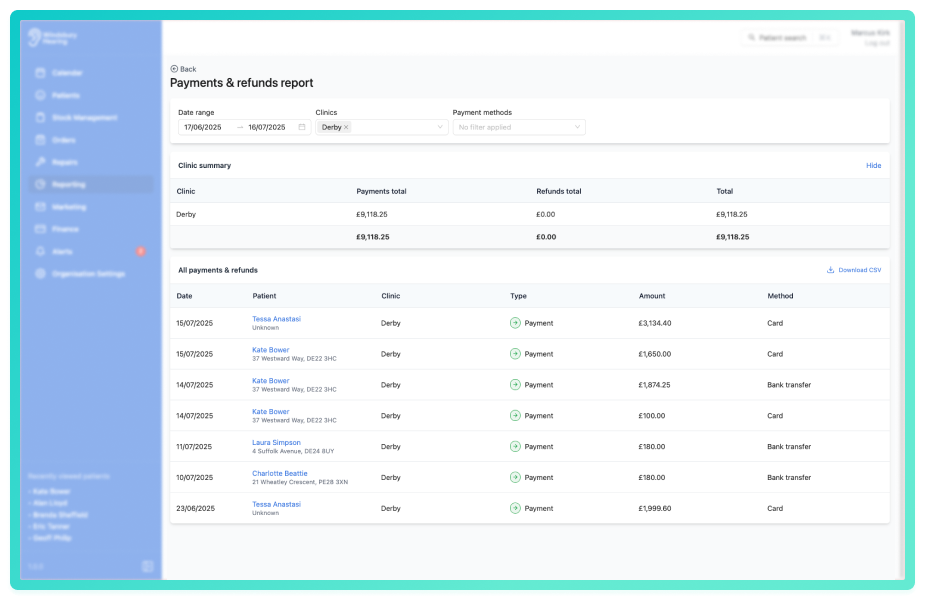
At the top of the report is the Clinic summary table. This gives a financial overview by clinic with the following columns:
- Clinic - name of the clinic.
- Quantity - quantity of orders at a particular clinic.
- Payments total - total payment amount received.
- Refunds total - total refunded amount (shown as negative).
Click the Hide text to collapse the Clinic summary table if not needed.
All payment and refunds
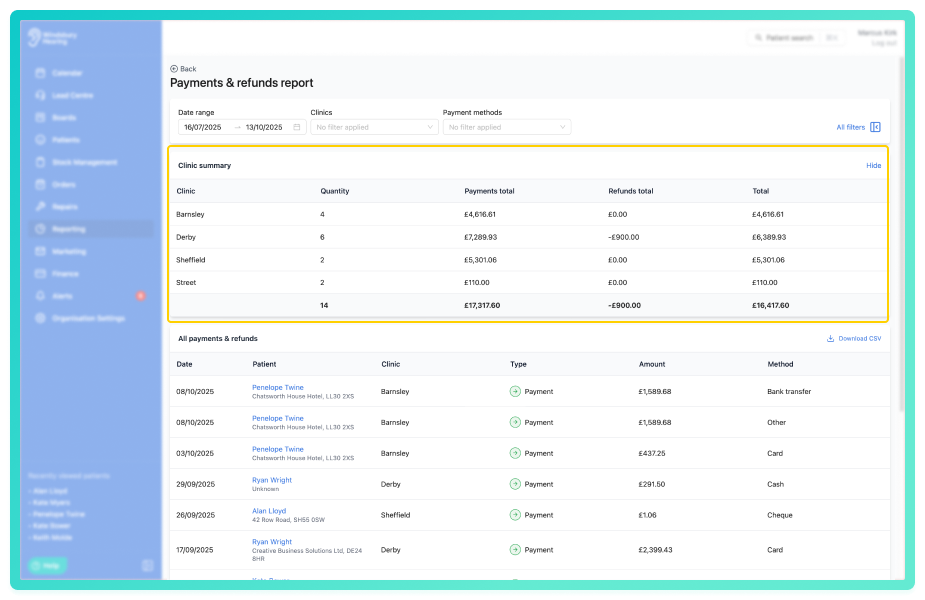
Below is the full list of individual payments and refunds, with columns for:
- Date - when the transaction was recorded.
- Patient - name of the patient (clickable to view their dashboard).
- Clinic - clinic associated with the payment.
- Type - either Payment or Refund.
- Amount - value of the transaction (refunds appear as negative).
- Method - how the transaction was paid or refunded (e.g. cash, card)
Export to CSV
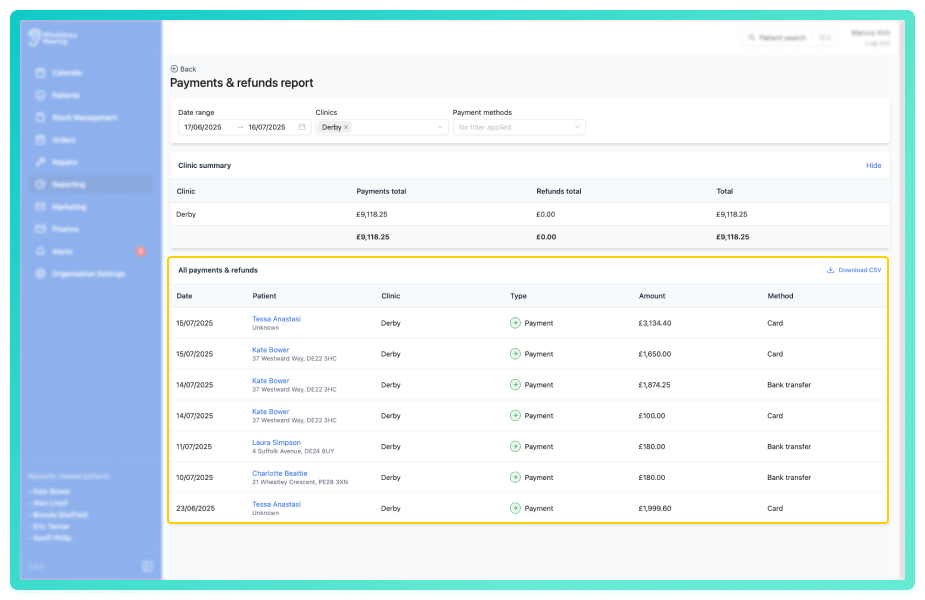
Click the Download CSV button to export the full list of payments and refunds based on your current filters.
Was this article helpful?
That’s Great!
Thank you for your feedback
Sorry! We couldn't be helpful
Thank you for your feedback
Feedback sent
We appreciate your effort and will try to fix the article