Declarations are used when creating an order, and can be written manually or created as a template in organisation settings. Declaration templates use variables to automatically pull in relevant data when generating an order, this makes declarations adaptable to each order/invoice without manual editing.
In this article we will cover how to:
- add a declaration.
- edit an existing declaration.
- delete an declaration.
- understand declaration variables.
Only users with the correct permission can manage declarations. If you think you should have permission to perform such an action please contact the organisation owner.Add invoice declaration
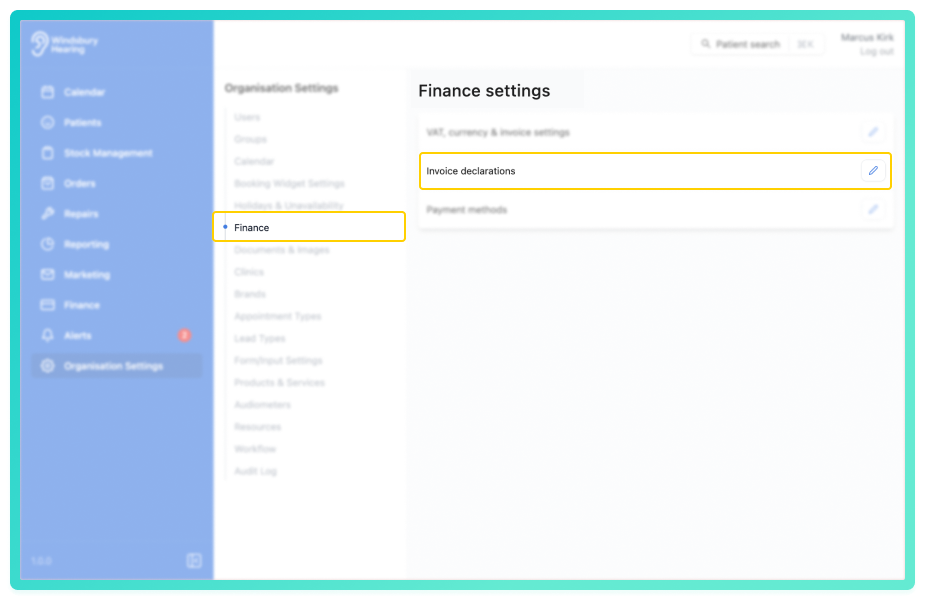
- Navigate to Organisation settings.
- Locate and click the Finance section of the settings.
- Click the Edit icon
 next to Invoice declarations.
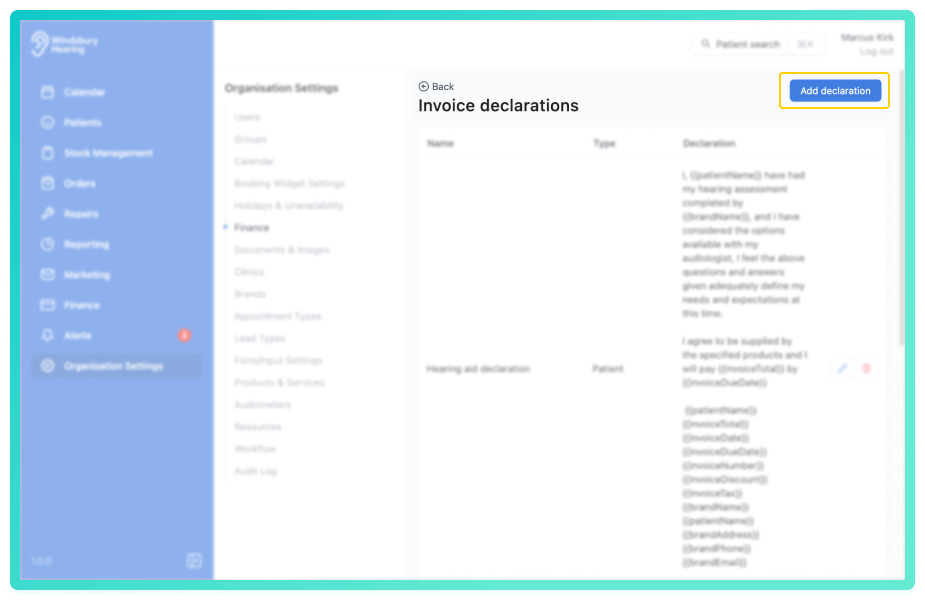
- Click the Add declaration button.
Complete the form according to your declaration's requirements:
- Name: Give your declaration a clear name.
- Type: Choose whether this declaration applies to Patient or Audiologist.
- Declaration: Enter the text of the declaration. (Variables can be added if desired, refer to the variables article for more information.)
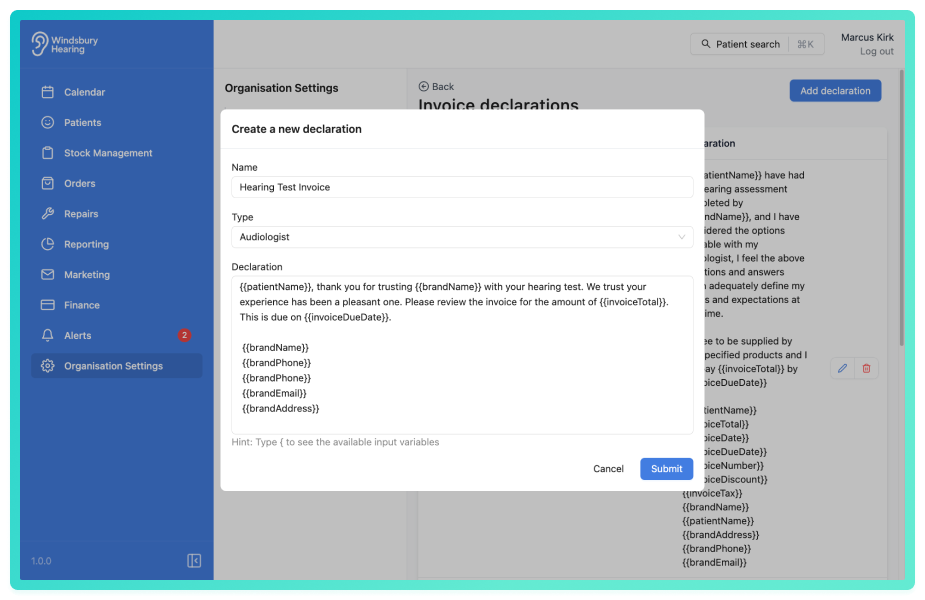
- Click Submit to save the declaration.
Your new declaration will now be ready to use when creating an order.
Edit an invoice declaration
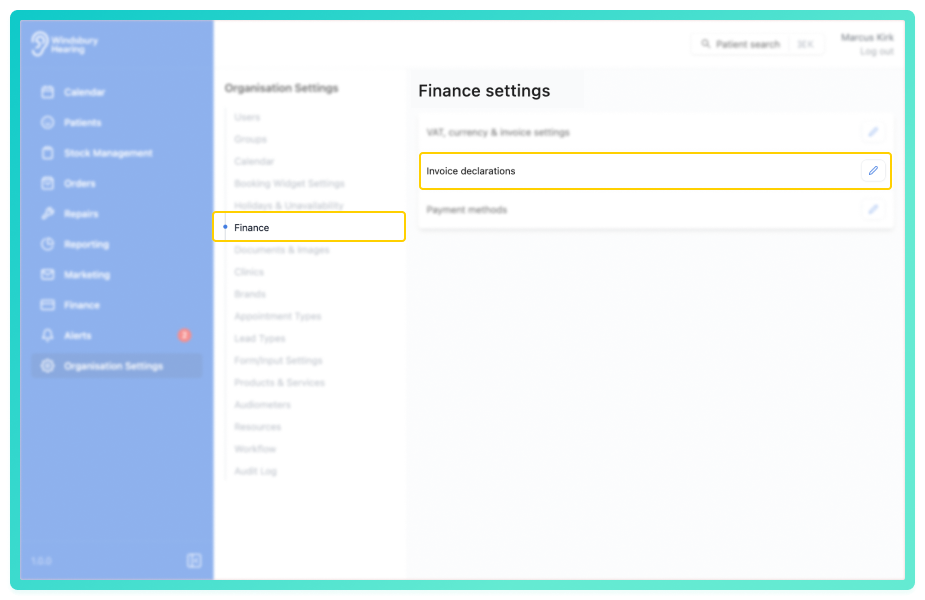
- Navigate to Organisation settings.
- Locate and click the Finance section of the settings.
- Click the Edit iconnext to Invoice declarations.
- Locate the Edit icon
 next to the declaration you want to edit.
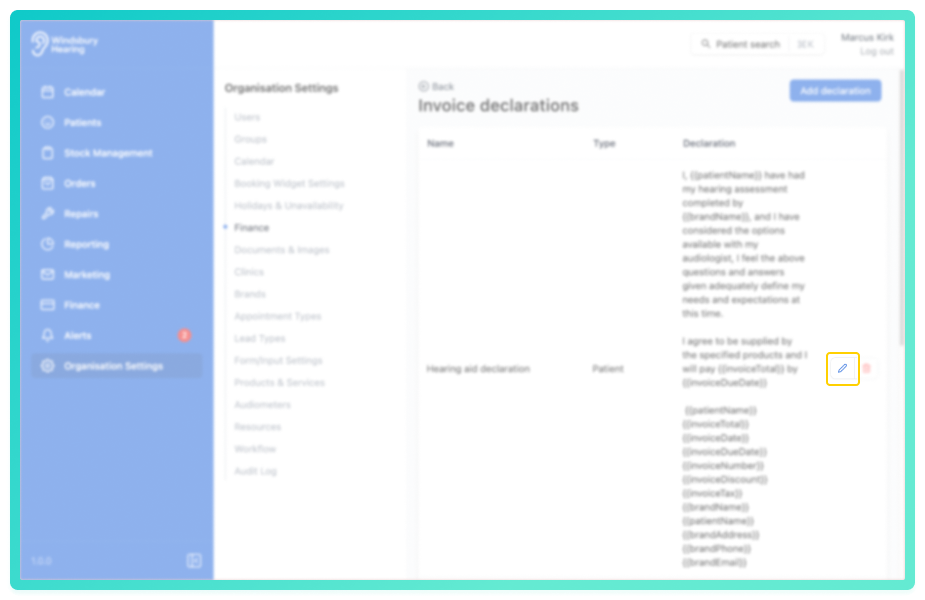
- Click the Edit iconand update the declaration as required.
- Click Submit and save your changes.
Delete an invoice declaration
- In the Invoice declarations list, locate the Delete icon
 next to the declaration you want to delete.
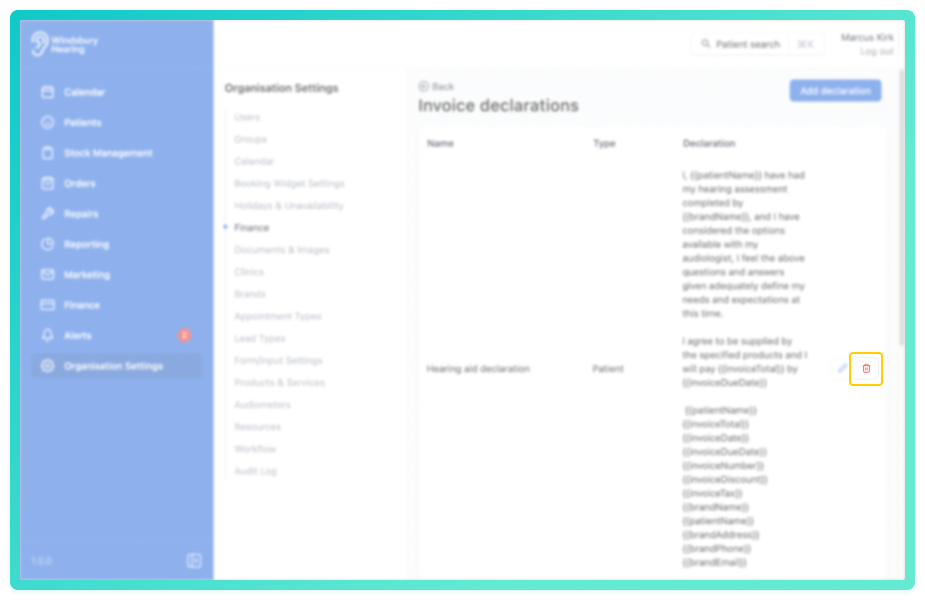
- Click the Delete icon.
- You'll be shown a warning message.
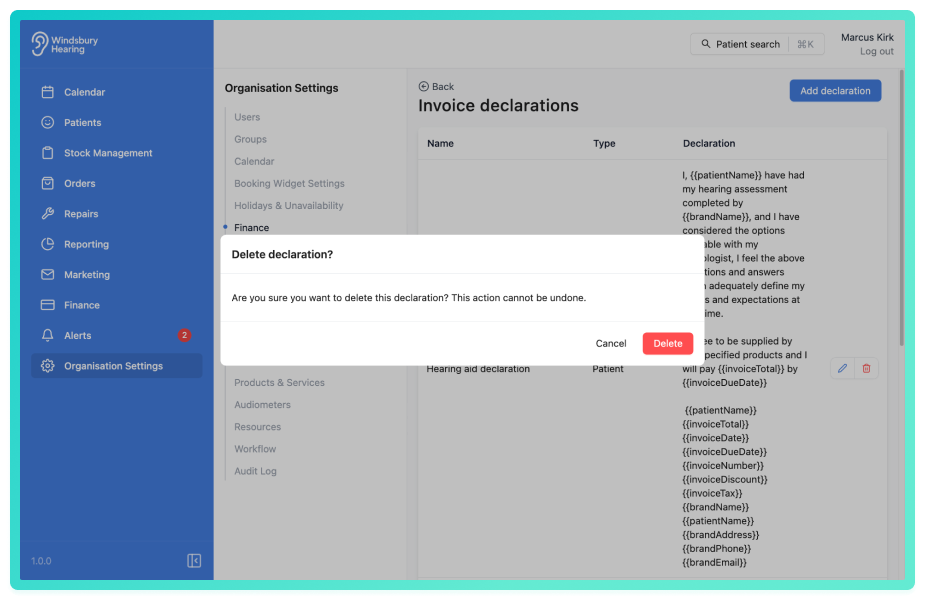
- Click Delete to confirm and remove the declaration.
Warning: Once a declaration has been deleted this action cannot be undone. Please proceed with caution.Understanding declaration variables?
Declaration variables are placeholders within a declaration template that automatically insert specific data when an order is created. For example, a variable could insert the patient’s name, the date, or the audiologist’s details.
How do variables work?
When you add variables to a declaration template, the system “pulls” the relevant information from the patient or order records and inserts it into the declaration at the correct place. This ensures your declarations are always accurate and personalised without manual input.
How to use declaration variables
To use a variable, simply type it into your declaration template enclosed in double curly braces {{ }}. For example:
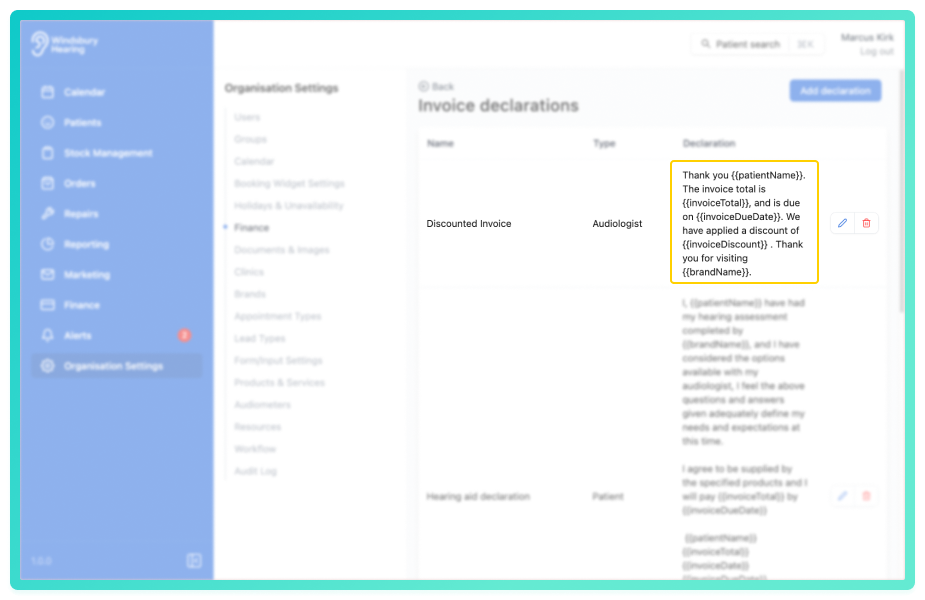
In this example:
{{patientName}}pulls in the patient’s full name{{invoiceTotal}}pulls in the total amount owed{{invoiceDate}}pulls in the date of the invoice{{invoiceDueDate}}pulls in the payment due date{{invoiceDiscount}}pulls in any discount applied{{brandName}}pulls in your organisation’s brand name
These variables will be replaced automatically when the declaration is used in an order.
Benefits of using declaration variables
- Consistency: Ensure declarations always use up-to-date and correct data.
- Efficiency: Save time by avoiding manual editing for each invoice.
- Personalisation: Tailor declarations to include specific patient or order details.
Using declaration variables helps streamline your invoicing process and enhances clarity for both your organisation and patients.
Was this article helpful?
That’s Great!
Thank you for your feedback
Sorry! We couldn't be helpful
Thank you for your feedback
Feedback sent
We appreciate your effort and will try to fix the article