In this article we'll cover how to:
- add a group to the organisation.
Only users with the correct permissions can add a group. If you think you should have permission to perform such an action please contact the organisation owner.Add a group
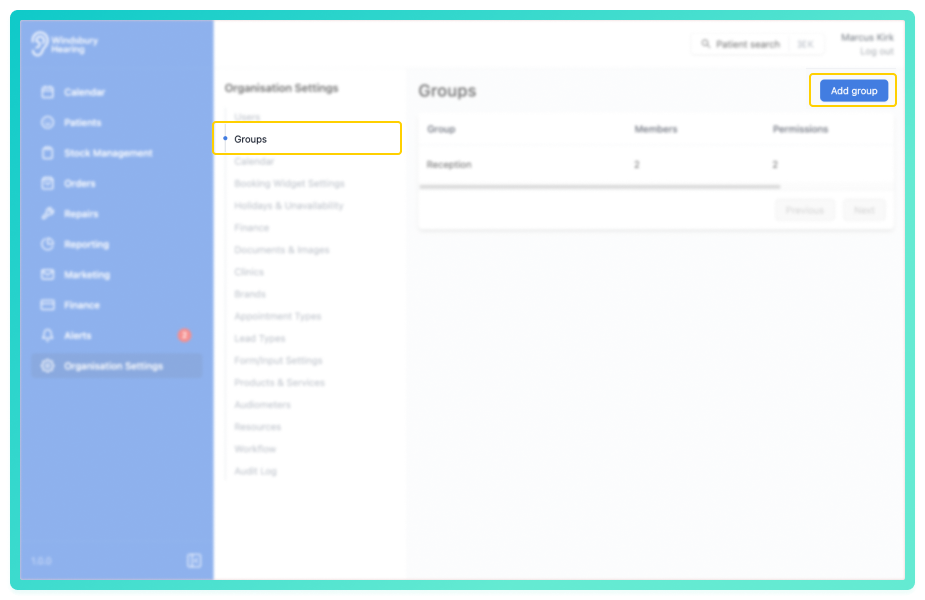
- Navigate to Organisation Settings.
- Locate and click the Groups section of the settings.
- Click the Add group button.
You'll be shown a form where you can:
- Enter a Group Name (required).
- Add a Description (optional).
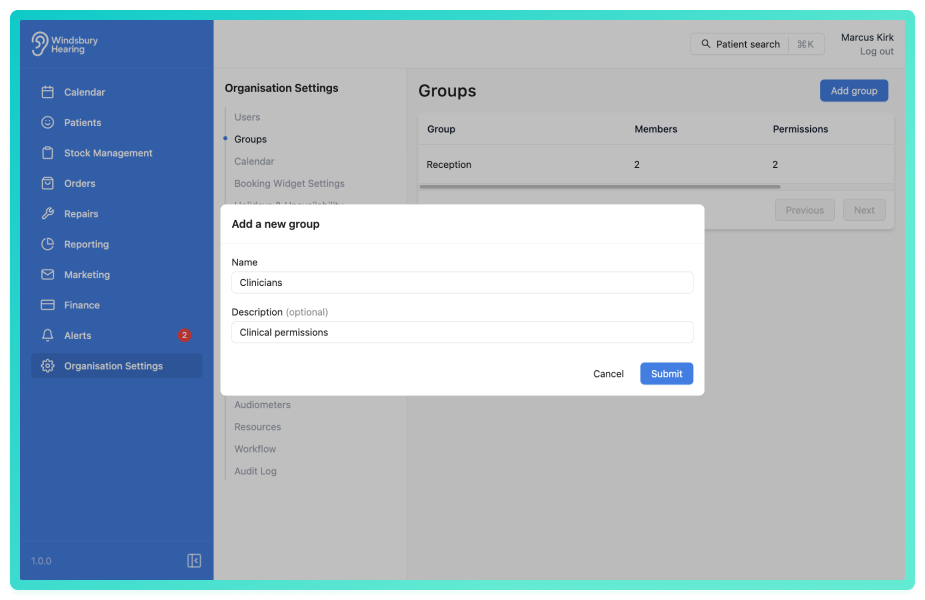
Once submitted, you'll be redirected to the Group Details page.
From here you can:
- Set the group's permissions.
- Add members to the group
- Edit the group details.
Was this article helpful?
That’s Great!
Thank you for your feedback
Sorry! We couldn't be helpful
Thank you for your feedback
Feedback sent
We appreciate your effort and will try to fix the article