In this article we'll cover how to:
- create a new order for a patient.
- understand the available order form types.
Create an order
- Navigate to the desired patient.
- Locate and click the Orders tab.
- Click the Create order text.

You'll be presented with two order form options:
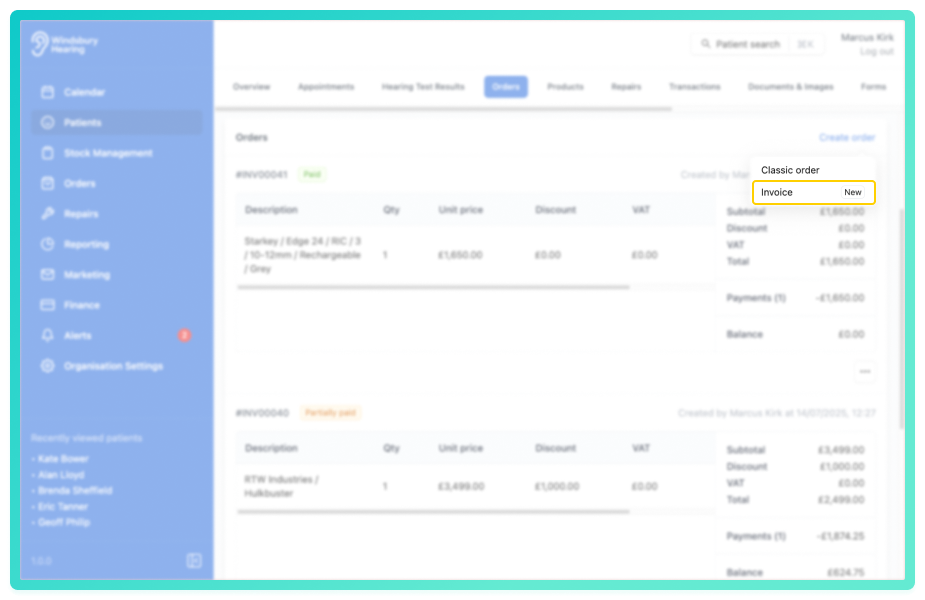
HearLink recommends using the Invoice order form to use the latest system features.- Complete the form with the Invoice details.
- Click Submit to save.
For a more detailed guide on invoicing, see create an invoice.Was this article helpful?
That’s Great!
Thank you for your feedback
Sorry! We couldn't be helpful
Thank you for your feedback
Feedback sent
We appreciate your effort and will try to fix the article