If an order is open or partially paid, you may choose to write off the remaining balance.
In this article we'll cover how to:
- write off the remaining balance of an order.
Write off an order
- Navigate to the desired patient.
- Locate and click the Orders tab.
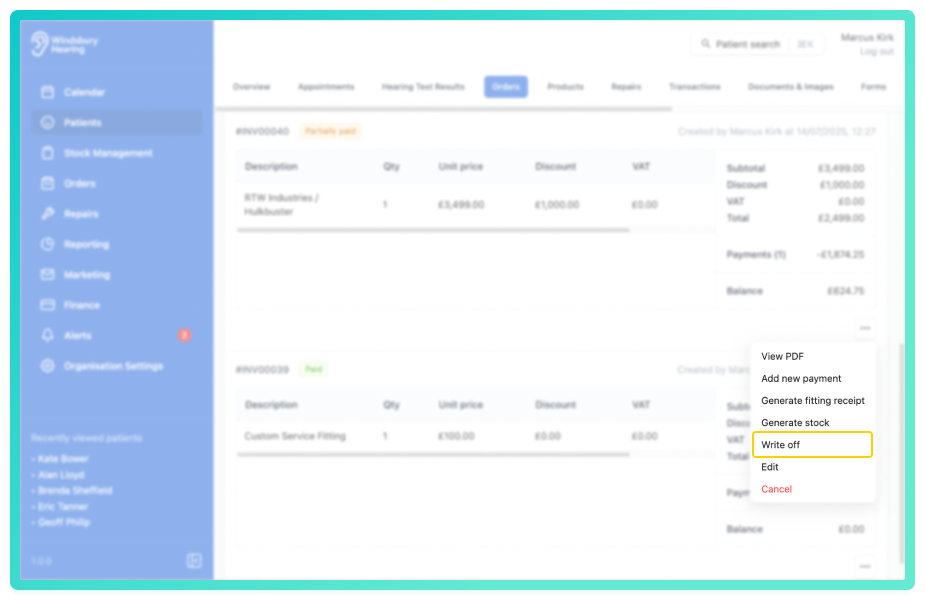
- Locate the relevant order, then click More options

You can only write off an order if the status is partially paid or open.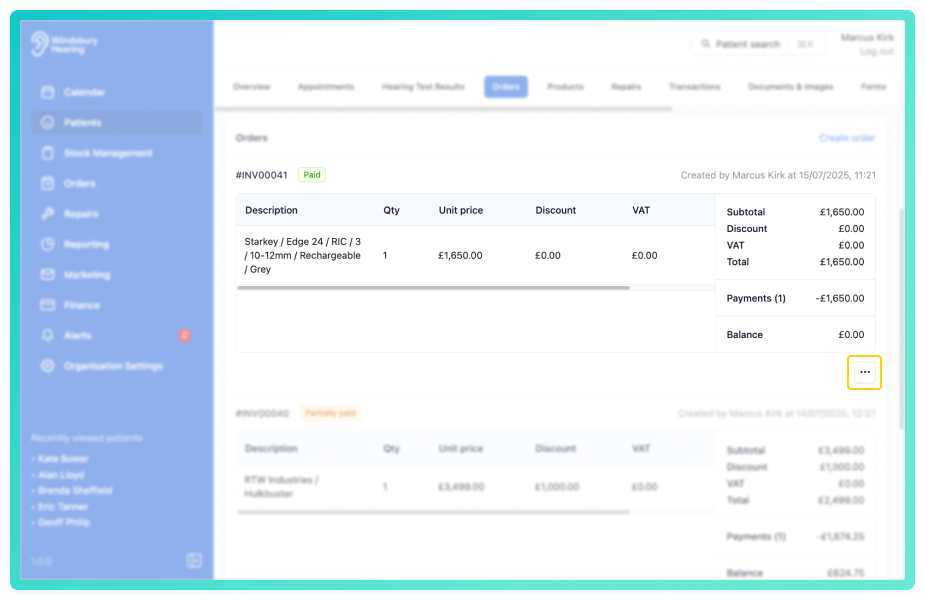
- You'll be shown a warning message.
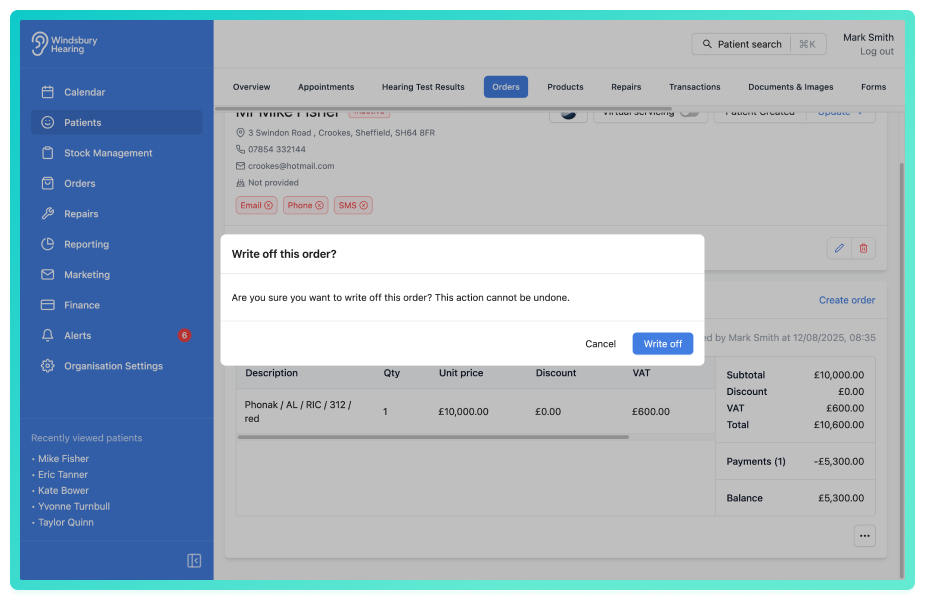
- Click Write off to confirm and write off the order.
The order status will be updated to Written off.
Once written off, the only available option is to cancel the order.Was this article helpful?
That’s Great!
Thank you for your feedback
Sorry! We couldn't be helpful
Thank you for your feedback
Feedback sent
We appreciate your effort and will try to fix the article