The booking widget allows patients to request appointments directly through your organisation’s website. You can customise the widget to reflect your organisation’s availability, preferences, and data collection needs.
In this article we'll cover:
- what the booking widget is used for.
- which settings are available.
- how each setting impacts the patient booking experience.
What is the booking widget?
The booking widget is an online interface that can be embedded into your website or shared via a direct link. It allows patients to request an appointment by selecting an available time, choosing a location, and entering relevant information. All based on the configuration set by your organisation.
Why use the booking widget?
The widget offers a seamless, patient-friendly booking experience while reducing the administrative workload for your staff. Key benefits include:
- Real-time availability: Patients can only request appointments during times you've made available.
- Data collection: You choose which information is gathered at the time of booking.
- Notification-ready: Your team can receive real-time email alerts when a booking is made.
- Flexible configuration: Adapt the widget to reflect the structure and needs of your organisation, including multiple clinic locations.
What can be configured?
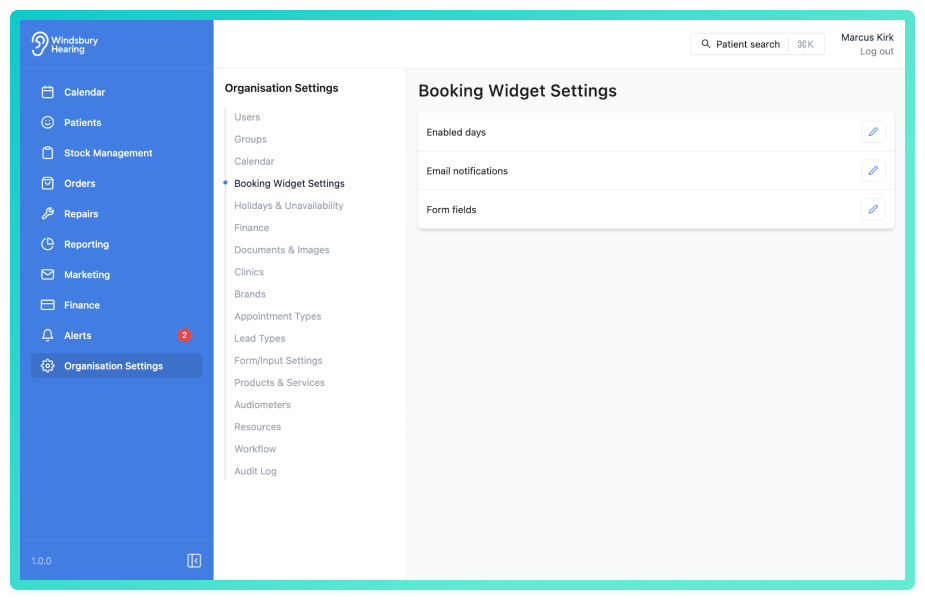
Organisations can control various aspects of the booking process, such as:
- Which days are available for booking.
- Which form fields patients are required to complete.
- Time slot settings. Book at 5, 10, 15, 20, 30, 60 minute intervals along with appointment type duration.
- Who receives booking notifications internally.
- How availability is handled across different clinics.
The booking widget is a powerful extension of your organisation’s digital front door. Designed to simplify the appointment process for patients while giving your team the flexibility to manage schedules effectively.
Was this article helpful?
That’s Great!
Thank you for your feedback
Sorry! We couldn't be helpful
Thank you for your feedback
Feedback sent
We appreciate your effort and will try to fix the article