In the alerts overview there is a section to preview upcoming alerts in the next six months. You can choose to view these previews by type in more detail.
In this article we'll cover how to:
- view a preview of upcoming alerts by type.
View upcoming alerts by type
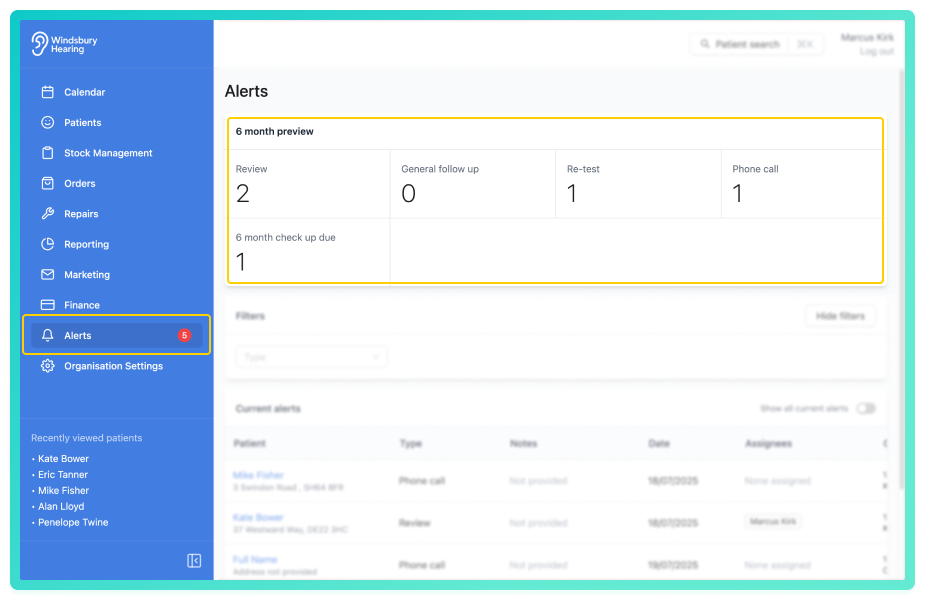
You can now view a list of alerts for that type for the next six months.
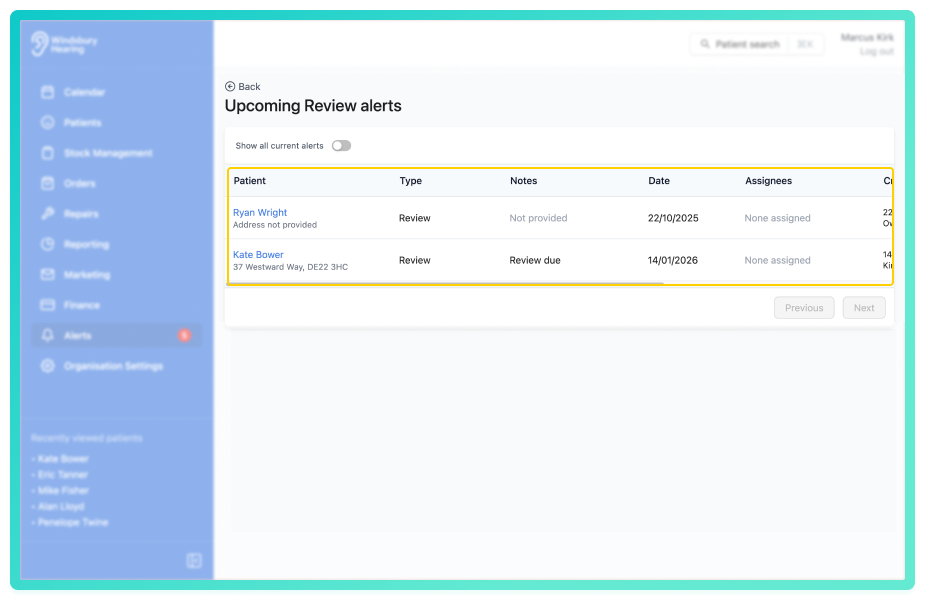
From here, you can add a note, edit or delete the alert.
Was this article helpful?
That’s Great!
Thank you for your feedback
Sorry! We couldn't be helpful
Thank you for your feedback
Feedback sent
We appreciate your effort and will try to fix the article