On occasions such as moving an appointment time or a changing the location, you may need to update an existing appointment.
In this article we'll cover how to:
- edit an appointment directly from the calendar view.
Edit an Appointment
- Navigate to Calendar.
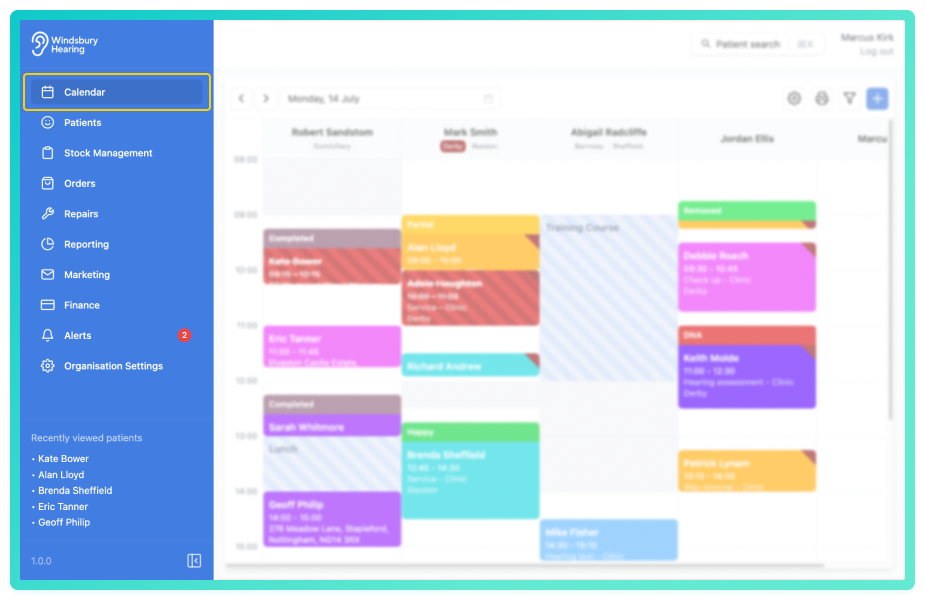
- Locate the required appointment, then click More options

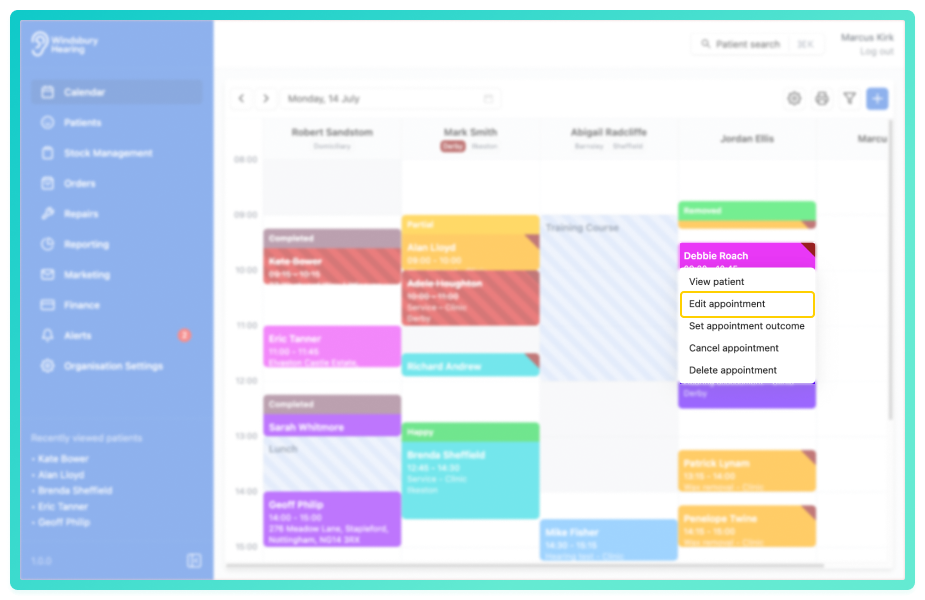
- Update the the Appointment details as required.
- Click Submit to save your changes.
For more information on the appointment form fields please read this article.
You'll be returned to the Calendar view. The updated details will be reflected in the appointment entry.
Was this article helpful?
That’s Great!
Thank you for your feedback
Sorry! We couldn't be helpful
Thank you for your feedback
Feedback sent
We appreciate your effort and will try to fix the article