You can configure where the account address pre-fills from when creating a repair. This allows you to set a default address source at the organisation level, which can be the organisation address, a clinic address, or a custom fixed address.
In this article we'll cover how to:
- manage repair address settings.
- set the address source for repairs.
- configure a custom address.
Only users with the correct permissions can update calendar settings. If you think you should have permission to perform such an action, please contact your organisation owner.Manage repair address settings
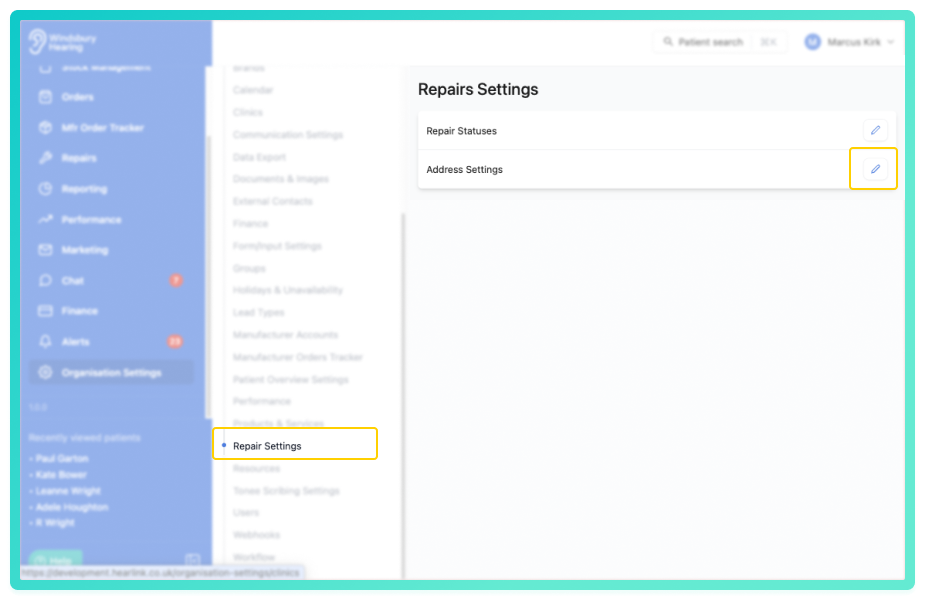
- Navigate to Organisation settings.
- Locate and click the Repair Settings section.
- Click the Edit
 icon next to Address Settings.
Set the address source
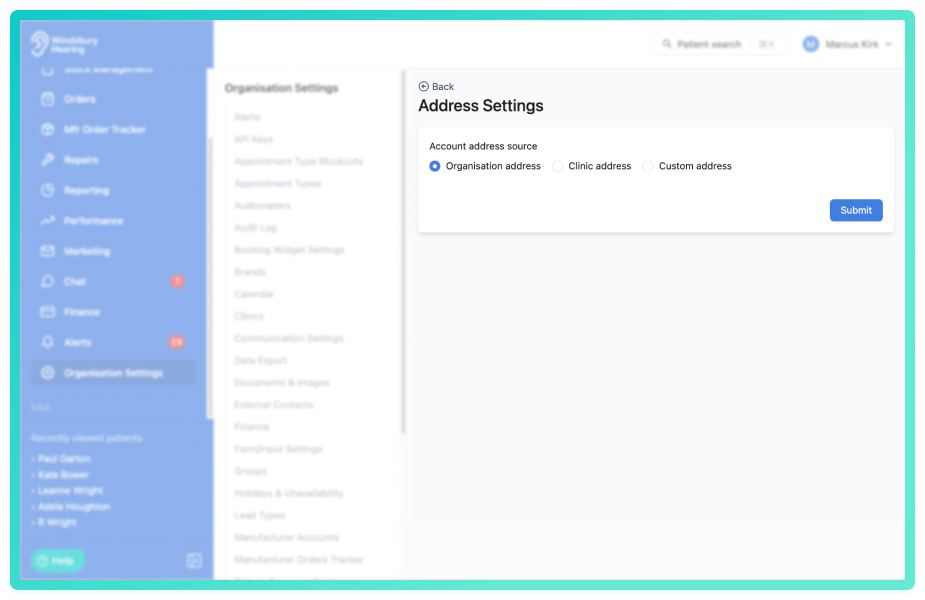
Select one of the following options for where the account address will pre-fill from when creating a repair:
- Organisation address — uses your organisation's registered address (default).
- Clinic address — uses the address of the clinic selected on the repair. If no clinic is selected, the organisation address is used instead.
- Custom address — uses a fixed custom address that you configure.
Configure a custom address
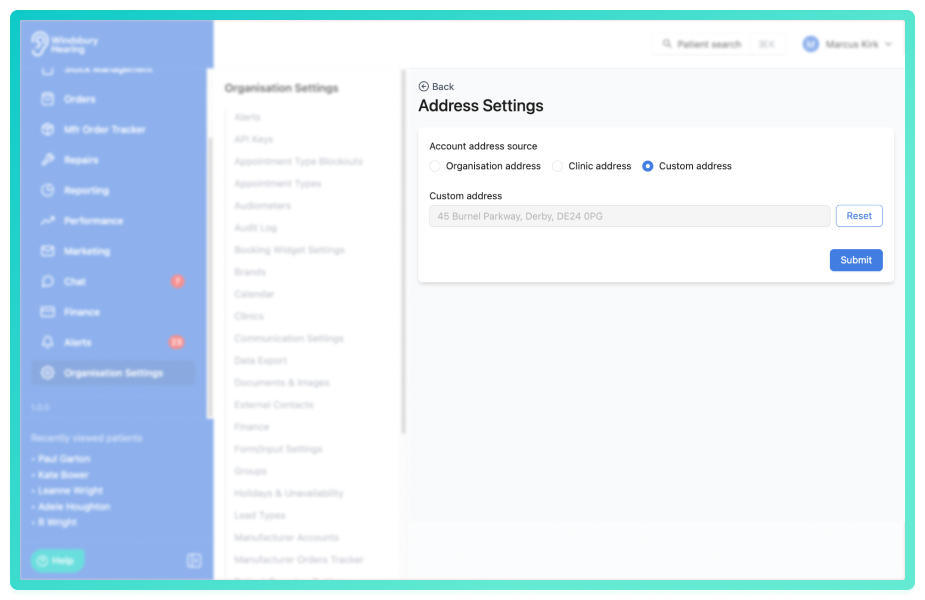
- Select Custom address.
- Enter the address you want to use in the Address field.
- Click Save
Was this article helpful?
That’s Great!
Thank you for your feedback
Sorry! We couldn't be helpful
Thank you for your feedback
Feedback sent
We appreciate your effort and will try to fix the article