You can create a marketing query using Tonee, HearLink's AI assistant, to generate tailored patient lists for your marketing needs. You can also manage marketing queries in the Marketing section. This allows you to revisit past data or keep your marketing section tidy.
In this article we'll cover how to:
- create a marketing query, using Tonee.
- view a marketing query.
- delete a marketing query.
Create a marketing query
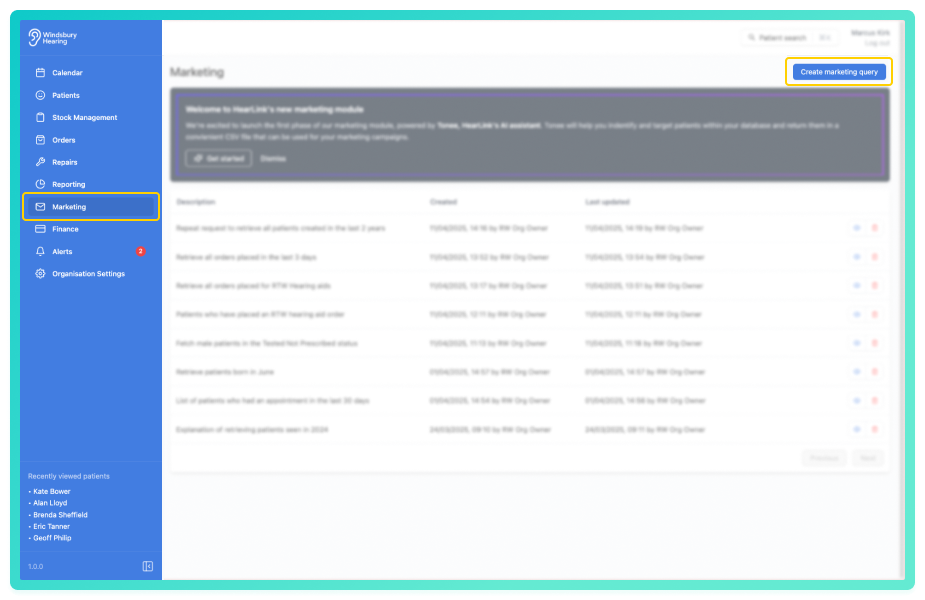
- Navigate to Marketing.
- Locate and click the Create marketing queries using Tonee, HearLink's AI assistant.

You'll be greeted by Tonee, HearLinks AI assistant, ready to help with your marketing request.
- Choose from one of the example prompts, or type your own custom query.
Optional: Tick Don't show introduction again if you want to skip the welcome screen in future.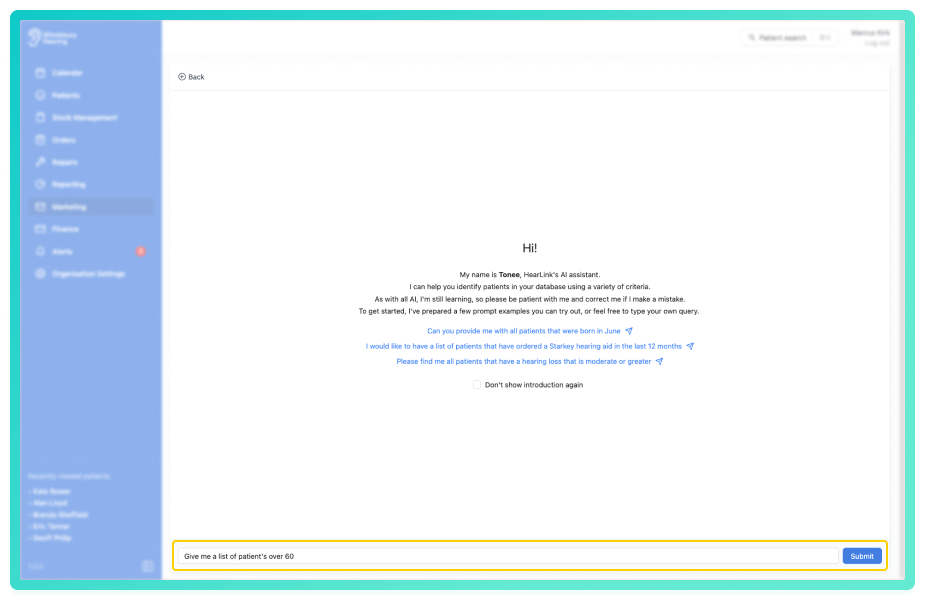
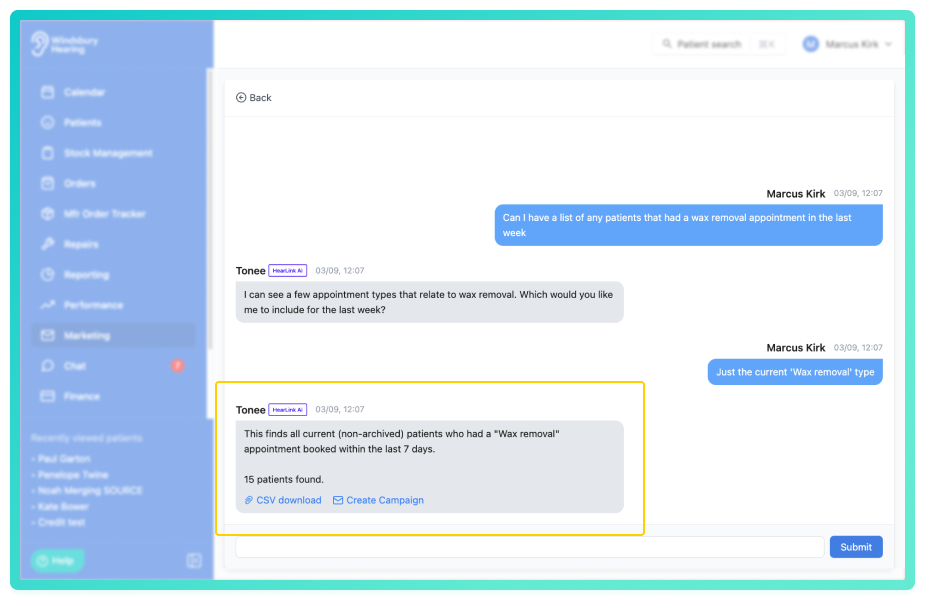
Tonee will ass any clarifying questions and then process your request and return the details of the data and two actionable options:
- A downloadable CSV file containing the requested patient data. You can then use this file for your external email marketing, SMS campaigns, or data analysis.
- Th ability to create a email marketing campaign directly from the data received, no need to leave HearLink and use an external marketing tool.
View a marketing query
 next to the relevant query.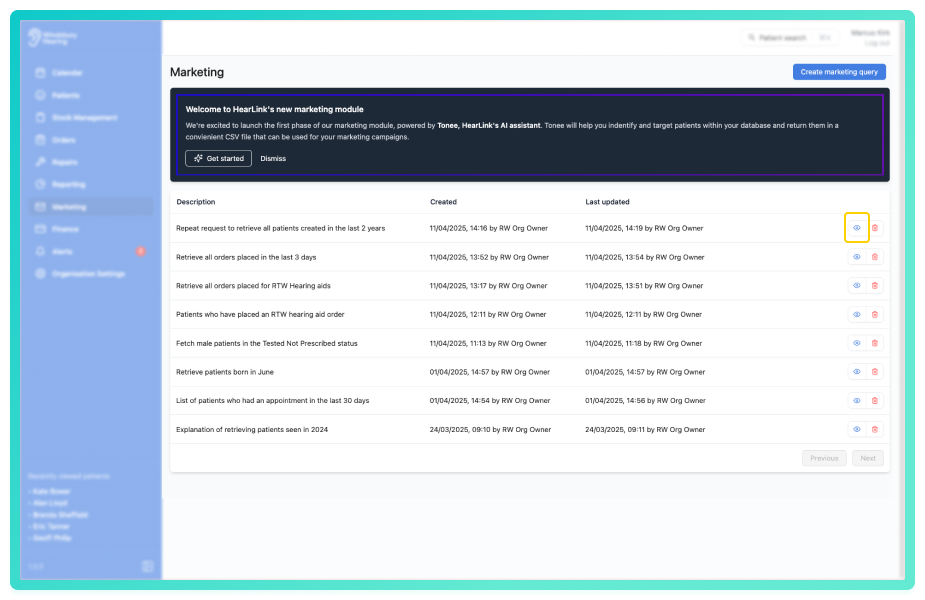
You'll be able to:
- expand previous queries.
- download the CSV file associated with the query.
Delete a marketing query
- Locate and click the Delete icon
 .
.
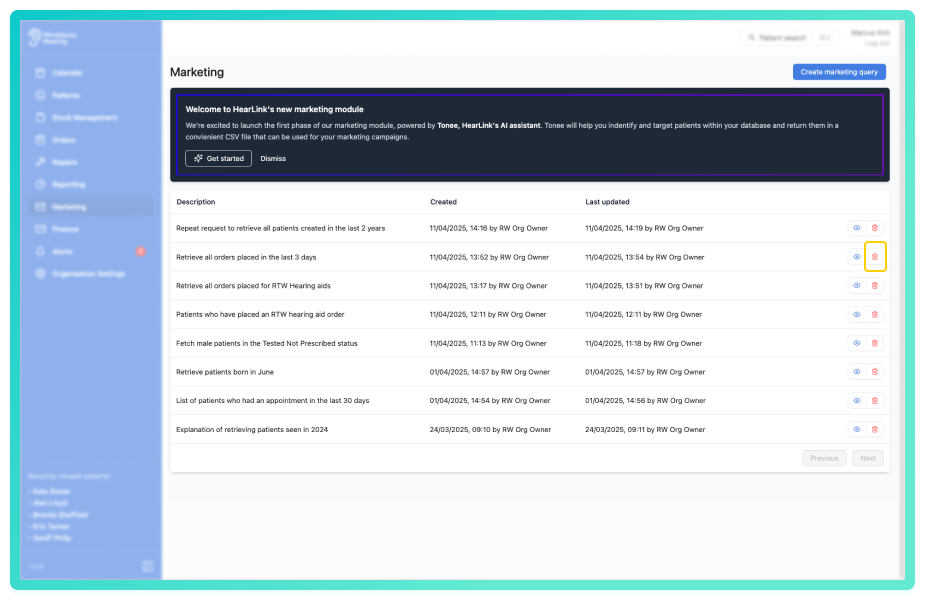
- You'll be shown a warning message.
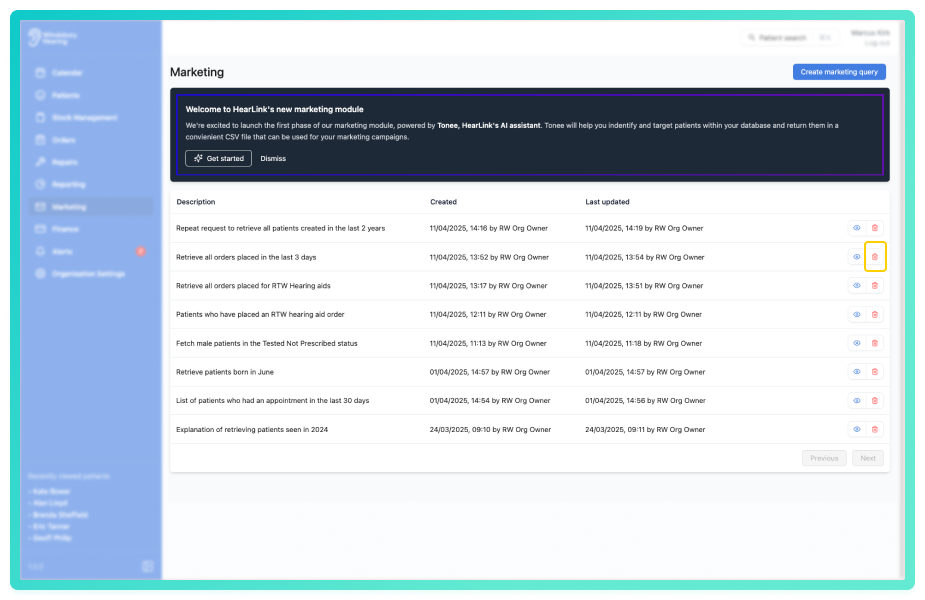
- Click Delete to confirm and delete the marketing query.
Warning: Once a query has been deleted this action cannot be undone. Please proceed with caution!
Was this article helpful?
That’s Great!
Thank you for your feedback
Sorry! We couldn't be helpful
Thank you for your feedback
Feedback sent
We appreciate your effort and will try to fix the article