Notes can be added to a repair from either the repairs section or the patient dashboard.
In this article we'll cover how to:
- add a note from repairs.
- add a note from the patient dashboard.
Add note from Repairs
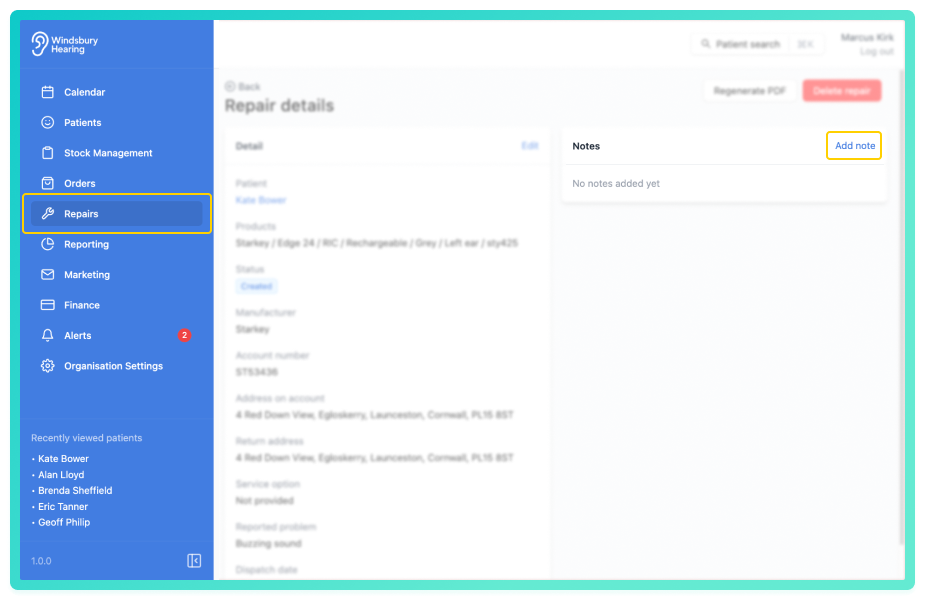
- Add your new note to the Repair.
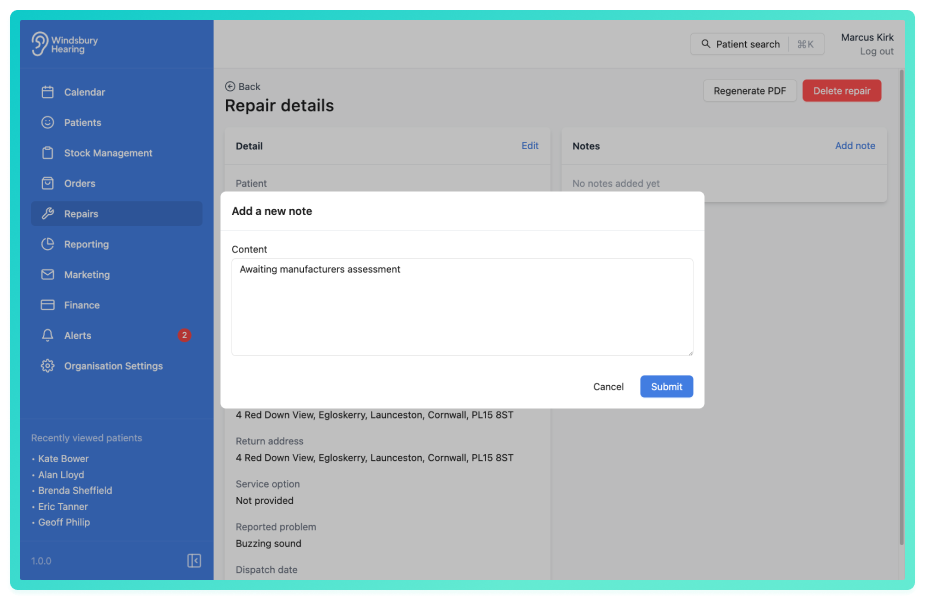
- Click Submit to save the note.
The note will then be viewable in the repair details.
Add a note from the patient dashboard
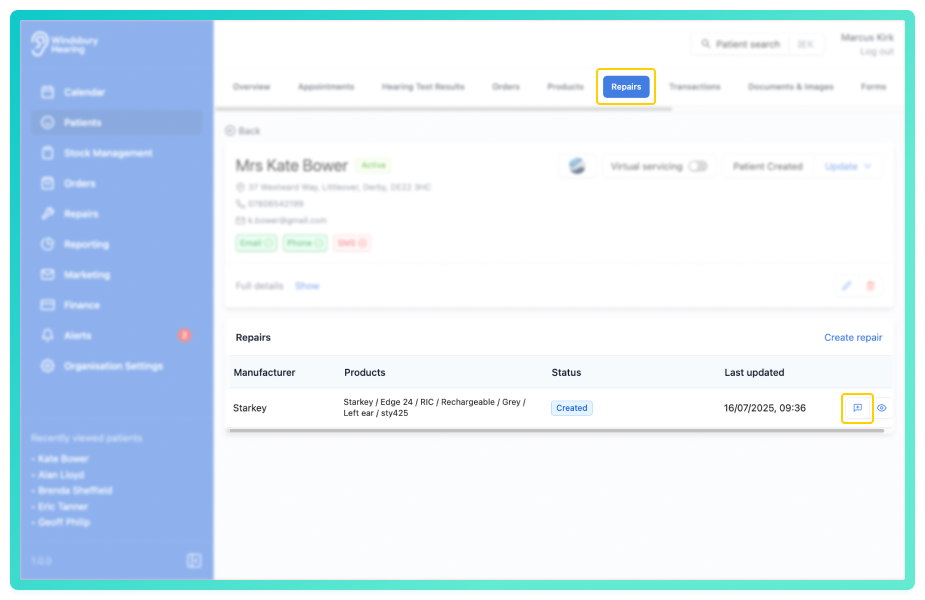
- Navigate to the desired patient.
- Click the Repairs tab.
- Locate the relevant repair, then click the Add note icon

- Add your New note to the Repair.
- Click Submit to save the note.
Was this article helpful?
That’s Great!
Thank you for your feedback
Sorry! We couldn't be helpful
Thank you for your feedback
Feedback sent
We appreciate your effort and will try to fix the article