The Repairs section allows you to manage hearing aid repairs across your organisation or for individual patients. Repairs can be created, updated, and tracked at each stage of the process, from creation to return.
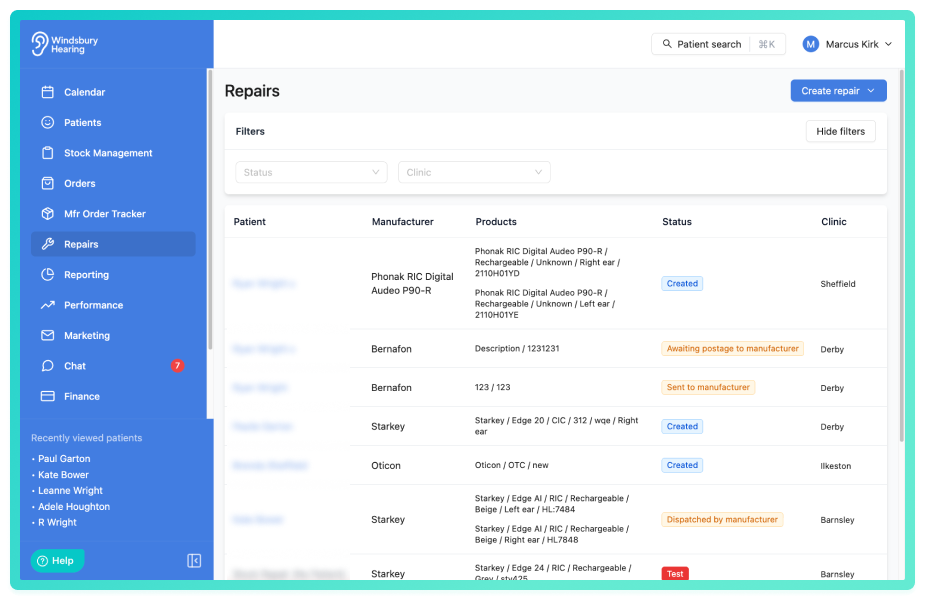
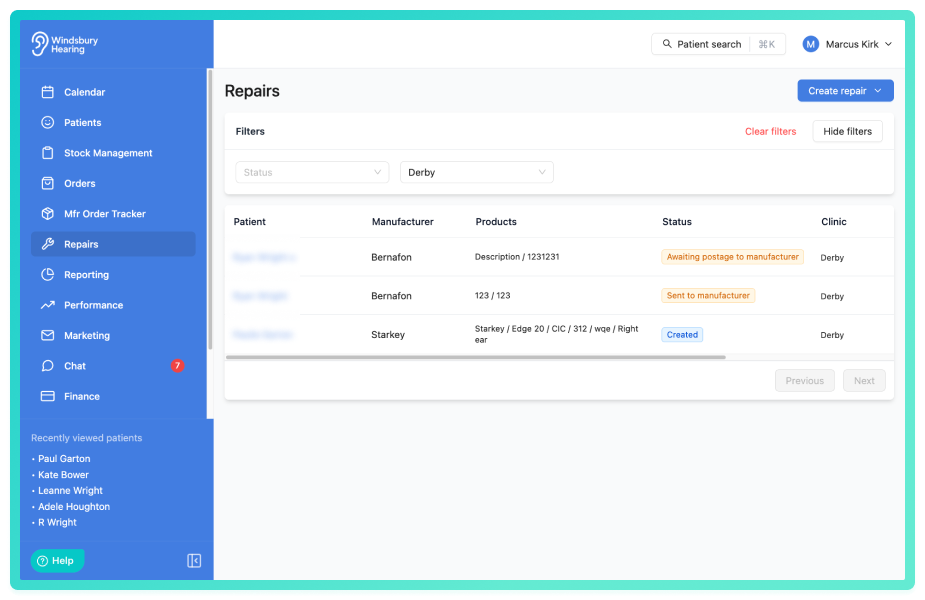
Repairs can be filtered by status and clinic using the filter option
To find out more about repairs, see these articles:
- Create a repair from the Repairs section or the patient dashboard.
- Edit or delete a repair.
- Add notes to a repair.
- Update repair statuses as they progress.
- View full repair details.
- Understand the different repair status types and their impact.
Repairs can be monitored centrally or per patient, helping you stay on top of ongoing cases and ensure timely communication and resolution.
Was this article helpful?
That’s Great!
Thank you for your feedback
Sorry! We couldn't be helpful
Thank you for your feedback
Feedback sent
We appreciate your effort and will try to fix the article