The Documents & Images section of Organisation Settings lets you manage how files are uploaded and stored across the HearLink system. This includes the ability to define custom upload types and configure fitting receipt settings, helping keep your file management structured aligned with your organisation’s needs.
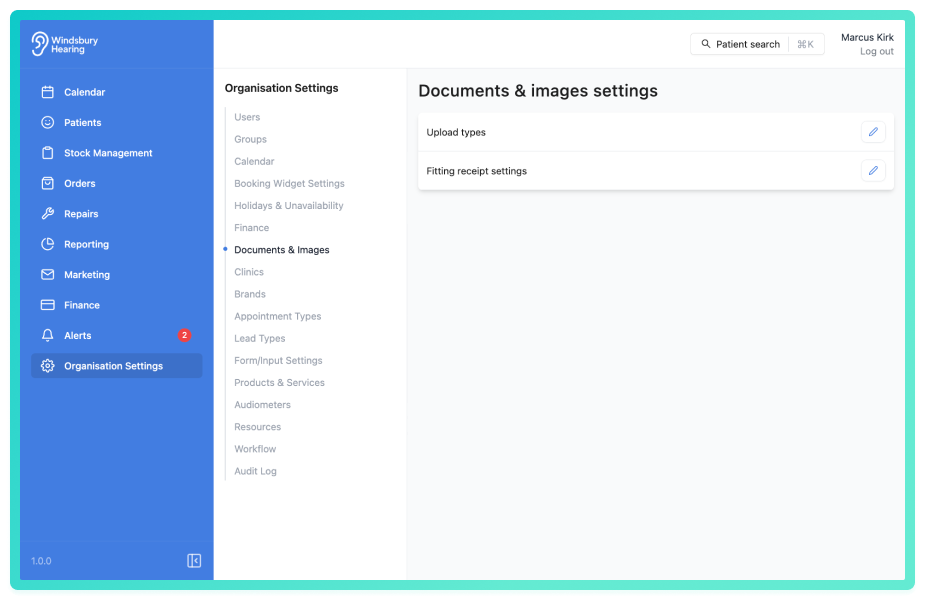
Here's what you can manage under Documents & Images:
- Add Upload Types
Create custom upload types for better organisation and categorisation of patient files, test results, and administrative documents. - Edit or Delete Upload Types
Modify existing upload types to suit changing needs or remove any that are no longer in use. - Configure Fitting Receipt Settings
Customise the content and format of the fitting receipt to match your organisation’s workflow and communication style.
Why is matters?
A well-structured file system improves efficiency and ensures important documents are easy to locate and identify. By defining upload types and configuring fitting receipt settings, you reduce ambiguity and support consistency across the organisation.
Was this article helpful?
That’s Great!
Thank you for your feedback
Sorry! We couldn't be helpful
Thank you for your feedback
Feedback sent
We appreciate your effort and will try to fix the article