In this article we'll cover:
- how to add a resource.
- assign the resource to a clinic
- link a resource to an appointment type.
Only users with the correct permissions can add a resource. If you think you should have permission to perform such an action please contact the organisation owner.Add a resource
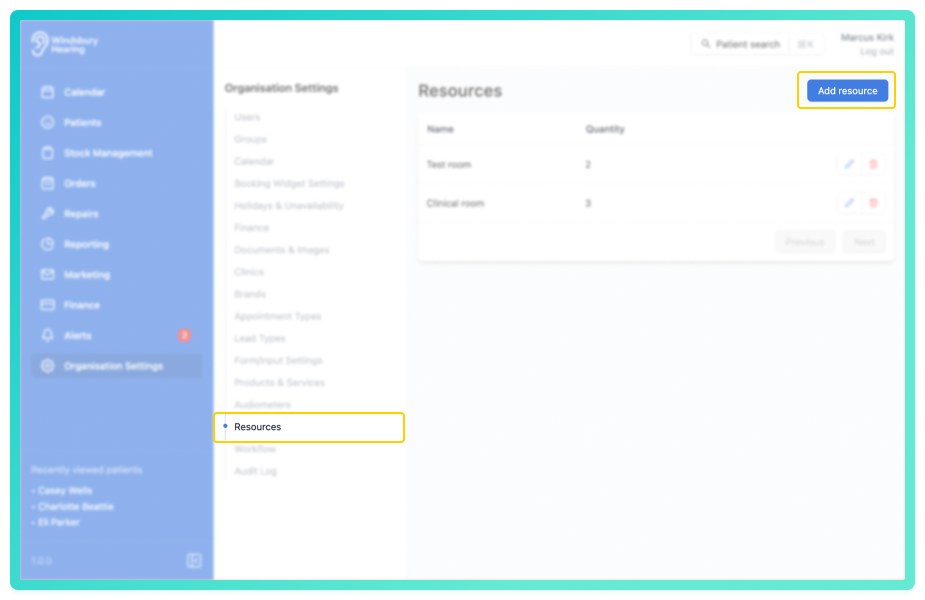
- Navigate to Organisation settings.
- Locate and click the Resources section of the settings.
- Click the Add resource button.
- Complete the form with the Resource's details.
If your organisation only has one clinic, you don't need to enable Clinic resource. If you have multiple clinics and need to assign resources individually, we'll cover that below.
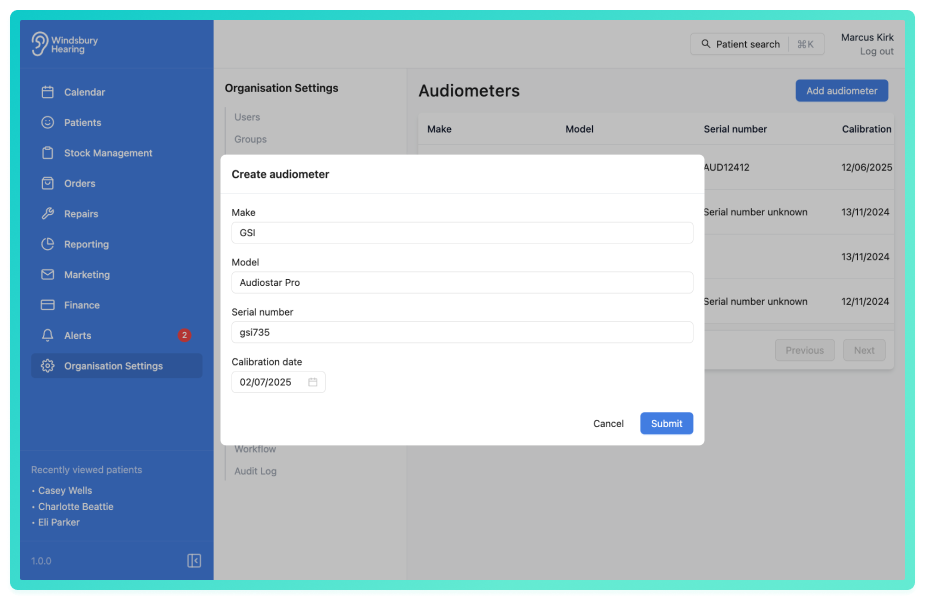
- Click Submit to save the resource.

Add a resource to a clinic
If your organisation has multiple clinics, you may need to allocate specific resources to each one.
Example: if you have 9 Micro Suction Kits spread across 5 locations, you can assign the appropriate number to each clinic.
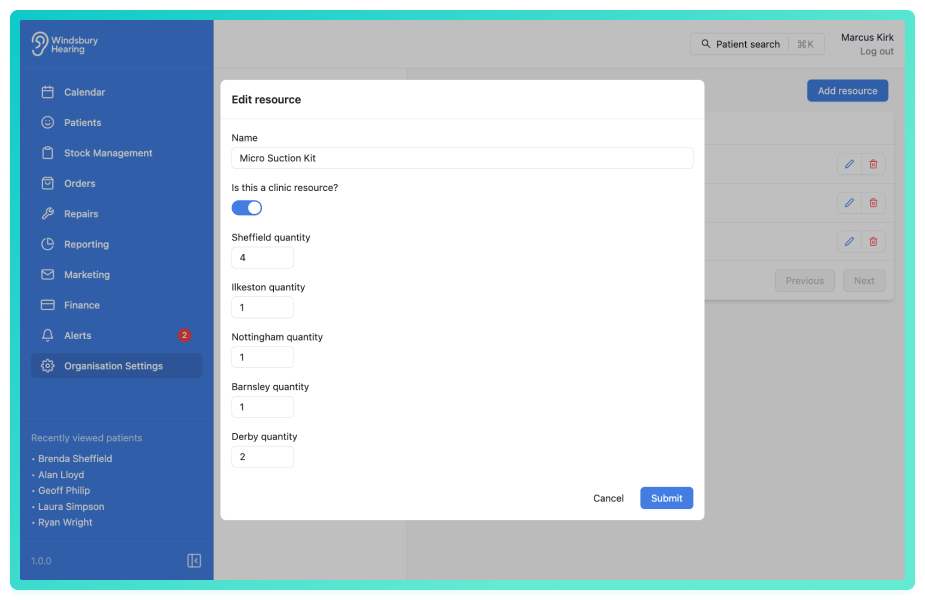
- Click Submit to save the clinic rooms.
Once assigned, these resources can be used when creating an appointment type.
Was this article helpful?
That’s Great!
Thank you for your feedback
Sorry! We couldn't be helpful
Thank you for your feedback
Feedback sent
We appreciate your effort and will try to fix the article