You can manage your previous marketing queries by viewing or deleting them as needed. This allows you to revisit past data or keep your marketing section tidy.
In this article we'll cover how to:
- view a marketing query.
- delete a marketing query.
View a marketing query
 next to the relevant query.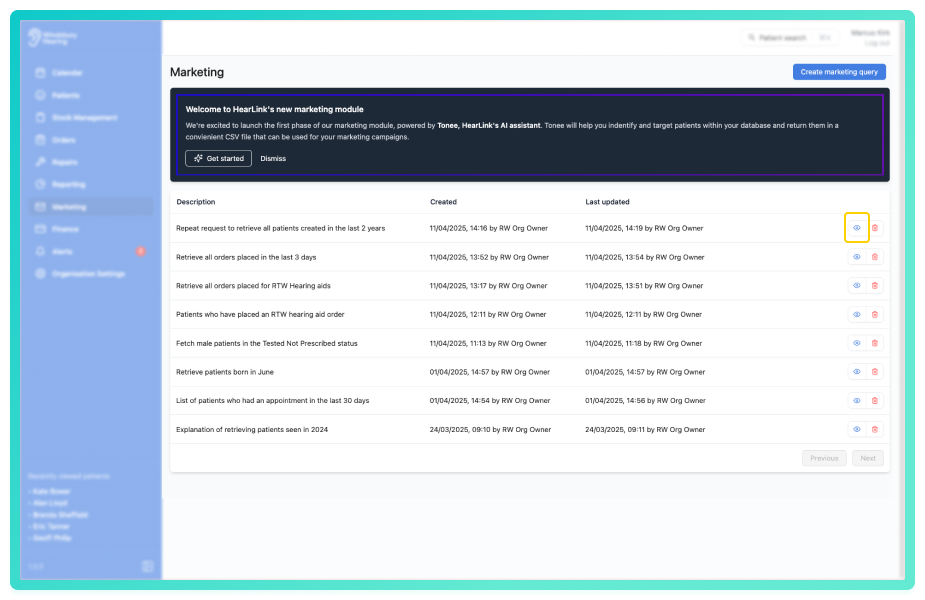
You'll be able to:
- expand previous queries.
- download the CSV file associated with the query.
Delete a marketing query
- Locate and click the Delete icon
 .
.
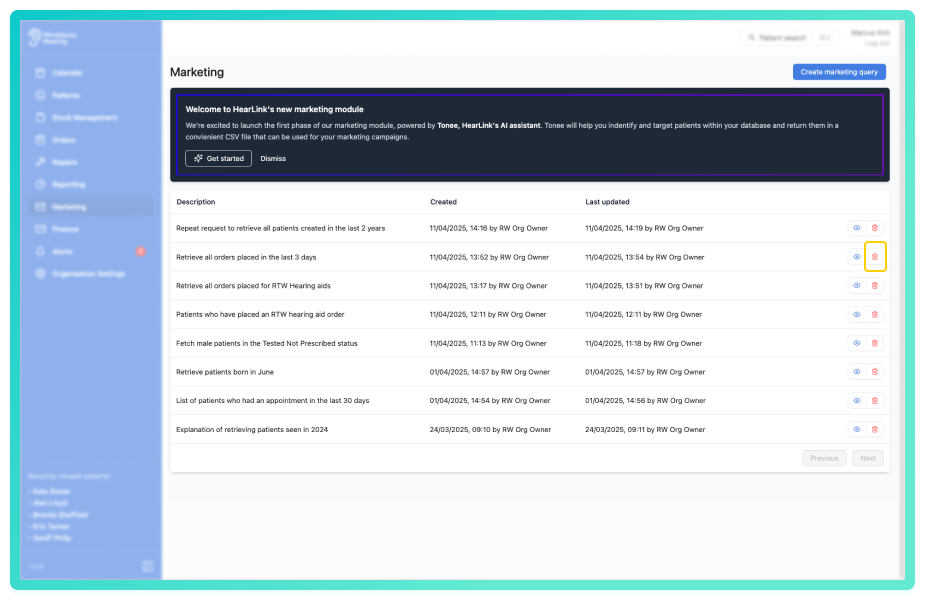
- You'll be shown a warning message.
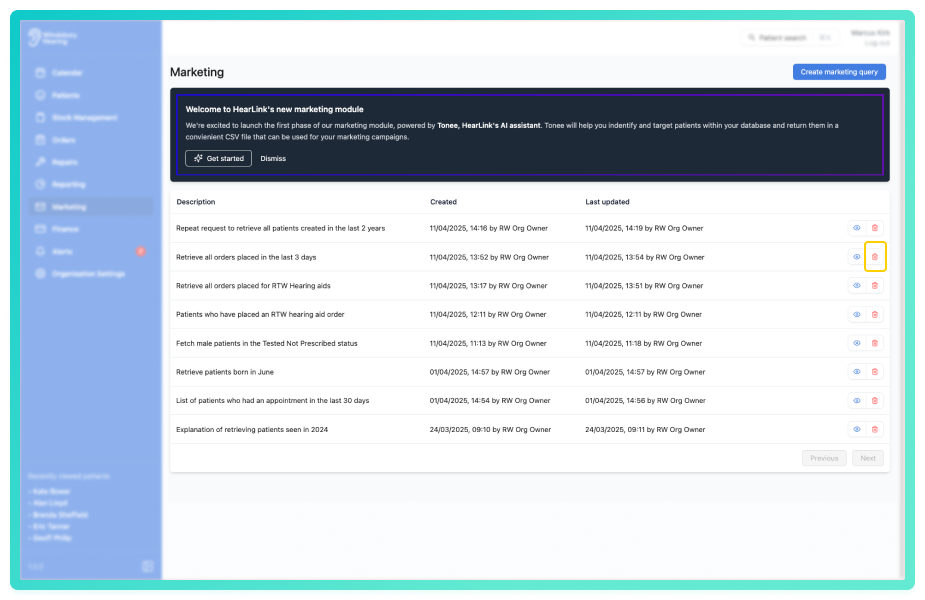
- Click Delete to confirm and delete the marketing query.
Warning: Once a query has been deleted this action cannot be undone. Please proceed with caution!
Was this article helpful?
That’s Great!
Thank you for your feedback
Sorry! We couldn't be helpful
Thank you for your feedback
Feedback sent
We appreciate your effort and will try to fix the article