As an organisation you may wish to initially hide the financial part of the patient overview, if for example you are reviewing the patient's data. This can be overridden in the Patient overview.
In this article we'll cover how to:
- enable or disable hiding financial information on the patient overview.
Only users with the permissions to hide financial information can do so. If you think you should have permission to perform such an action please contact the organisation owner.Enable or disable hiding financial information on the patient overview
- Navigate to Organisation settings.
- Locate the Patient Overview Settings section of the settings.
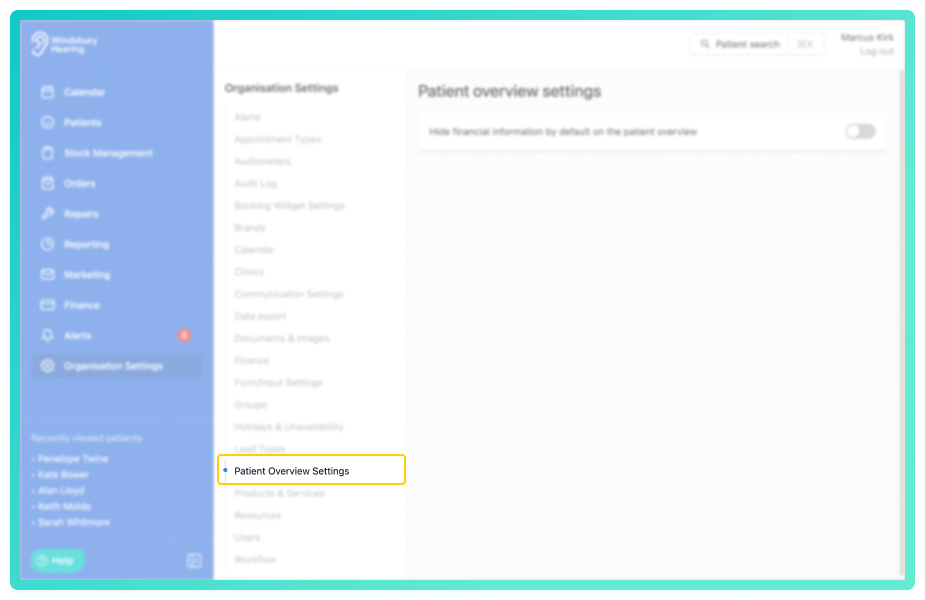
- Enable or disable the setting as required.
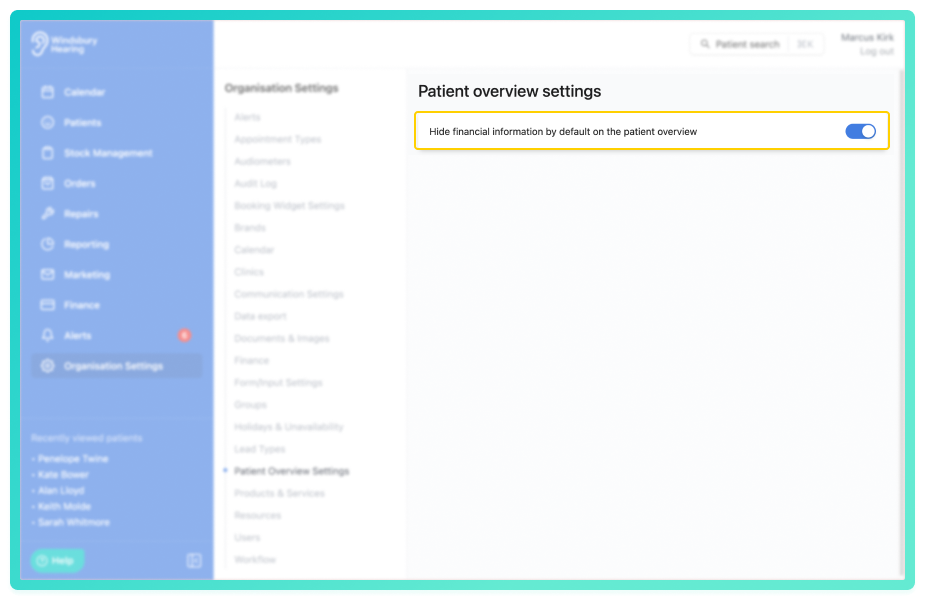
- With the setting enabled the financial information with be hidden as default.
- With the setting disabled the financial information will be shown as default.
Either setting can be overridden within the patient overview page for quickly switching between shown or hidden.
Was this article helpful?
That’s Great!
Thank you for your feedback
Sorry! We couldn't be helpful
Thank you for your feedback
Feedback sent
We appreciate your effort and will try to fix the article