Organisations can configure how the patient statuses progress within their workflow. A status can either transition to all other statuses or be restricted to one or more specific statuses, depending on your requirements.
In this article we'll cover how to:
- configure a status to transition to any other status.
- configure a status to transition to one or more specific statuses.
Only users with the correct permissions can change status transitions. If you think you should have permission to perform such an action please contact the organisation owner.Configure a status to transition to any other status
- Navigate to Organisation settings.
- Locate and click the Workflow section of the settings.
- Click the Edit button.
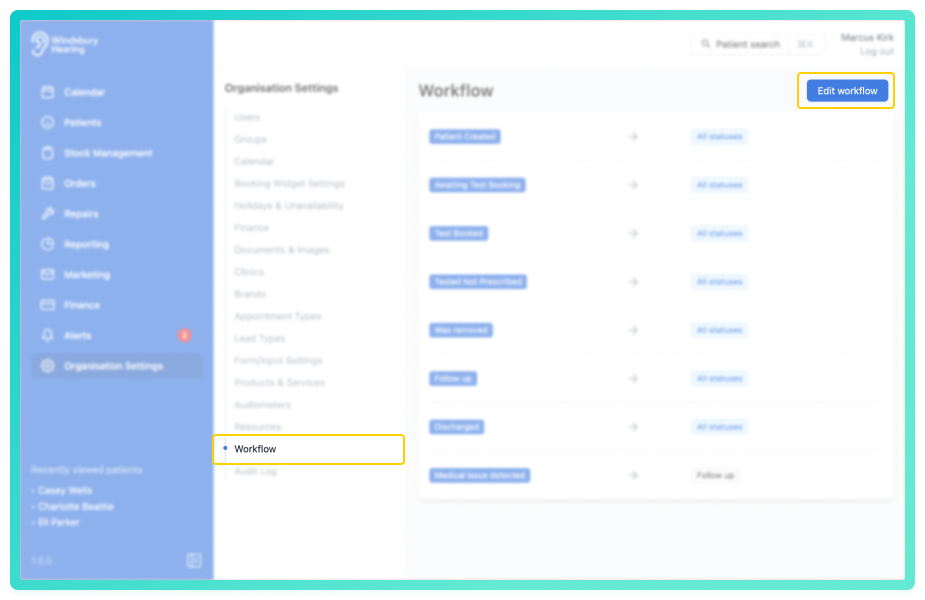
When a new status is created, the All statuses setting is disabled by default. To allow this status to transition to any other status in the HearLink system:
- Enable the All statuses option.
The status will now be able to transition to all other statuses in the system.
Configure a status to transition to specific statuses only
If you want a status to transition to selected statuses instead of all:
- Ensure the All statuses setting is disabled.
- Open the dropdown menu.
- Select the specific statuses this one should transition to.
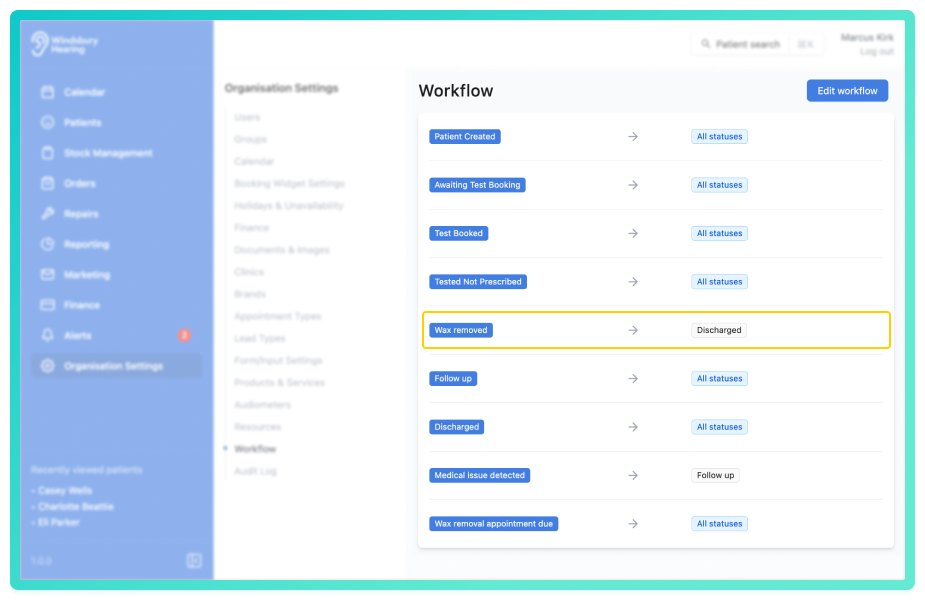
These selected options will define where the status can move next in the workflow.
Was this article helpful?
That’s Great!
Thank you for your feedback
Sorry! We couldn't be helpful
Thank you for your feedback
Feedback sent
We appreciate your effort and will try to fix the article